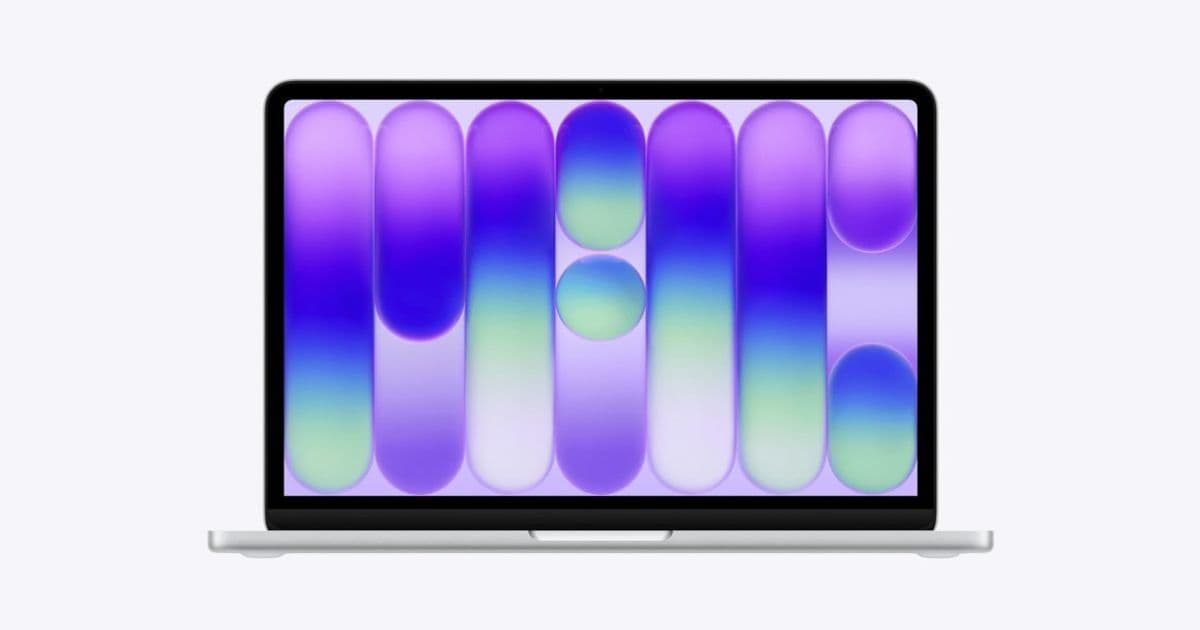
Apple's new MacBook Neo brings fresh aesthetic elements to the Mac lineup, and we've got all the high-resolution wallpapers for you to download. Explore how these designs reflect Apple's evolving ecosystem and learn the simple steps to transform your desktop.
Apple's latest MacBook Neo has made waves not just for its upgraded specifications but for its striking new default wallpapers that accompany the refreshed design language. For those who've been captivated by these new backgrounds, we've gathered all the high-resolution versions for you to download and use on your own Mac.
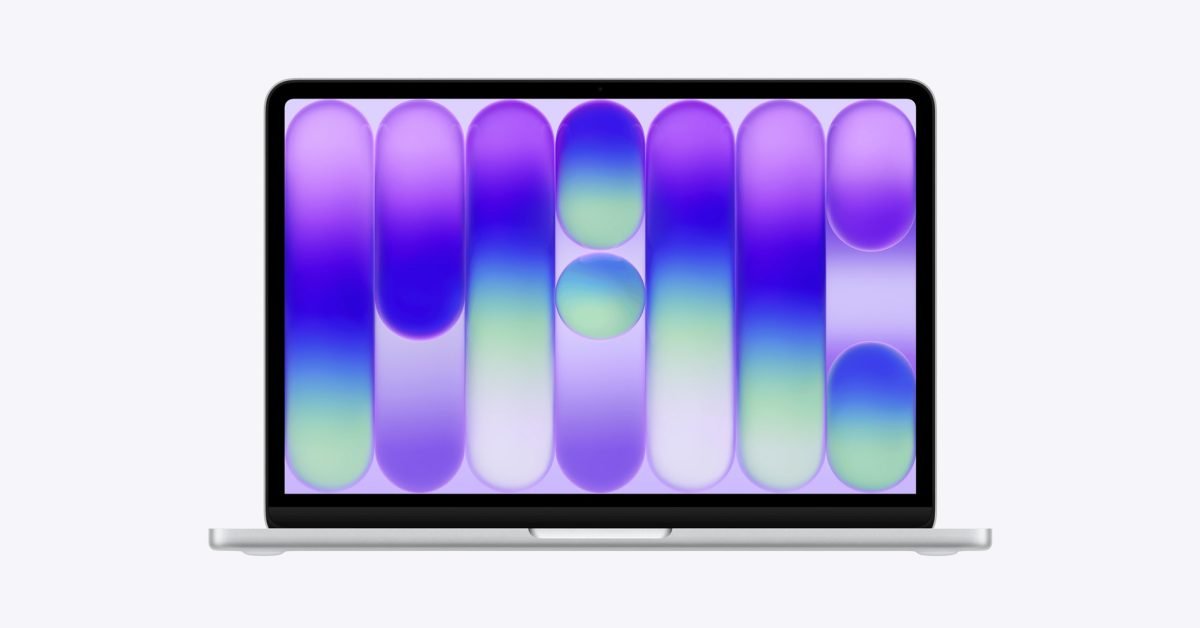
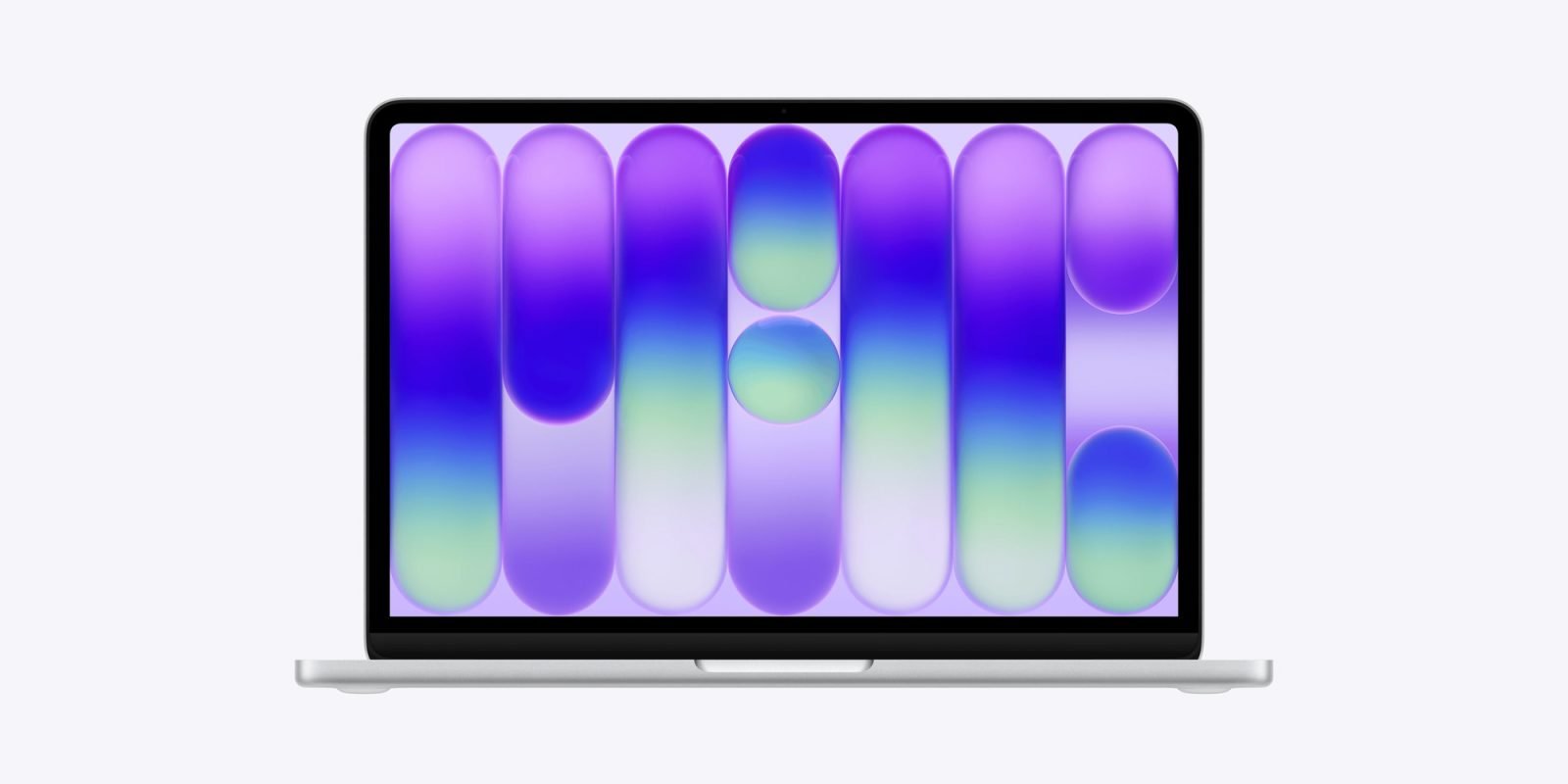
The MacBook Neo represents Apple's continued evolution of its hardware aesthetic, with the new wallpapers serving as digital expressions of this design philosophy. The Silver model's default wallpaper, which we've managed to snag in high resolution, features subtle patterns and gradients that complement the device's sleek form factor. These aren't just decorative backgrounds—they're carefully crafted elements that enhance the overall user experience and reinforce Apple's attention to detail across all aspects of its ecosystem.
For wallpaper enthusiasts, Basic Apple Guy has published a comprehensive gallery featuring the complete set of MacBook Neo wallpapers. These images were upscaled from Apple's USDZ files, which are typically used for AR previews of the new Macs. This means you're getting wallpapers that closely match what Apple intended users to see when setting up their new devices.
Setting Your New Wallpaper
Changing your desktop wallpaper on macOS is straightforward, but Apple has provided multiple methods to accommodate different user preferences:
Through System Settings:
- Open the System Settings app on your Mac
- Click Wallpaper in the sidebar
- Scroll down to Your Photos and click the Add Photo button
- Choose File, select your downloaded wallpaper, then click Open
- Alternatively, you can drag an image directly from your desktop or folder onto the thumbnail at the top of Wallpaper settings
Quick Method:
- Control-click the wallpaper image
- Select "Use Image as Desktop Wallpaper"
Via Finder:
- Open Finder from the Dock
- Control-click the image file
- Choose "Set Desktop Picture"

The Hidden Design Element
As with many Apple design choices, the new wallpapers contain subtle details that reward closer inspection. eagle-eyed users have spotted a hidden word embedded within the wallpaper's design—a playful Easter egg that continues Apple's tradition of including unexpected elements in its products. This hidden word demonstrates the thoughtfulness behind Apple's design process, where even seemingly simple backgrounds contain layers of meaning and interaction.
Ecosystem Integration
The new wallpapers aren't just aesthetic choices—they're part of Apple's broader ecosystem strategy. By creating visually cohesive elements across devices, Apple strengthens the sense of continuity that users experience when moving between iPhone, iPad, and Mac. The design language of these wallpapers reflects broader trends in Apple's visual identity, which has increasingly embraced subtle gradients, organic shapes, and minimalist compositions.
For users invested in the Apple ecosystem, having consistent visual elements across devices creates a sense of familiarity and comfort. The MacBook Neo wallpapers, with their understated elegance, exemplify this approach. They don't scream for attention but rather complement the overall user experience, much like macOS itself.
Technical Specifications and Wallpaper Quality
The wallpapers are available in high resolution, matching the Retina display capabilities of modern Macs. This attention to resolution ensures that the images look crisp and detailed even on Apple's highest-resolution displays. The files have been optimized for macOS, taking advantage of technologies like True Tone and dynamic color adjustments to maintain visual consistency across different lighting conditions.
For users concerned about storage space, the wallpaper files are efficiently compressed without sacrificing visual quality—a balance that Apple has consistently maintained across its digital assets.
Personalization and Customization
While the default wallpapers are beautiful, they represent just one aspect of macOS's personalization options. Apple has long emphasized the importance of allowing users to customize their computing experience, and the wallpaper is one of the most visible expressions of this customization.
The inclusion of these new wallpapers with the MacBook Neo suggests that Apple may be introducing a new design direction that could influence future macOS updates. As users adopt these wallpapers across their devices, they become part of a collective visual identity that reinforces Apple's brand presence in the digital space.
Download and Enjoy
Whether you're a MacBook Neo owner looking to restore your device's original wallpaper or simply appreciate Apple's design aesthetic, these high-resolution images are available for download. By incorporating them into your Mac, you're not just changing your background—you're participating in Apple's evolving design language and bringing a piece of the latest hardware aesthetic to your existing setup.
The wallpapers serve as a reminder that even in an era of increasingly powerful computing technology, the visual and emotional aspects of user experience remain paramount. Apple's continued investment in these subtle design elements underscores the company's understanding that technology is not just about specifications and performance, but about creating cohesive, beautiful experiences that delight users in every interaction.
As Apple continues to refine its hardware and software integration, elements like these wallpapers become increasingly important in defining the user experience. They represent the intersection of art and technology, demonstrating how even seemingly minor details can contribute to the overall impression of quality and thoughtfulness that defines the Apple ecosystem.
Comments
Please log in or register to join the discussion