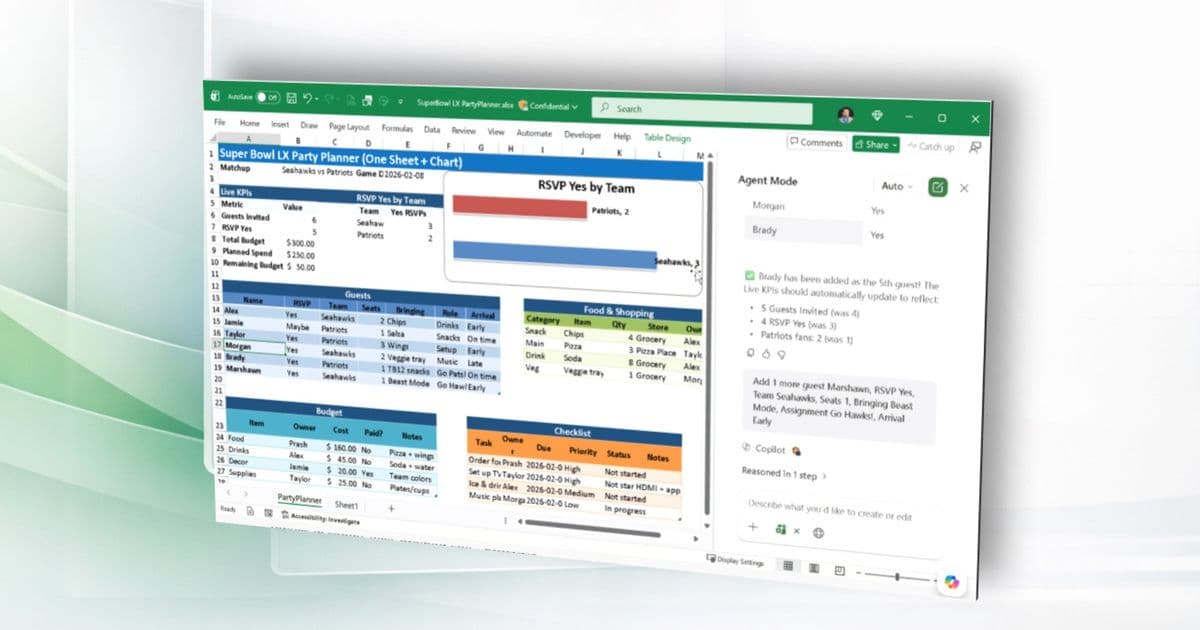
Microsoft has expanded Excel Agent mode to analyze locally stored workbooks, enabling offline insights and analysis for desktop users with Copilot Chat subscriptions.
Microsoft has expanded Excel Agent mode to analyze locally stored workbooks, enabling offline insights and analysis for desktop users with Copilot Chat subscriptions.
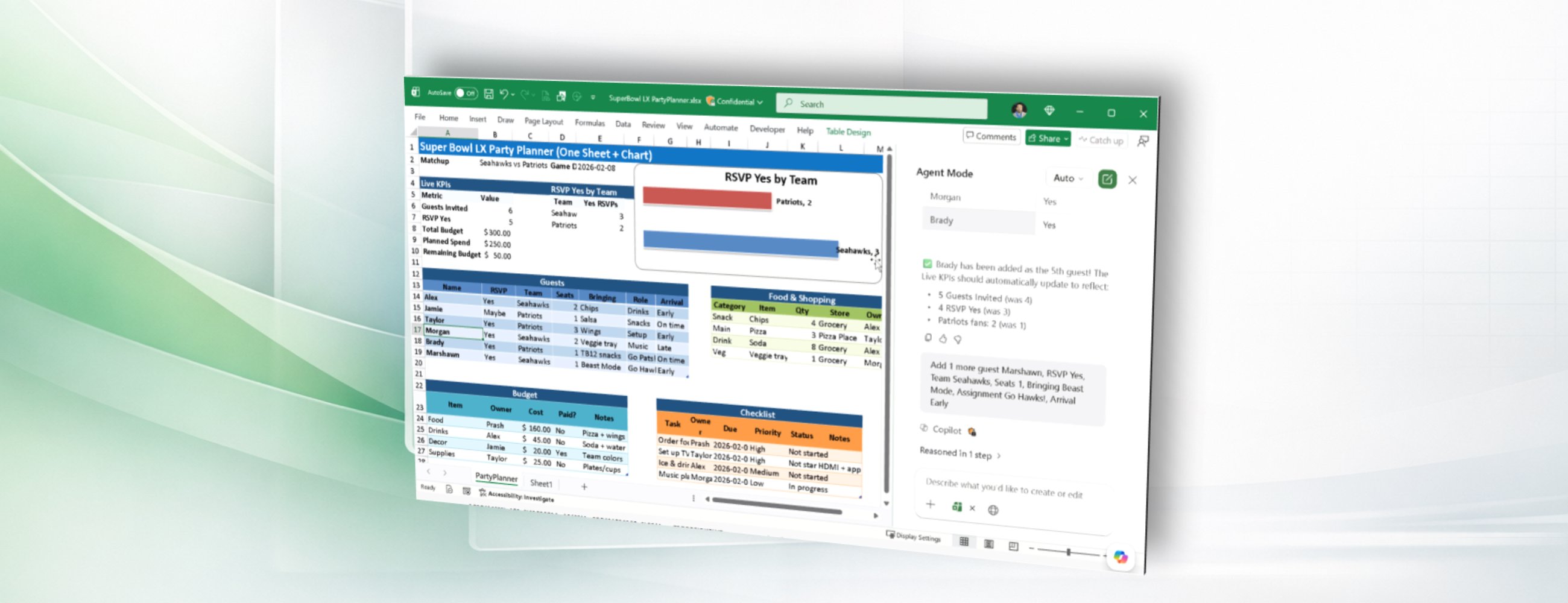
What Changed Microsoft has expanded Excel Agent mode to analyze locally stored workbooks, enabling offline insights and analysis for desktop users with Copilot Chat subscriptions.
The Details Excel Agent mode in Microsoft 365 Copilot Chat now enables users to query modern (.xlsx, .xlsb, .xlsm) locally stored Excel workbooks on Windows and Mac desktop. Previously, insights and analysis from Excel Agent mode were limited to Excel workbooks stored in the cloud.
How It Works In Excel for Windows or Excel for Mac, users can:
- Open a local file saved on their computer or network share
- Click the Copilot icon in the ribbon
- If Agent mode isn't visible in the input box, select Tools
- Choose Agent mode and type queries or data modifications
This functionality allows users to stay productive even when offline, analyzing their locally saved Excel workbooks without requiring cloud storage.
Availability The feature is rolling out to Excel for Windows and Excel for Mac users with a Copilot Chat-eligible Microsoft 365 subscription running:
- Windows: Version 2512 (Build 19628.20204) or later
- Mac: Version 16.105 (Build 26011018) or later
Business Impact This update significantly enhances Excel's utility for professionals who work with sensitive data that cannot be uploaded to the cloud or those who frequently work in environments with limited or no internet connectivity. Financial analysts, researchers, and field workers can now leverage AI-powered insights without compromising data residency requirements or workflow continuity.
Getting Started Users can access the feature by ensuring they have the latest version of Excel installed and a Copilot Chat-eligible Microsoft 365 subscription. The feature appears as an option within the Copilot pane when working with local files.
Feedback and Support Microsoft encourages users to provide feedback by selecting Help > Feedback and including #LocalFilesAgent in comments. Users can also learn about the Microsoft 365 Insider program and sign up for the Microsoft 365 Insider newsletter for monthly updates about Insider features.
This expansion of Agent mode capabilities demonstrates Microsoft's commitment to making AI-powered productivity tools more accessible and practical for diverse work scenarios, particularly those requiring offline functionality or local data processing.
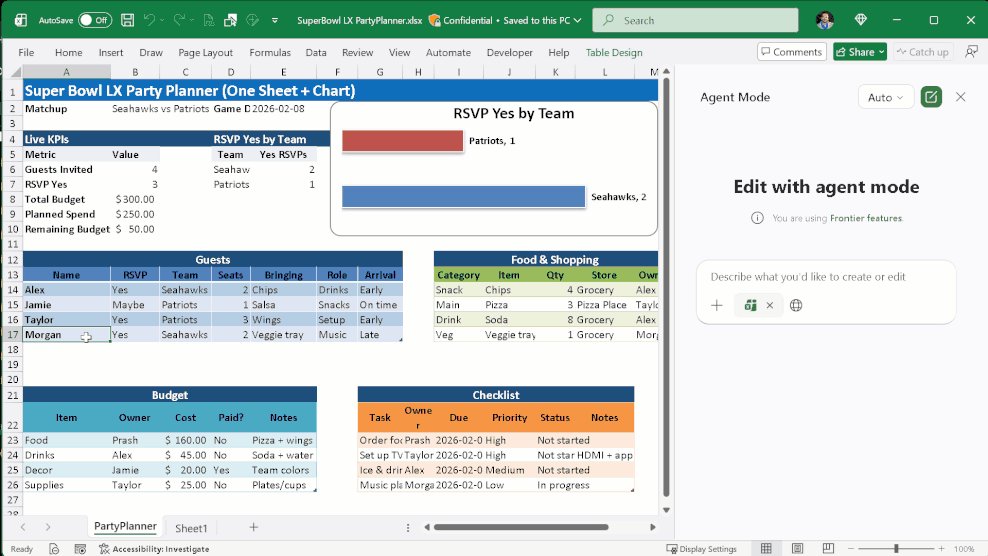
Demo of Agent mode in local Excel file.
Comments
Please log in or register to join the discussion