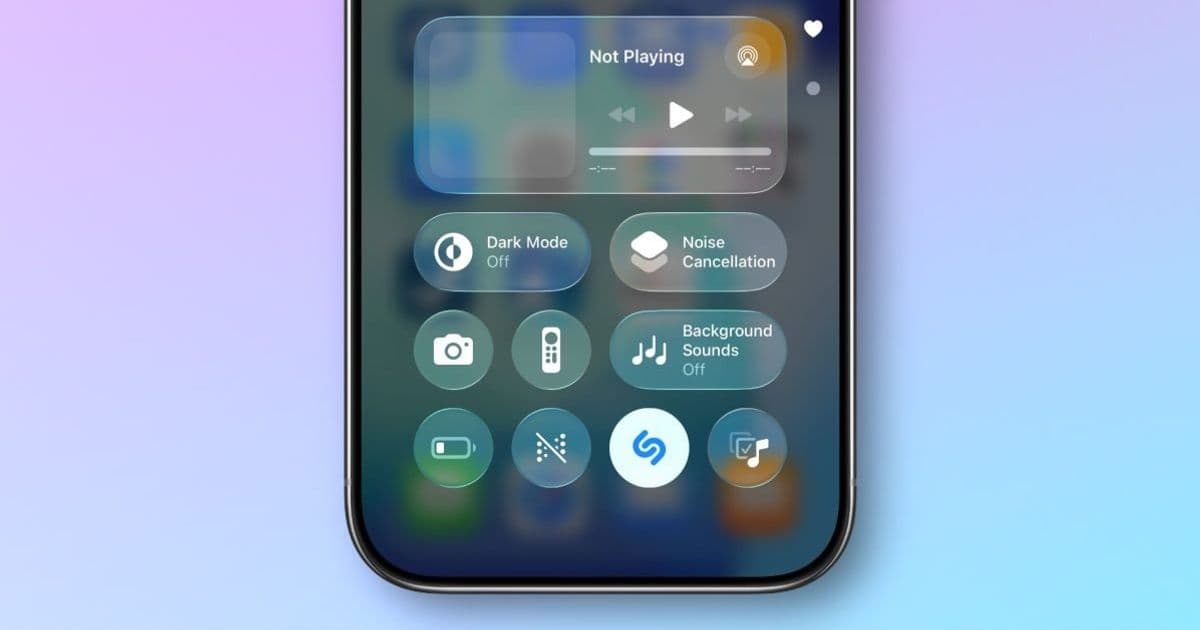
iOS 26.4 brings offline song recognition to Control Center's Shazam feature, saving audio data when you're offline and delivering results once you're back online.
iOS 26.4 is the latest iPhone update, headlined by many new features in Apple Music. There's also a music-related improvement to Control Center in iOS 26.4: Shazam song recognition will now work even when you're offline.
Offline Music Recognition Arrives in Control Center
Per the official iOS 26.4 release notes:
Offline Music Recognition in Control Center identifies songs without an internet connection and delivers results automatically when you're back online
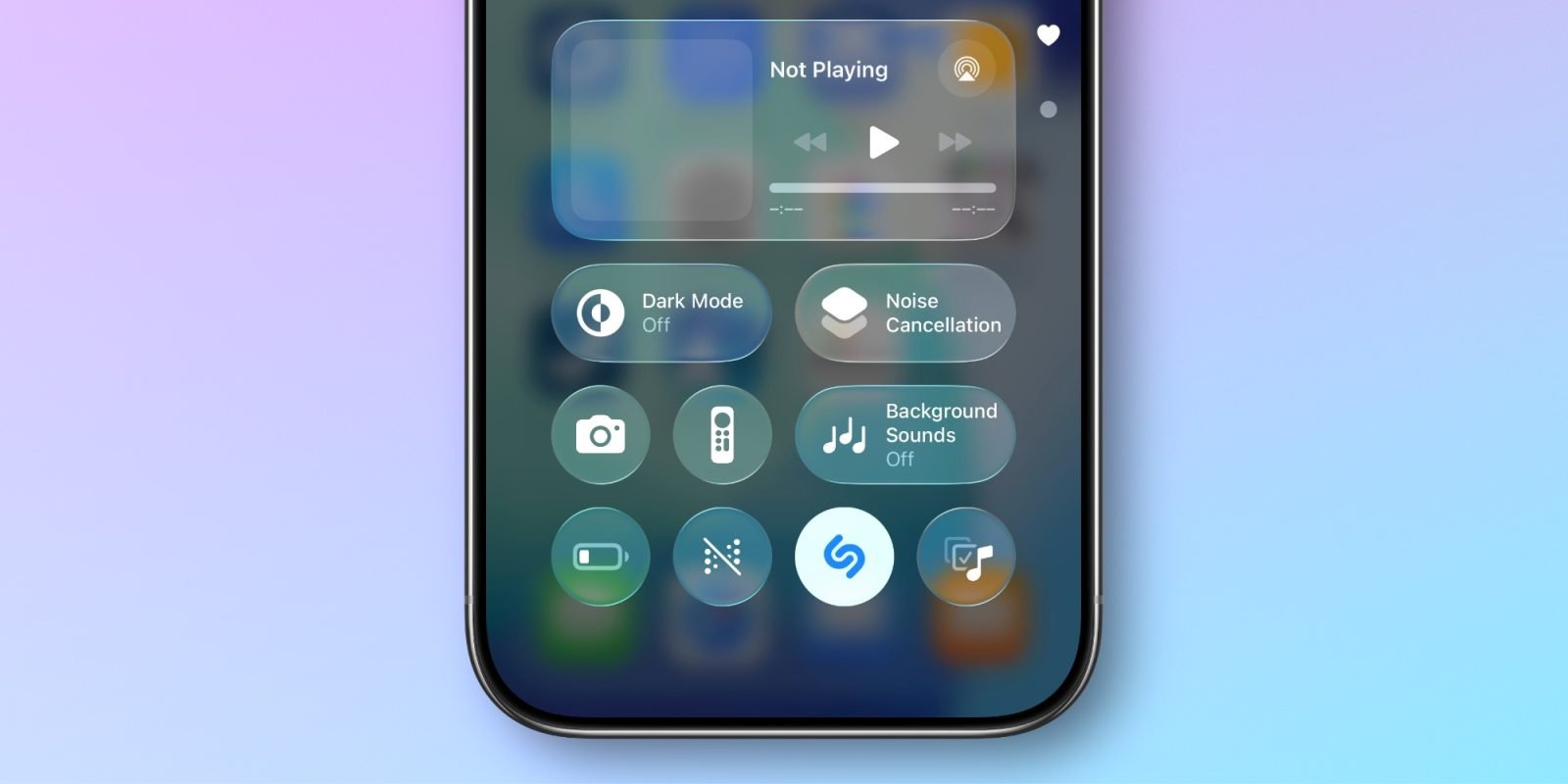
Control Center is a quick, convenient way to get details on whatever song is playing in your environment. And I use the Shazam 'Recognize Music' feature all the time. But I've definitely been in situations when I'm trying to identify a song, but my connection is poor and I miss the opportunity.
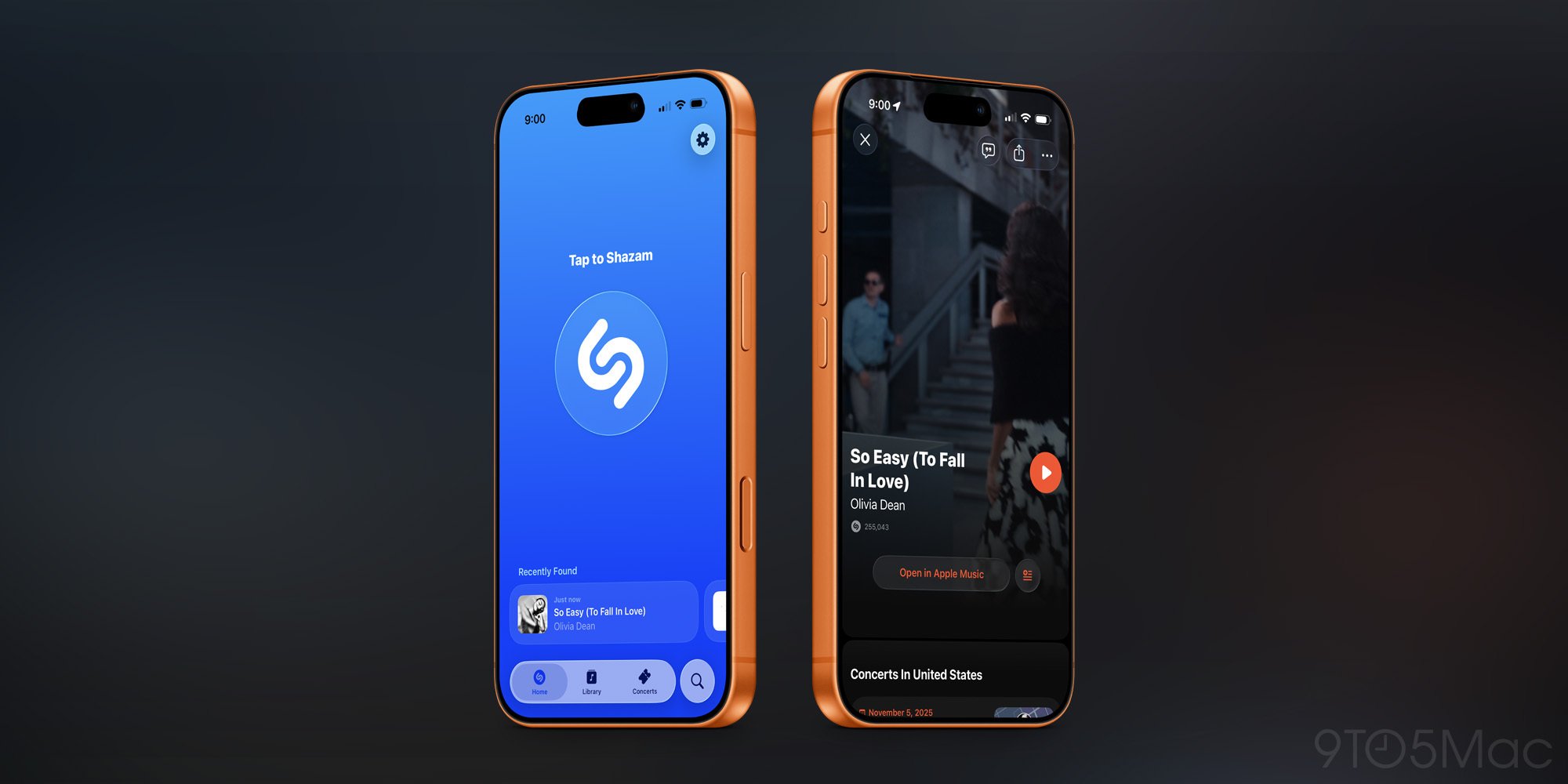
Now with iOS 26.4, that won't be a problem anymore. Thanks to the new update, the iPhone can now save the audio data for the track even when offline. When the iPhone's connection improves, Shazam will then push a notification with the results of its song identification.
It's a small but welcome change to a Control Center feature I use all the time.
How to Set Up Offline Shazam in Control Center
If you haven't yet set up the Shazam control in Control Center, you can do so by:
- Long-pressing in any blank area in Control Center
- Tapping 'Add a Control'
- Searching for 'Recognize Music'
- Adding the control to your Control Center layout
Once set up, you'll see the Shazam icon in your Control Center. When you tap it while offline, your iPhone will capture the audio and process it once you're back online.
Why This Matters for Music Discovery
The offline Shazam feature solves a real pain point for music discovery. Whether you're in a subway station with spotty service, traveling in areas with poor connectivity, or simply in a building with weak signal, you'll no longer miss out on identifying songs that catch your ear.
This improvement leverages on-device processing capabilities that have become increasingly sophisticated in recent iPhone models. The device can now analyze audio patterns locally and store them temporarily until network conditions allow for cloud-based song matching.
iOS 26.4 Context
iOS 26.4 is the latest major iPhone update, with iOS 26.5 currently in beta testing. While Apple Music enhancements received most of the attention for this release, this Shazam improvement demonstrates Apple's continued focus on refining core user experiences.
The offline recognition feature works seamlessly in the background - you simply use Shazam as normal, and if you're offline, the system handles the rest automatically. No manual intervention is required, and results appear as notifications when connectivity returns.
This type of incremental improvement - taking an already useful feature and making it more reliable - exemplifies the kind of polish that makes iOS feel increasingly refined with each update.
Comments
Please log in or register to join the discussion