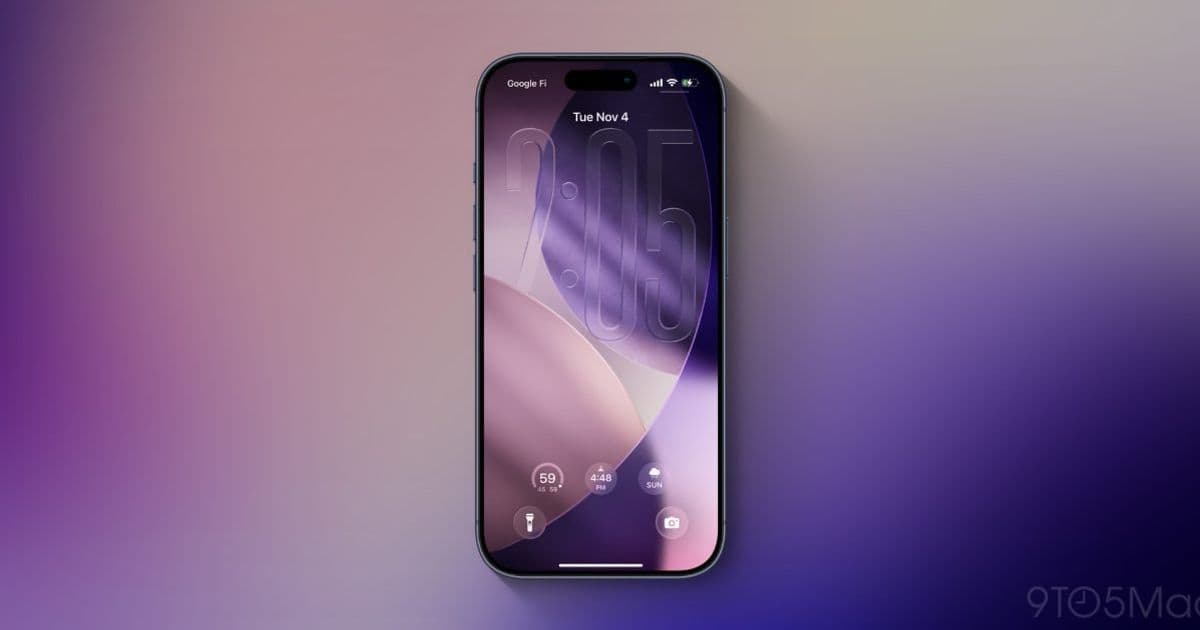
Apple’s upcoming iOS 27, slated for a June 8 unveiling, is rumored to add a system‑wide Liquid Glass transparency slider and a series of modest interface adjustments that aim to smooth out the design quirks introduced in iOS 26.
iOS 27 Expected to Refine Liquid Glass with a Transparency Slider and Subtle UI Tweaks
Apple’s next major iPhone software release, iOS 27, is scheduled for a public announcement on June 8. Leaks from Bloomberg’s Mark Gurman suggest the update will focus on two practical improvements to the Liquid Glass aesthetic that debuted in iOS 26.
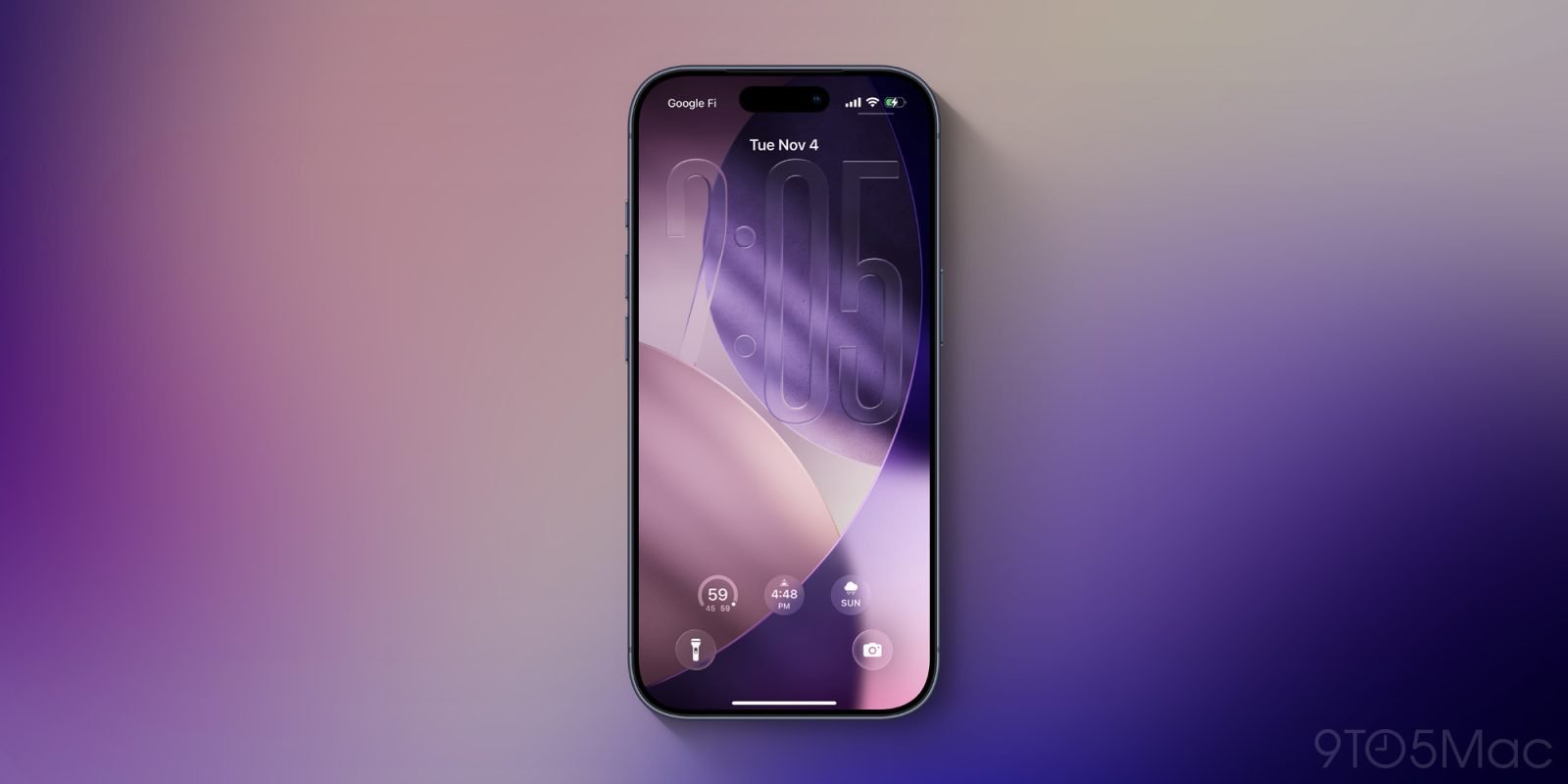
1. System‑wide Liquid Glass slider
In iOS 26 users can choose between two preset styles under Settings → Display & Brightness → Liquid Glass:
- Clear – full‑screen transparency that shows the underlying wallpaper.
- Tinted – a higher‑contrast version that looks more like the iOS 18 design.
Gurman reports that Apple has been working on a finer‑grained control that would let users dial the glass effect in increments rather than toggling between the two extremes. The company succeeded in adding a slider for the lock‑screen clock, but extending it to app folders, the home screen, and navigation bars proved technically tricky.
If the engineering hurdles are cleared for iOS 27, the slider would appear in the same settings pane and offer a continuous range from near‑transparent to heavily tinted. That could satisfy users who want a subtle frosted look without sacrificing readability, while still preserving the visual depth that Liquid Glass promises.
2. Incremental UI tweaks
Gurman also notes that Apple plans a handful of adjustments that are “not as extensive as last year’s Liquid Glass introduction.” The pattern mirrors Apple’s post‑iOS 7 rollout, where the company released a series of small refinements over several releases rather than a single massive redesign.
The most visible pain points for many users stem from the Music and Podcasts apps. The MiniPlayer often collapses, hiding playback controls until the user taps the navigation bar. A similar issue occurs with the bottom tab bar, which minimizes after a brief period of inactivity, forcing users to tap the screen to bring it back.
While the rumored tweaks do not guarantee a full redesign of those components, they hint at a possible new toggle that would let users keep the tab bar fully expanded or prevent the MiniPlayer from shrinking. Such a setting would align with the broader goal of giving people more control over the visual density of the OS.
Ecosystem considerations
The Liquid Glass design is tightly coupled with iOS’s overall visual language, which means any change reverberates across the App Store ecosystem. Developers will need to test their UI against the new transparency levels to ensure legibility, especially for apps that rely heavily on custom backgrounds or blurred overlays.
Apple’s move toward a user‑adjustable slider could actually reduce friction for developers. Instead of guessing which preset will look best, they can design interfaces that adapt gracefully across a spectrum of opacity values. The upcoming tweaks also signal that Apple is listening to feedback from power users who feel the current implementation regresses in certain workflows.
What to watch for at the June 8 event
- A live demo of the Liquid Glass slider in Settings.
- A quick look at the new UI toggle for the bottom tab bar or MiniPlayer behavior.
- Compatibility notes for developers, possibly linked to the Apple Design Resources page.
If the rumors hold true, iOS 27 will not overhaul the visual identity of the OS but will give users the granular control that many have been asking for since the introduction of Liquid Glass.
For the latest on iOS 27, keep an eye on the official Apple newsroom and the upcoming WWDC keynote.
Comments
Please log in or register to join the discussion