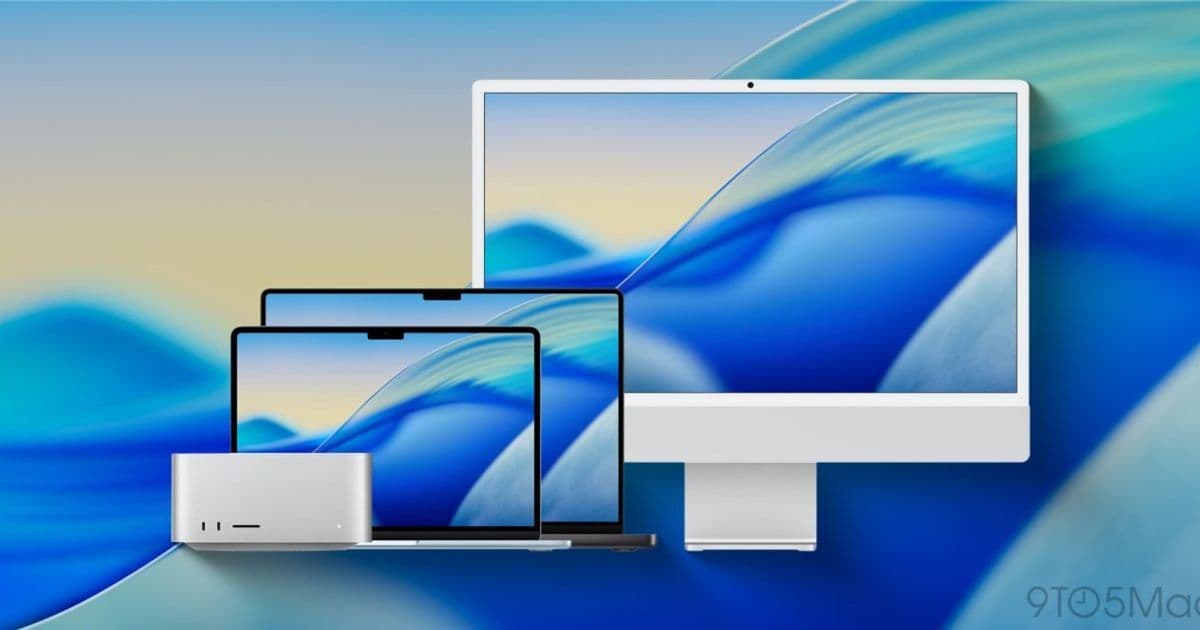
Apple releases macOS 26.3.1 with Studio Display compatibility and bug fixes as new MacBook lineup goes on sale
Apple has released macOS 26.3.1, a minor update that brings crucial compatibility for the company's latest hardware lineup. The update arrives alongside the debut of the MacBook Neo and other new Mac models, ensuring users have the necessary software foundation for their new devices.
Studio Display Support Takes Center Stage
The primary focus of macOS 26.3.1 is expanding external display support to include the newly announced Studio Display (2026) and Studio Display XDR. These high-end monitors, unveiled just yesterday, require this software update to function properly with Mac systems.
This compatibility update is particularly significant as it ships with all new MacBooks introduced this week, including:
- MacBook Neo
- M5 MacBook Air
- MacBook Pro with M5 Pro and M5 Max
The timing is deliberate - Apple has synchronized the software release with the availability of pre-orders for these new devices, ensuring customers can immediately utilize their new hardware without waiting for subsequent updates.
Bug Fixes and Performance Improvements
Beyond display support, Apple's release notes mention "bug fixes for your Mac," though specific details remain sparse. This is typical for minor dot releases, which often focus on stability improvements and compatibility rather than headline-grabbing new features.
New Hardware Ecosystem
The update arrives as part of a broader hardware refresh that includes not just MacBooks but also the new Studio Display lineup. This coordinated release strategy demonstrates Apple's integrated approach to hardware and software development, where new devices are designed with specific software versions in mind.
Availability and Installation
macOS 26.3.1 is available now through the Software Update mechanism in System Settings. Users can check for updates manually or wait for the notification to appear automatically. The update size and installation requirements will vary based on the specific Mac model and current software version.
Looking Ahead
While this update focuses on compatibility rather than new features, it represents an important foundation for Apple's current hardware generation. The synchronization between new MacBooks, Studio Displays, and software updates reflects Apple's ecosystem approach, where hardware and software are designed to work seamlessly together from day one.
For users upgrading to the new MacBook lineup, this update ensures immediate compatibility with the latest display technology while addressing any lingering software issues from previous versions.
The release of macOS 26.3.1 underscores Apple's commitment to providing a cohesive user experience across its product lineup, with software updates timed precisely to support new hardware introductions.
Comments
Please log in or register to join the discussion