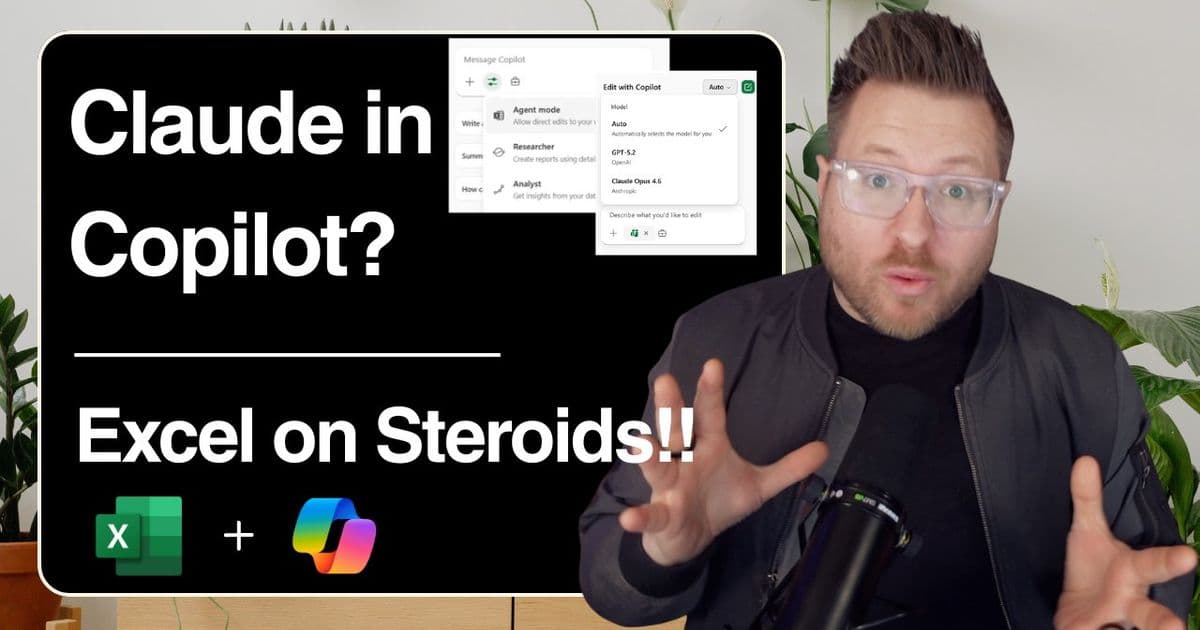
Microsoft's Copilot with Agent Mode in Excel now rivals Claude's data analysis capabilities, turning hours of spreadsheet work into minutes through natural language prompts.
Microsoft's Copilot with Agent Mode is transforming Excel from a spreadsheet tool into an AI-powered data analyst, eliminating the need to chase after specialized AI tools like Claude for complex data analysis tasks.
The Executive Challenge That Changed Everything
A real-world scenario demonstrates the power shift: an executive requested a Q2 financial summary of paramedic overtime across multiple counties. The raw data arrived messy and unstructured, typically requiring hours of manual work—cleaning data, building formulas, creating pivot tables, designing dashboards, and writing executive summaries.
Instead, using Copilot in Excel with Agent Mode, the entire process took just six prompts and about half an hour, including review time.
Why Agent Mode Matters
Agent Mode elevates Copilot from a helpful assistant to a reasoning partner. Under the hood, it performs sophisticated operations:
- Reasoning across multiple sheets to understand relationships in complex datasets
- Writing and running Python code for advanced calculations
- Catching and fixing its own errors without human intervention
- Structuring data for reuse in dashboards and reports
This is where model selection becomes relevant. If your IT administrator has enabled Anthropic's models, you'll see Claude as an option within Copilot. This matters because this type of structured data reasoning is exactly what Claude has been praised for—but now it's available directly in Excel.
From Raw Data to Executive-Ready in Minutes
The transformation happened through a series of natural language prompts:
Data framing: Copilot organized raw overtime data into structured tables suitable for dashboards and reporting.
Dashboard creation: Without specific instructions on chart types or layouts, Copilot built a working dashboard and SBAR-style report structure.
Storytelling: When prompted to explain the data, it identified overtime spikes in May and flagged operational risks.
Executive brief: Copilot generated CFO talking points including key insights, questions to ask, and decisions that needed to be made.
What-if analysis: A single prompt created an entirely new sheet for scenario stress-testing.
All of this occurred within Excel—no exporting, no rework, no switching between tools.
The Real Conversation About AI and Jobs
This is where discussions about AI typically derail. The question isn't whether AI replaces data scientists—it's what kind of work gets replaced.
AI excels at:
- Processing structured data
- Generating insights from patterns
- Updating models automatically
- Iterating quickly through variations
Humans excel at:
- Understanding business context
- Recognizing when something feels off
- Asking the right questions
- Applying professional judgment
In this scenario, human expertise determined what the CFO cared about, what story needed telling, and what scenarios to stress-test. Copilot didn't replace that expertise—it accelerated the mechanical work, turning hours into minutes.
Copilot as a Delegation Tool
The fundamental mindset shift is viewing Copilot not as an AI that answers questions, but as a delegation tool. The workflow becomes:
- Delegate: Assign data cleanup, analysis, visualization, and first-draft insights
- Review: Apply judgment and refine the output
- Deliver: Present polished, executive-ready materials
For the final executive summary, standard Copilot mode was used to ask: "Summarize this in one paragraph and give me three bullets a CFO would care about." Copilot understood the entire workbook context and delivered executive-ready talking points instantly.
The Real Takeaway
Claude's Excel capabilities are impressive, but what matters more is accessibility. Copilot brings that same level of reasoning into the tools people already use daily—Excel, Teams, Word.
AI isn't here to think for you. It's here to handle the mechanics so you can focus on judgment, context, and decisions. That's the fundamental difference.
Learn more about Copilot in Excel
The technology is ready. The question is whether you'll start delegating.

Comments
Please log in or register to join the discussion