
Microsoft has launched a free Copilot Chat learning pathway that helps users master AI-powered productivity tools already built into Microsoft 365, requiring no additional licenses or costs.
Microsoft has taken a significant step toward democratizing AI skills by releasing a free Copilot Chat learning pathway that helps users quickly build practical, everyday skills using the AI assistant already built into Microsoft 365 apps. This initiative represents a strategic move to make AI literacy accessible to a broader audience, particularly in the nonprofit and education sectors where budget constraints often limit access to advanced tools.
Breaking Down Barriers to AI Adoption
The most compelling aspect of this release is that Copilot Chat is now available to users without a paid Microsoft 365 license. This change effectively removes the financial barrier that has prevented many organizations from exploring AI-powered productivity tools. For nonprofits, small businesses, and individual users who have been watching from the sidelines, this opens up immediate access to enterprise-grade AI capabilities.
By making the learning pathway free and the tool itself accessible without additional licensing costs, Microsoft is addressing two of the biggest hurdles in AI adoption: cost and complexity. Organizations no longer need to justify additional software expenses or navigate complex procurement processes to start building AI competency among their teams.
What You'll Learn in Under an Hour
The learning pathway is designed for efficiency, promising to deliver practical skills in under an hour. The curriculum focuses on three core areas that translate directly to workplace productivity:
Writing clearer, more effective prompts - Users learn the art of prompt engineering, understanding how to structure requests to get optimal results from AI. This includes techniques for specificity, context provision, and iterative refinement.
Refining Copilot responses for better results - The training covers how to evaluate and improve AI-generated content, teaching users to recognize quality outputs and guide the AI toward more useful responses through follow-up prompts.
Using Copilot Chat for real work - Practical applications include summarizing lengthy documents, drafting emails and reports, brainstorming ideas for projects, and planning workflows. These are the exact tasks that consume significant time in daily work routines.
Strategic Implications for Organizations
This move by Microsoft signals a broader shift in how enterprise software companies are approaching AI adoption. Rather than treating AI as a premium add-on, Microsoft is positioning it as a core productivity feature that should be universally accessible. This approach could accelerate AI adoption across industries, particularly in sectors that have been slower to embrace new technologies.
For IT leaders and managers, this presents an opportunity to build AI literacy across their organizations without additional budget requests. The learning pathway can serve as a foundation for more advanced AI training programs, helping teams develop the critical thinking skills needed to effectively collaborate with AI tools.
Getting Started
The learning pathway is available through Microsoft's Community Hub, with additional resources and community discussions available on LinkedIn. The hands-on, practical approach means users can immediately apply what they learn to their daily work, creating a positive feedback loop that reinforces the value of AI tools.
This initiative represents Microsoft's commitment to making AI a practical, accessible tool for everyone, not just those with enterprise budgets. As AI continues to reshape how we work, providing free, high-quality training resources could be the key to ensuring that the benefits of AI are distributed broadly across the workforce.
For organizations looking to build AI competency without adding to their software stack or budget, this free learning pathway offers a compelling starting point. The combination of no-cost access to both the tool and the training creates a low-risk opportunity to explore how AI can enhance productivity in familiar Microsoft 365 environments.
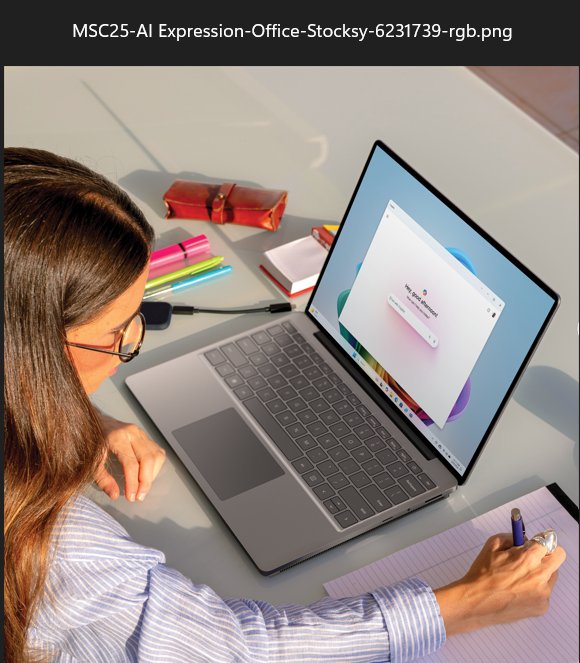
The featured image shows the Microsoft Copilot interface in action, demonstrating how AI integrates seamlessly into familiar Microsoft 365 applications like Word and Teams. This visual representation helps users understand that they're not learning a new tool, but rather enhancing their existing workflow with AI capabilities.
Comments
Please log in or register to join the discussion