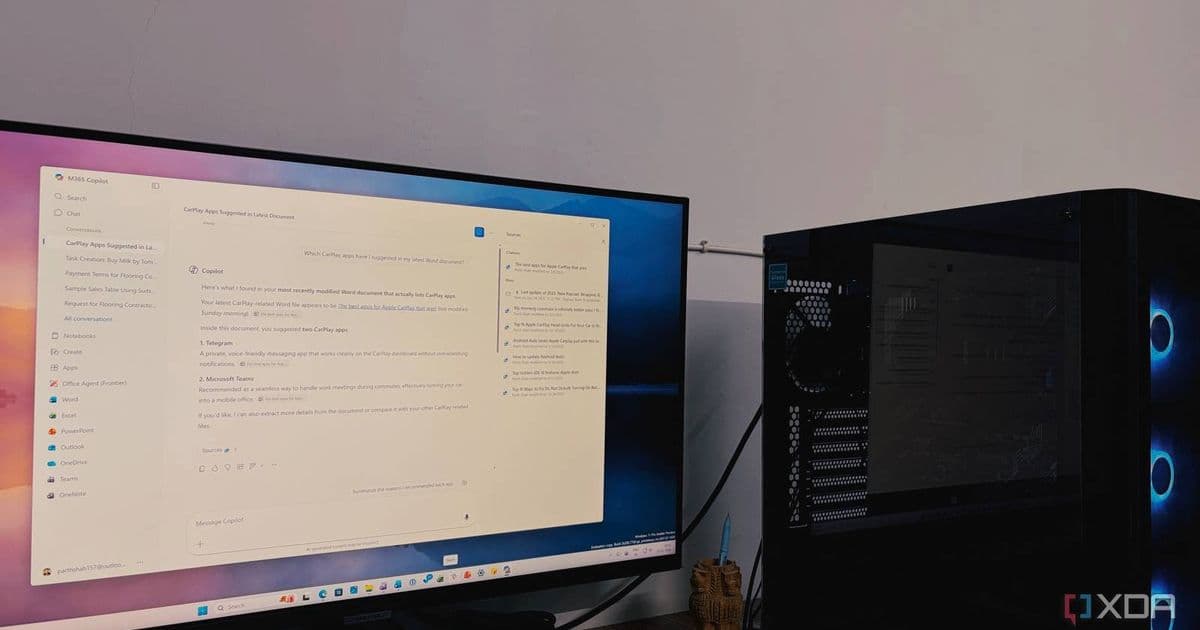
Microsoft is testing a password sync feature in the Copilot App that brings your autofill data to its browser, but stops short of letting AI handle your credentials.
Microsoft is testing a new feature in the Copilot App that allows it to sync your passwords and form data, but there's a catch that might make privacy-conscious users hesitate.
What's Actually Happening
According to recent reports from the Windows Insider branch, Microsoft has introduced a password sync capability to the Copilot App. When you click links provided by Copilot, they now open directly within the Copilot App's browser rather than launching your default web browser.
Here's the crucial detail: Microsoft appears to be taking a measured approach. Rather than giving Copilot direct access to your passwords or having the AI automatically fill in login credentials, the feature seems designed to simply import your existing autofill database into the Copilot App's browser environment.
This means Copilot itself likely won't "see" your actual passwords. Instead, the autofill functionality that already exists in browsers like Edge would be made available within the Copilot browsing experience, allowing you to log in manually using your stored credentials.
Why It Feels Unsettling
The feature raises questions about convenience versus privacy. On one hand, having your passwords available across different browsing contexts could streamline workflows, especially for users with complex, lengthy passwords who frequently switch between applications.
However, the integration of password management with an AI assistant creates an uneasy feeling for many users. Even if Copilot doesn't directly handle credentials, the proximity of sensitive data to an AI system that processes and responds to queries introduces a psychological barrier for privacy-minded individuals.
The Bigger Picture
This development fits into Microsoft's broader strategy of deepening Copilot's integration across its ecosystem. The company has been gradually expanding what the AI assistant can do, from summarizing Outlook emails to potentially automating more complex tasks.
For users already invested in the Microsoft ecosystem and comfortable with services like Edge's password management, this feature might represent a natural evolution. For others, particularly those using dedicated password managers like Bitwarden or 1Password, the integration may feel unnecessary or even concerning.
What Users Should Know
Based on current information, the feature appears to be optional and limited to Windows Insiders for now. Users who prefer not to participate can simply avoid enabling the feature or stick with their existing password management solutions.
The approach Microsoft seems to be taking—importing autofill data rather than granting direct AI access to credentials—suggests a recognition of the sensitivity around password management, even as the company pushes for greater integration between its AI tools and core user workflows.
For now, if you're uncomfortable with the idea, sticking with established password managers remains a perfectly viable option. The feature's rollout and reception among Insiders will likely determine whether it becomes a standard part of the Copilot experience or remains an optional integration for those who want it.
Comments
Please log in or register to join the discussion