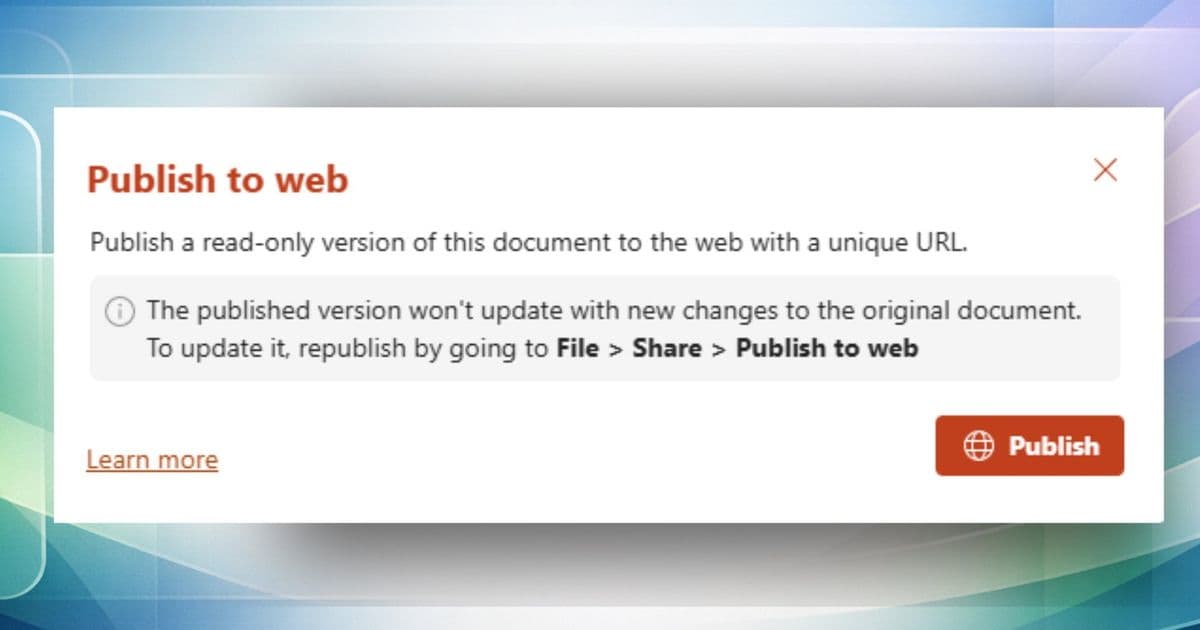
Microsoft introduces Publish to web feature for Excel and PowerPoint on the web, enabling enterprise users to share clean, polished documents externally without exposing internal edits, comments, or version history.
Microsoft has launched a new Publish to web feature for Excel for the web and PowerPoint for the web, with Word for the web support coming soon. This capability addresses a common pain point for enterprise users who need to share final documents externally while maintaining professional polish and protecting sensitive internal information.
The Problem: Manual Cleanup Is Time-Consuming and Risky
Enterprise users frequently need to share finalized documents with external clients, stakeholders, or the public. However, the manual process of preparing these documents is fraught with challenges. It's all too easy to accidentally expose internal comments debating strategy, version history showing the document's evolution, tracked changes revealing the editing process, or speaker notes containing sensitive talking points.
These accidental exposures can lead to unprofessional appearances, leaked strategic information, or even compliance violations. The traditional approach requires tedious manual cleanup: removing comments, accepting all tracked changes, deleting speaker notes, and ensuring no hidden metadata remains.
How Publish to Web Works
The new feature streamlines this process into a simple workflow:
- Open your worksheet or presentation in Excel for the web or PowerPoint for the web
- NOTE: The file must be stored in SharePoint
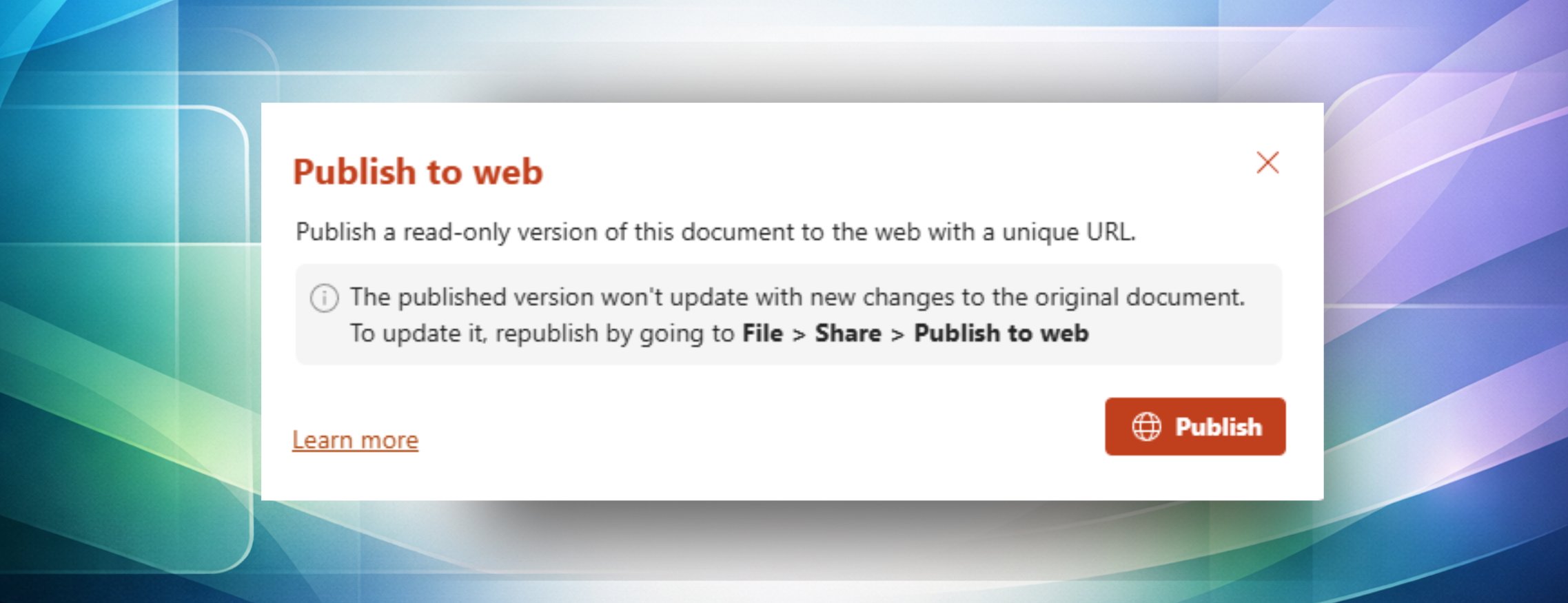
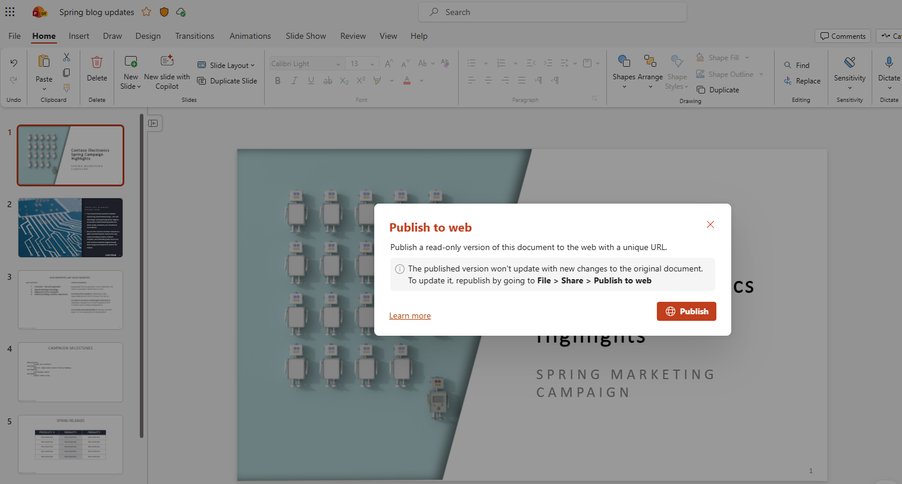
- Select File > Share > Publish to web
- In the Publish to web dialog box, click the Publish button to generate your public link
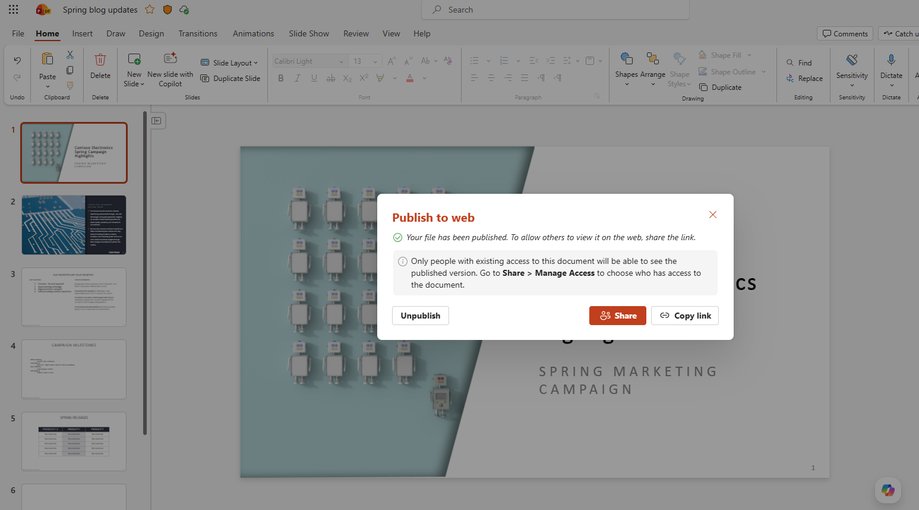
- Copy the generated link and share it with your intended external recipients, or click the Share button to manage access permissions
To update a published version of a file, simply select File > Share > Publish to web, and then click the Republish button. To revoke access to the published link, select File > Share > Publish to web, and then click the Unpublish button.
Real-World Scenarios That Demonstrate Value
Client Presentations Without Internal Notes
You've just finished a sales pitch presentation with your team, and it's full of internal speaker notes like "mention competitor weaknesses here" and comments debating pricing strategy. Instead of manually scrubbing all that sensitive content, use Publish to web to generate a clean, professional version you can confidently send to prospects.
Live Training Materials on Company Intranet
Your HR team maintains an employee handbook in Word that gets updated quarterly. Instead of replacing static PDFs on your company portal every time, publish the document to web and embed that link on your intranet. When you make updates and republish, the embedded version automatically reflects the latest content – no re-uploading required.
Board-Ready Reports With Sensitive Data
You're preparing a quarterly business review Excel dashboard for your board of directors, which includes internal tabs with raw data, assumptions, and "what-if" scenarios you don't want to expose. Publish to web lets you share the finalized, polished tabs while keeping your working data private.
Public Announcements Without Edit History
Your Marketing team drafted a company policy announcement that went through several rounds of legal review with tracked changes and heated comment threads. It's now final and ready to go public. Use Publish to web to share the clean final version on your external website without anyone seeing the messy journey it took to get there.
Quick Access Revocation
You shared a proposal presentation with a potential partner, but the deal fell through and you want to ensure they can no longer access your strategic content. Simply unpublish the document to instantly revoke access – there is no need to track down forwarded emails or copies.
Key Benefits and Capabilities
The Publish to web feature offers several advantages that streamline enterprise document sharing:
- Republish any time to reflect updates or unpublish to revoke access entirely
- View-only by default, with additional permission management available through the Share dialog box
- Skip tedious manual cleanup of comments, tracked changes, and speaker notes
- Generate shareable links in seconds instead of downloading, cleaning, and re-uploading files
- Republish in one click to ensure external stakeholders always see your latest version
- Instant access revocation without chasing down forwarded copies
Availability and Access
The feature is currently available in PowerPoint for the web and Excel for the web to users with a Microsoft 365 Enterprise license and for files stored in SharePoint. Support for Word for the web is coming soon, expanding the utility of this feature across the Microsoft 365 ecosystem.
Enterprise Impact and Strategic Value
This feature represents a significant step forward in Microsoft's enterprise collaboration strategy. By addressing a common workflow pain point, Microsoft is reducing the friction between internal document creation and external sharing. The ability to maintain a single source of truth while controlling what external audiences see helps organizations maintain consistency and professionalism.
The integration with SharePoint ensures that documents remain within the secure Microsoft 365 environment while being accessible to external parties through controlled links. This balances the need for collaboration with security requirements that are critical in enterprise settings.
Getting Started and Providing Feedback
Users can access the feature immediately if they have the appropriate Microsoft 365 Enterprise license and SharePoint storage. To provide feedback on the feature, users can navigate from the Home screen in Word, Excel, or PowerPoint for web, click Help > Feedback from the ribbon.
Microsoft encourages users to participate in the Microsoft 365 Insider program to get early access to new features and provide input that shapes future development. The program offers preview channels across Windows, the web, Mac, iOS, and Android platforms.
This new capability demonstrates Microsoft's continued investment in making its productivity tools more enterprise-friendly while addressing real-world workflow challenges that professionals face daily.
Comments
Please log in or register to join the discussion