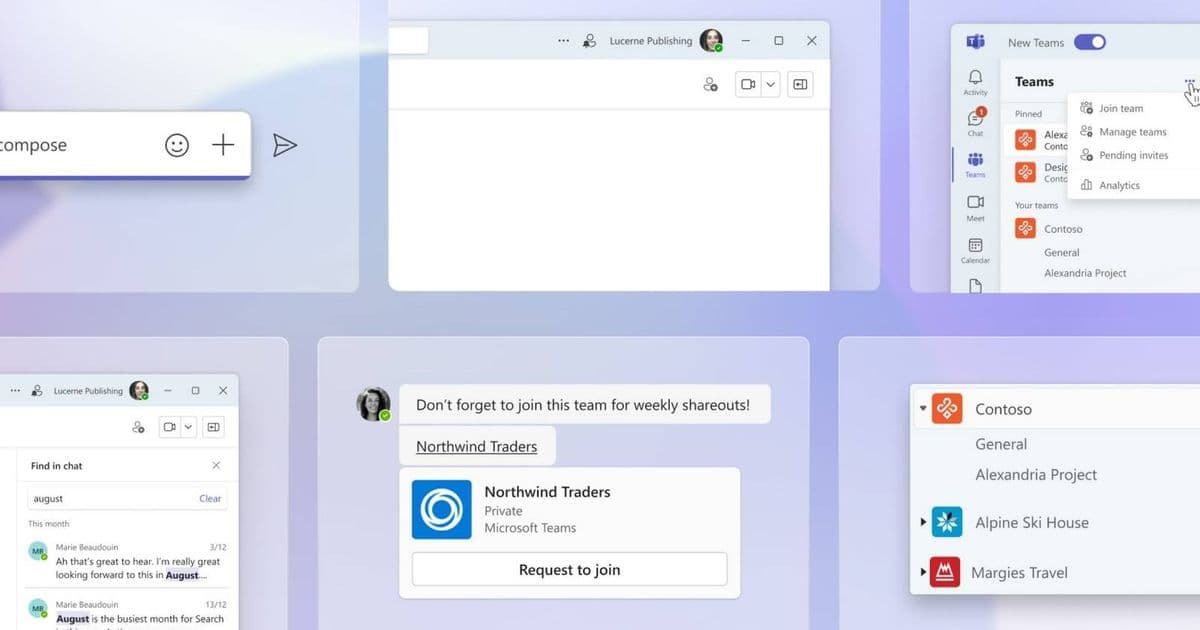
Microsoft is revamping Teams' download manager to improve visibility and control, with access from the title bar and keyboard shortcuts, scheduled for June 2026 on desktop and macOS platforms.
Microsoft is addressing one of the most persistent frustrations with Teams by overhauling its download manager. The upcoming improvements promise better visibility, enhanced control, and improved accessibility for users managing files across both Windows and macOS platforms.
The Current Download Experience
Currently, Teams' download manager presents several challenges for users. When downloading files, the download manager often blocks critical interface elements, interrupting the workflow during important chats or channel activities. This friction point has been a consistent complaint among Teams users, particularly those working with large files or frequent document sharing.
The Planned Improvements
According to the Microsoft 365 Roadmap, the upcoming update will transform how users interact with downloads in Teams. Key improvements include:
- Title Bar Integration: Downloads will be accessible directly from the Teams title bar, providing constant visibility without obstructing the main interface
- Keyboard Shortcuts: Users will be able to quickly access download information without mouse navigation
- Non-Blocking Interface: The download manager will no longer interfere with chat or channel interactions
- Enhanced Control: More granular management options for downloaded files
Platform Considerations
This update will roll out to both Windows and macOS desktop clients, addressing platform-specific needs while maintaining feature parity. For Windows users, the integration will likely leverage the OS's native file system APIs, while macOS implementations will follow Apple's Human Interface Guidelines for a native feel.
Developer Impact
For organizations maintaining custom Teams integrations, this update represents both opportunities and considerations:
- UI/UX Adjustments: Teams add-ons may need updates to accommodate the new download management interface
- API Changes: While Microsoft hasn't specified API changes, developers should monitor the Microsoft Graph API documentation for any download-related updates
- Cross-Platform Consistency: The update ensures consistent behavior across platforms, simplifying cross-platform development efforts
Migration Path
For users, the transition to the new download manager will be seamless, requiring no action beyond accepting the update. Organizations should:
- Plan user communication about the new interface
- Update any internal documentation referencing the current download behavior
- Test custom integrations to ensure compatibility
The feature is currently marked as 'in development' on the Microsoft 365 Roadmap, with a targeted rollout of June 2026. This timeline may shift, but Microsoft has shown commitment to addressing user experience pain points in Teams.
Why This Matters
Download management is a critical function in collaboration tools like Teams. By making downloads more visible and less obstructive, Microsoft is acknowledging real user pain points and working to make the platform more efficient for daily workflows. This improvement, while seemingly small, represents a meaningful step toward reducing friction in the Teams experience.
For organizations heavily reliant on Teams for document collaboration, this update could significantly improve productivity by reducing the time spent hunting for downloaded files or working around interface obstructions.
Comments
Please log in or register to join the discussion