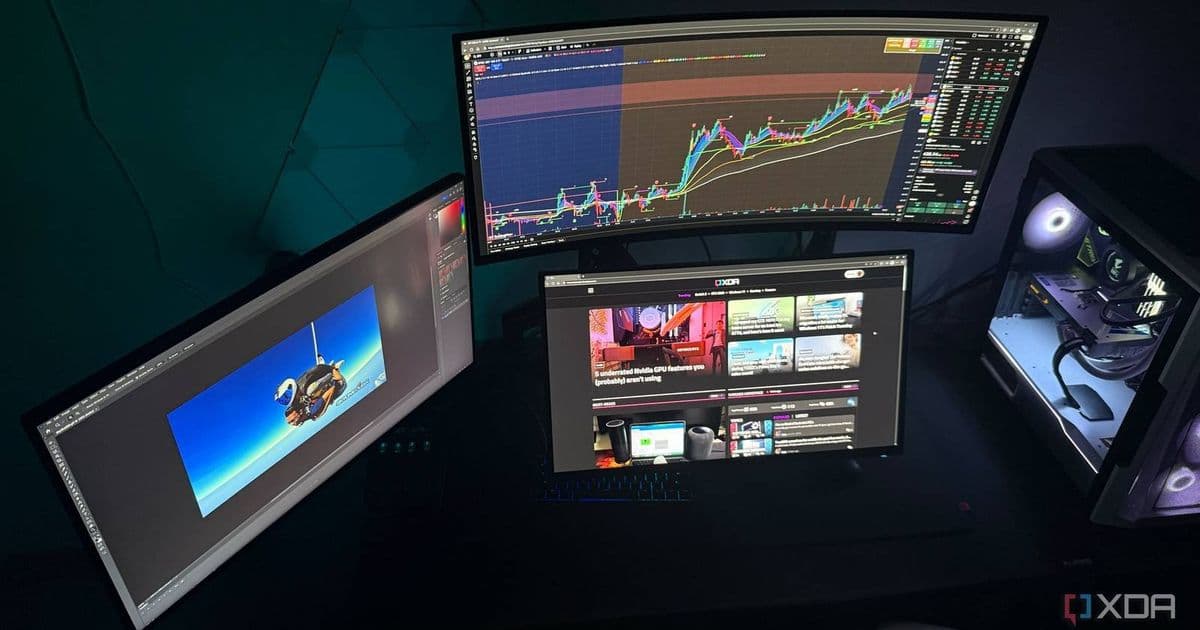
A new third-party Windows app called Monarch makes it incredibly easy to disable monitors with custom profiles and hotkeys, solving a common pain point for multi-monitor users, especially those with OLED screens.
Managing multiple monitors on Windows has always been a bit of a hassle. Whether you're switching between work setups, gaming, or trying to protect your expensive OLED display from burn-in, Windows' built-in display settings leave a lot to be desired. That's where Monarch comes in—a fan-made tool that solves this problem so elegantly, it really should be part of Microsoft's PowerToys suite.
The Problem Monarch Solves
Windows' display management is functional but clunky. Want to quickly disable your second monitor? You're diving into Settings, Display, then manually turning it off. Need to switch between different monitor configurations throughout the day? You're constantly rearranging windows and adjusting settings. For OLED users, the inability to easily turn off secondary displays when they're not needed is particularly frustrating, as static elements can cause permanent burn-in.
What Monarch Does
Monarch is a lightweight Windows application that brings professional-grade monitor management to everyone. Here's what makes it stand out:
Custom Monitor Profiles: Create different monitor configurations for various scenarios—work mode with all displays active, gaming mode with only your main screen, or nighttime mode with secondary displays disabled to reduce eye strain.
Hotkey Support: The developer added hotkey functionality just two days ago, making it even faster to switch between profiles. No more clicking through menus—just press a key combination and your setup changes instantly.
Auto-Revert Protection: A clever safety feature prevents you from accidentally turning off all your monitors. If you try to disable every connected display, Monarch automatically reverts the change, ensuring you don't get stuck with a blank screen.
OLED Care Features: For users with OLED monitors, Monarch provides an easy way to turn off secondary displays when they're not needed, helping prevent burn-in from static UI elements like taskbars or always-on applications.
Why It Matters
The beauty of Monarch is that it solves a problem most people didn't realize was solvable. As its_nzr, the developer, explains on Reddit, the rise of OLED monitors has made this kind of tool increasingly important. Static elements sitting on unused OLED screens can cause permanent damage, and Monarch provides a simple solution.
But it's not just for OLED users. Anyone who regularly switches between different work setups, gamers who want to disable secondary monitors during fullscreen gameplay, or people who want to reduce eye strain by turning off bright displays at night will find Monarch useful.
PowerToys Worthy
VideoCardz and I agree—this is exactly the kind of utility that belongs in Microsoft's PowerToys. It's small, focused, and solves a real problem that affects a significant portion of Windows users. The fact that it was created by a community member and gained traction so quickly shows there's genuine demand for this functionality.
Getting Monarch
You can download Monarch from its GitHub page. The project is actively maintained, with the developer responding quickly to feedback—hotkeys were added just days after initial release based on user requests.
The Bigger Picture
Monarch represents something important about the Windows ecosystem. While Microsoft provides the core operating system, it's often third-party developers who identify gaps and create solutions that make Windows truly powerful. Tools like Monarch, when they gain enough popularity, sometimes do make their way into official Microsoft offerings—PowerToys itself started as a collection of these kinds of community-driven utilities.
For now, Monarch stands as a perfect example of how a simple idea, well-executed, can significantly improve daily computing. It's the kind of tool that once you start using it, you wonder how you ever managed without it.
Whether you're an OLED enthusiast, a multi-monitor power user, or just someone who appreciates tools that make life easier, Monarch is worth checking out. And if you find it as useful as I do, maybe drop a note to the PowerToys team at Microsoft—because this really should be part of the official Windows toolkit.
Comments
Please log in or register to join the discussion