
Google's Pixel devices continue to suffer from unexplained battery drain issues, with recent reports suggesting the problem may be tied to core Android system processes rather than third-party apps.
Google's Pixel lineup has been plagued by battery drain issues for months, and despite multiple software updates, the problem persists. Recent reports from users and diagnostic data suggest the culprit may be more deeply rooted in Android's core system processes than previously thought.
The Scope of the Problem
Pixel owners across various models—from the Pixel 6 to the latest Pixel 9 series—have reported excessive battery consumption that doesn't correlate with typical usage patterns. The issue manifests as rapid battery percentage drops even when devices are idle, with some users reporting 10-15% battery loss overnight.
Community forums and Reddit threads dedicated to Pixel devices have become filled with troubleshooting attempts, with users trying everything from factory resets to disabling features like Adaptive Battery and Always-On Display. Yet, the battery drain persists.
What's Different This Time?
Unlike previous battery issues that were often traced to specific apps or features, this current drain appears to be systemic. Diagnostic tools like Android's built-in battery usage monitor and third-party apps like AccuBattery show unusual patterns:
- System processes consuming disproportionate battery: Android OS and Google Play services are showing higher than normal background activity
- Wake locks lasting longer than expected: Apps and services are preventing the device from entering deep sleep states
- Network activity during idle periods: Unexpected data transfers occurring when the phone should be idle
The Technical Deep Dive
The most compelling evidence points to issues within Android's power management framework itself. Several technical indicators suggest the problem:
Kernel Wakelock Issues
Android's kernel wakelocks, which control when the CPU can sleep, appear to be held longer than necessary. This prevents the device from entering low-power states during idle periods. The PowerManagerService logs show repeated wake lock acquisitions that don't correspond to actual user activity or necessary background processes.
Scheduler Inefficiencies
The CPU scheduler, responsible for managing which processes run when, seems to be keeping cores active unnecessarily. This is particularly noticeable on Pixel devices with Tensor processors, where the efficiency cores (little cores) should handle background tasks but are being bypassed in favor of performance cores.
Memory Management Problems
Android's memory management system appears to be keeping more apps in memory than necessary, forcing the device to maintain higher power states to keep RAM active. This is evidenced by the LowMemoryKiller daemon showing unusual behavior in system logs.
Google's Response (or Lack Thereof)
Despite numerous reports dating back to late 2025, Google has been notably quiet about the issue. The company has released several Pixel Feature Drops and security updates, but none have specifically addressed the battery drain problem.
Some users report temporary improvements after updates, only to see the battery drain return after a few days. This suggests that while Google may be making incremental fixes, they haven't identified the root cause.
Workarounds and Temporary Fixes
While waiting for an official fix, Pixel users have discovered several workarounds that can help mitigate the issue:
- Disable Google Assistant and Voice Match: Some users report reduced battery drain after disabling these features
- Restrict background activity: Manually restricting apps in Settings > Apps > Special app access > Battery optimization
- Use "Adaptive Battery" aggressively: Setting it to restrict more apps and processes
- Disable 5G when not needed: Switching to LTE only can reduce power consumption
- Reset network settings: Some users report improvements after resetting Wi-Fi, Bluetooth, and mobile data settings
The Broader Impact
This battery drain issue is particularly frustrating because it affects Google's flagship devices—phones that are supposed to showcase the best of Android. The problem has led some users to switch to alternative Android devices or even iOS, damaging Google's reputation in the premium smartphone market.
For developers, this situation highlights the complexity of modern mobile operating systems and the challenges of power management in devices with increasingly sophisticated features. It also underscores the importance of thorough testing across different usage scenarios and hardware configurations.
What to Watch For
As Google continues to investigate, several developments could signal progress:
- Dedicated battery fix updates: Look for changelogs that specifically mention battery optimizations
- Beta program participation: Joining the Android Beta program might provide early access to fixes
- Community-sourced solutions: The Android developer community often finds workarounds before official fixes arrive
Until Google provides a comprehensive solution, Pixel users will need to employ the available workarounds and hope that future updates finally resolve this persistent battery drain issue. The situation serves as a reminder that even the most sophisticated mobile operating systems can have fundamental flaws that take months to identify and fix.
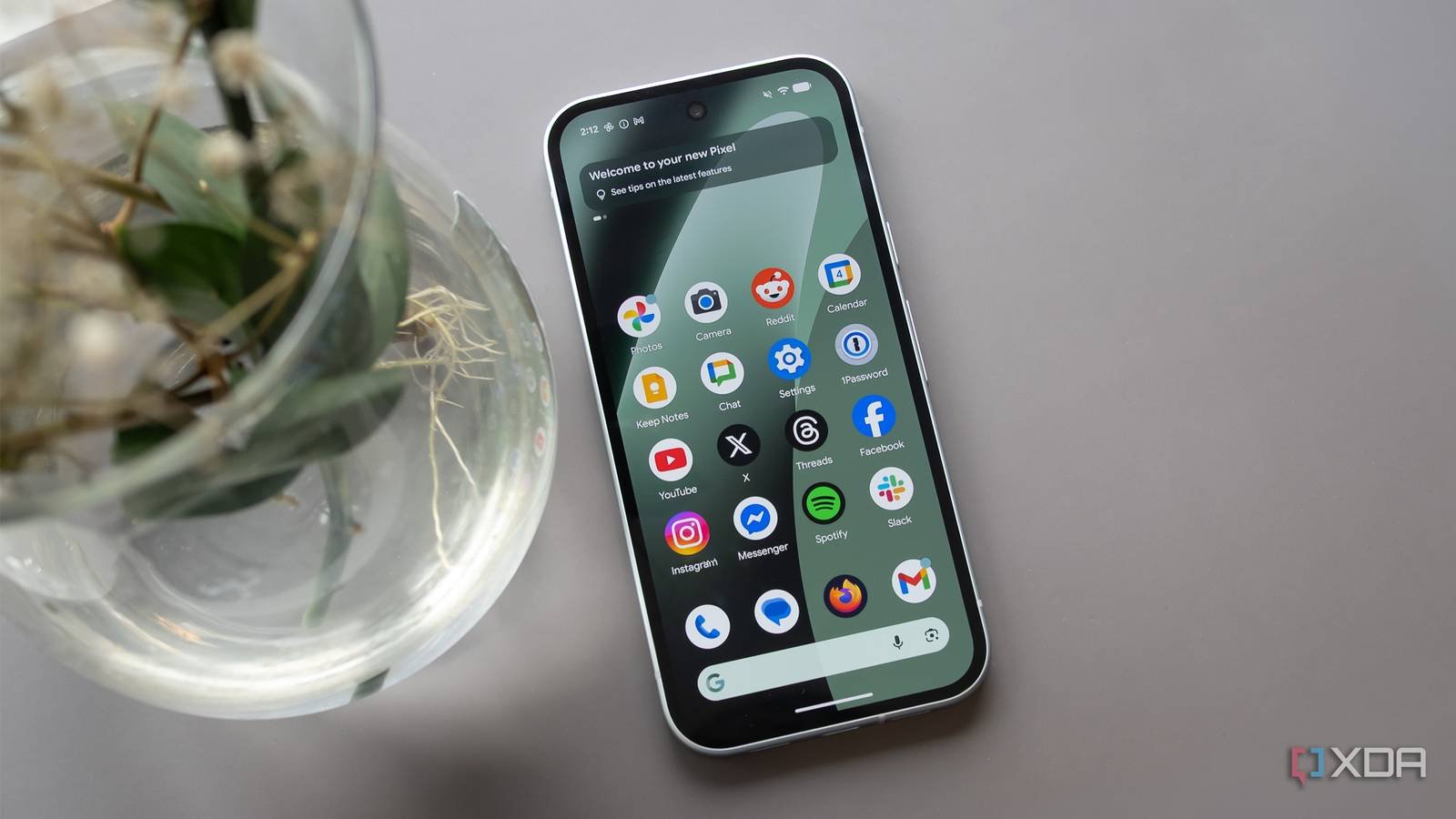
For now, the mystery of Pixel's battery drain continues, leaving users and developers alike wondering when Google will finally deliver the fix that's been promised but not yet delivered.
Comments
Please log in or register to join the discussion