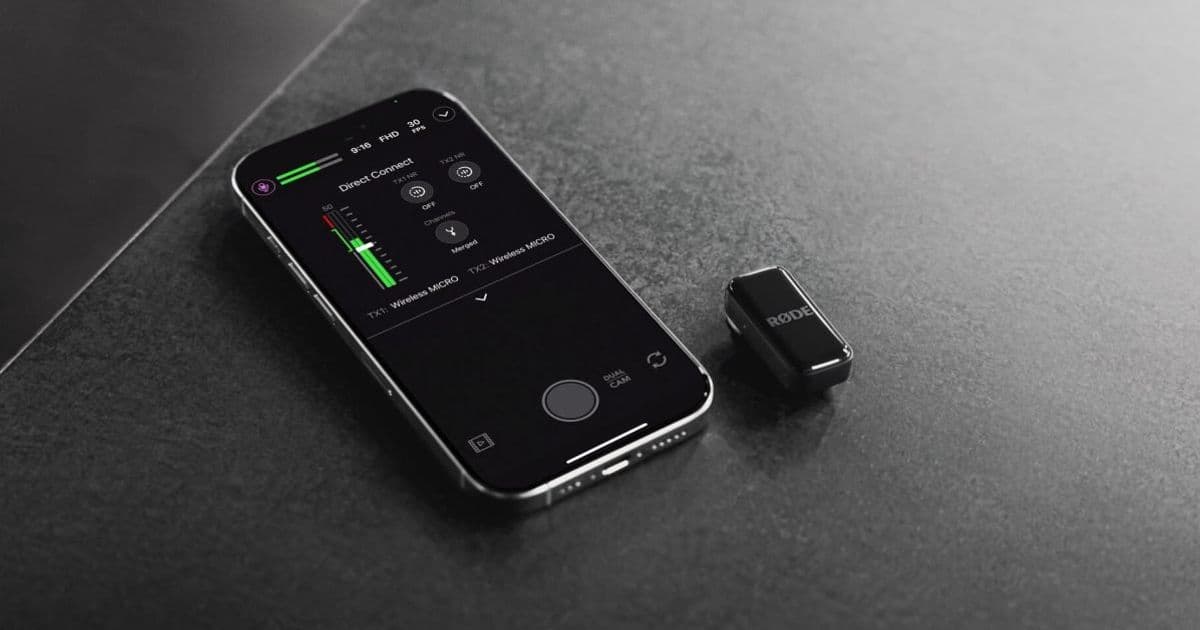
Rode is rolling out a firmware update for its Wireless Pro and Wireless Go microphones that adds Direct Connect functionality, allowing them to pair directly with iPhones via Bluetooth without requiring a receiver.
Rode is expanding its Direct Connect feature to more microphone models, bringing wireless convenience to a broader range of content creators. The company is rolling out a firmware update for its Wireless Pro and Wireless Go (third-gen) microphones, allowing them to pair directly with iPhones via Bluetooth without requiring a receiver. This capability was previously exclusive to the Rode Wireless Micro, which introduced the feature last year.
How Direct Connect Works
Traditionally, wireless lavalier microphones require a matching receiver that connects to your recording device. The receiver then captures the audio signal from the transmitters and feeds it to your iPhone, camera, or other equipment. This setup adds complexity and extra hardware to your recording kit.
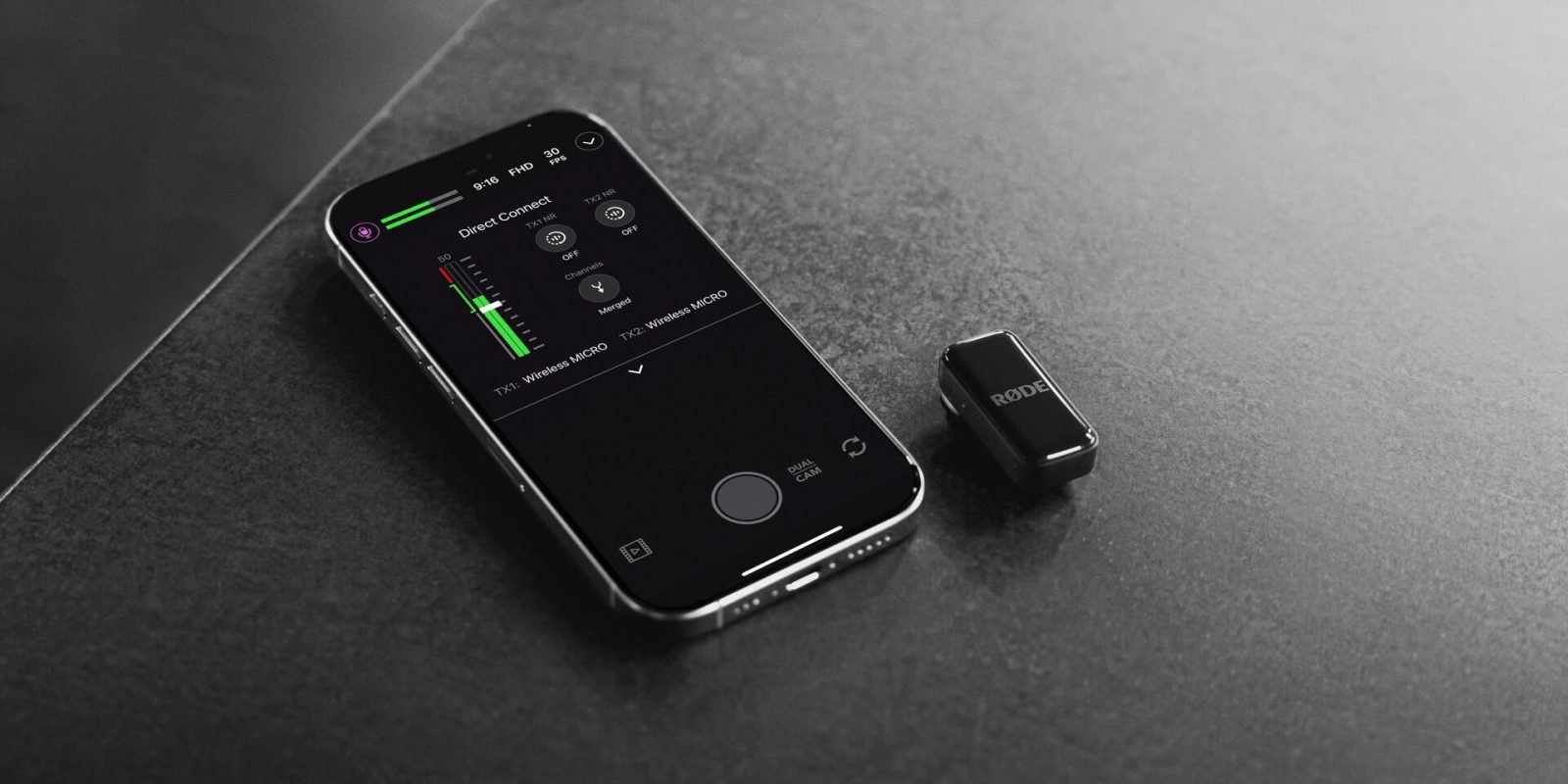
Rode's Direct Connect feature eliminates this middleman by enabling Bluetooth pairing between the transmitters and your iPhone directly. Once the firmware update is installed, you can remove the receiver entirely from your iPhone setup while maintaining the same high-quality audio performance.
Updating Your Firmware
The update process requires the receiver initially, but it's a one-time step. Here's how to update your Rode Wireless Pro or Wireless Go:
- Ensure you have the latest version of the RØDE Capture app installed on your iPhone (check the App Store)
- Plug the receiver into your iPhone
- Make sure both transmitters are removed from the charging case, powered on, and paired with the receiver
- Open the RØDE Capture app
- If a firmware update is available, you'll be prompted to install it
- Follow the on-screen instructions
- Once complete, unplug the receiver and place it back in the charging case
Setting Up Direct Connection
After updating the firmware, here's how to connect your transmitters directly to your iPhone:
- Open the audio menu in the top-left corner of the RØDE Capture app
- Select "Direct Connect to TX" to begin searching for available transmitters
- Put your transmitter in pairing mode (lights will begin flashing)
- When your transmitter appears in the app, tap to connect
- You're now ready to start recording wirelessly without a receiver
Audio Quality Considerations
Bluetooth audio connections have historically struggled with reputation for quality, often associated with compressed audio and latency issues. However, Rode claims this implementation maintains "the broadcast-quality audio both wireless systems are known for."
The company has engineered the Direct Connect feature to preserve the professional audio characteristics that made these microphones popular among content creators, journalists, and filmmakers. This suggests Rode has implemented advanced Bluetooth codecs or proprietary audio processing to maintain signal integrity.
Why This Matters for Creators
The removal of the receiver offers several practical benefits:
- Simplified Setup: Fewer cables and components to manage during shoots
- Reduced Gear: Less equipment to pack, carry, and potentially lose
- Cleaner Workflow: Direct connection eliminates potential points of failure
- Portability: Ideal for run-and-gun shooting scenarios
- Cost Efficiency: The receiver becomes optional rather than mandatory
This update is particularly valuable for mobile journalists, vloggers, and social media content creators who prioritize quick setup and minimal gear. The ability to go from bag to recording in seconds without fumbling with receivers and cables can make a significant difference in fast-paced shooting environments.
Compatibility and Availability
The firmware update is available for:
- Rode Wireless Pro
- Rode Wireless Go (third-generation)
Users will need the Rode Capture app and the receiver for the initial firmware update, but afterward, the receiver becomes optional for iPhone use. The feature works with any iPhone that supports Bluetooth audio connections and can run the latest version of the Rode Capture app.
This update represents Rode's commitment to evolving its product ecosystem through software improvements rather than requiring hardware upgrades. By adding this capability to existing products, Rode extends the useful life of its microphones and provides additional value to current owners.
For content creators invested in the Rode ecosystem, this firmware update transforms how these microphones integrate with iPhone-based workflows, offering a more streamlined and efficient recording experience without sacrificing audio quality.
Comments
Please log in or register to join the discussion