
Apple's Photos team explained the reasoning behind iOS 27's Spatial Reframing, Extend, and an upgraded Clean Up. The constraints matter as much as the features: Extend caps at a 25% expansion you can only apply once, and reframing only generates pixels where the perspective shifts.
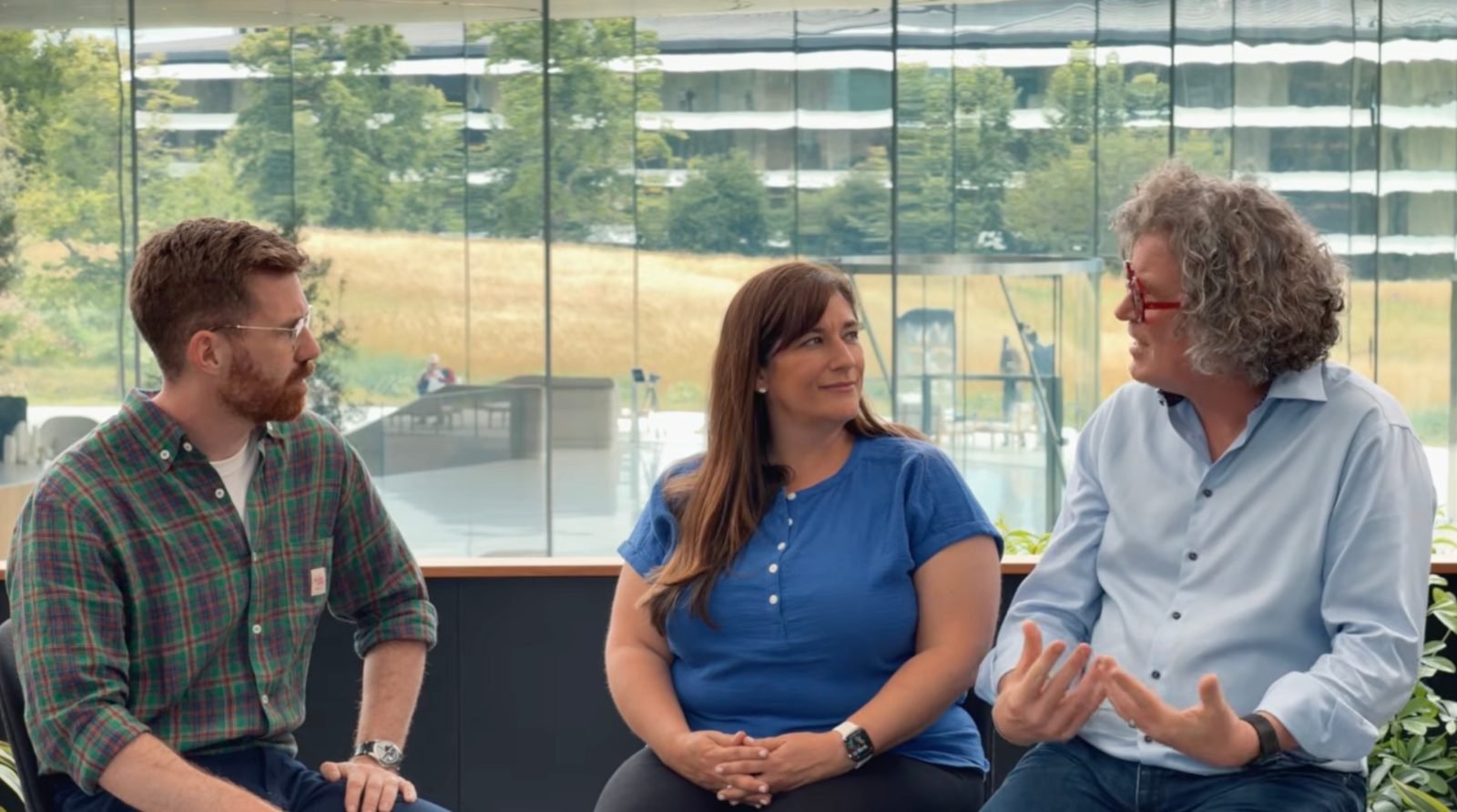
iOS 27 puts the Photos app front and center, and Apple is now explaining the logic behind its new generative editing tools. In an interview with photographer Tyler Stalman, Apple's Della Huff, Senior Manager for Camera and Photos Product Marketing, and Jon McCormack, VP of Camera and Photos Software Engineering, walked through how the new features work and, more interestingly for developers, where Apple deliberately limited them.
The platform update: three new editing tools
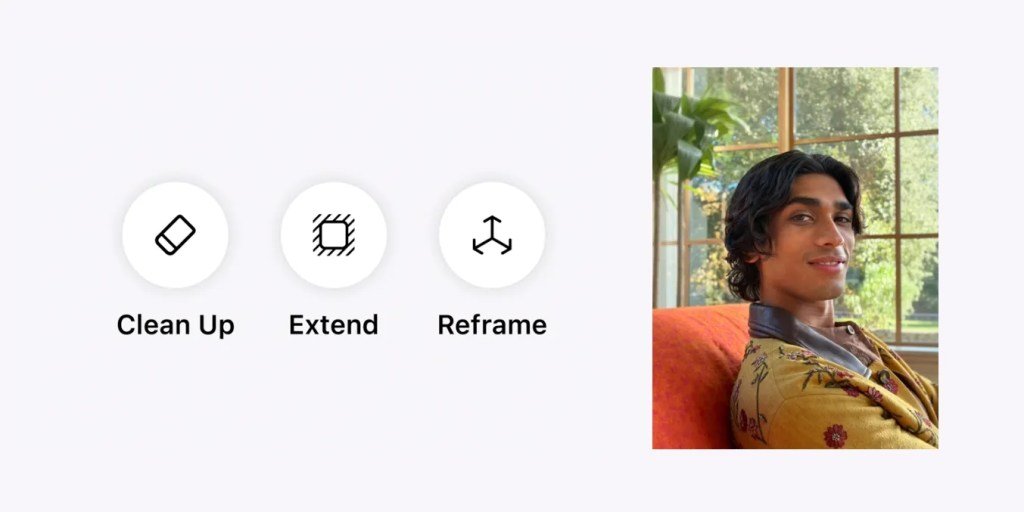
Three features anchor the Photos changes in iOS 27. Spatial Reframing lets you adjust a photo's composition after capture by shifting its perspective. Extend grows the frame to add room around a subject. And Clean Up, Apple's existing object-removal tool, gets a meaningful upgrade for handling more complex scenes.
What separates these from a generic "AI fills in the gaps" approach is how tightly Apple scoped each one. Huff stressed that Spatial Reframing only generates new content in the regions where the perspective has actually shifted. The rest of the image stays as you shot it. The stated goal is to enable the perspective change while keeping the photo true to the original moment, rather than synthesizing a new scene wholesale.
Developer impact: constraints as a design choice
The Extend feature is the clearest example of Apple boxing in a generative tool on purpose. McCormack said Extend lets you zoom out by up to 25% on each side of a photo, and you can only do it once.
"We did a bunch of actually kind of like testing and research, and the number we came up with is 25%," McCormack told Stalman. "That basically we allow you to make the frame 25% bigger, but we also only allow you to do it one time. So you can't do this reverse inception thing of like, grow it and grow it and grow it."
That single-pass limit is the part worth paying attention to. Iterative outpainting, where you repeatedly extend an already-extended image, compounds generative artifacts and drifts further from the source on each pass. By capping Extend at one operation and 25% per side, Apple keeps the synthesized content anchored to real captured pixels. It is a product constraint that doubles as a quality guardrail.
McCormack framed the use cases plainly: a shot cropped slightly too tight that needs breathing room, or a tilted horizon you want to straighten without losing the edges of the frame. Both are common fixes, and both previously required either reshooting or accepting a tighter crop.
Clean Up, meanwhile, can now "clean up more complex objects and handle bigger tasks while still staying true to the original moment," according to Huff. The recurring phrase across all three features is preserving the moment, which signals Apple's positioning against tools that openly fabricate.
Migration: what this changes for users and apps
For people maintaining photo libraries, the practical shift is that edits stay non-destructive in spirit. McCormack summarized the intent: "We're trying to take a memory that you recorded and we're trying to just help you refine it." He drew a line between refining and faking, arguing that the examples shown preserve integrity while producing the cleaned-up image the user actually wanted.
The broader pattern here is Apple bringing operations that used to require Photoshop-level skill into a tap or two. "It really lives in the rarefied air of people who understand deeply the dark arts of professional photography," McCormack said of the manual equivalents. "Whereas now, what we really want is, we want everybody to be able to do that."
For developers building photo or camera apps on iOS, the takeaway is twofold. First, the bar for built-in editing is rising, and third-party tools competing on basic perspective correction or fill will need to clear it. Second, Apple's chosen guardrails, single-pass extension, bounded percentages, region-limited generation, offer a template for shipping generative features that users trust. The constraint is the feature.
Apple has not detailed whether these capabilities will surface through public APIs for third-party apps, so for now the changes live inside the system Photos app. Developers should watch the iOS 27 release notes and the Photos framework documentation for any expansion of access as the release moves through beta. You can find the broader feature rundown on Apple's iOS preview page and the full conversation in Stalman's interview.
Apple's pitch reduces to a single line from McCormack: the goal is to let people "preserve their memories, but also perfect them at the same time." The interesting engineering story is everything Apple chose not to let the model do.
Comments
Please log in or register to join the discussion