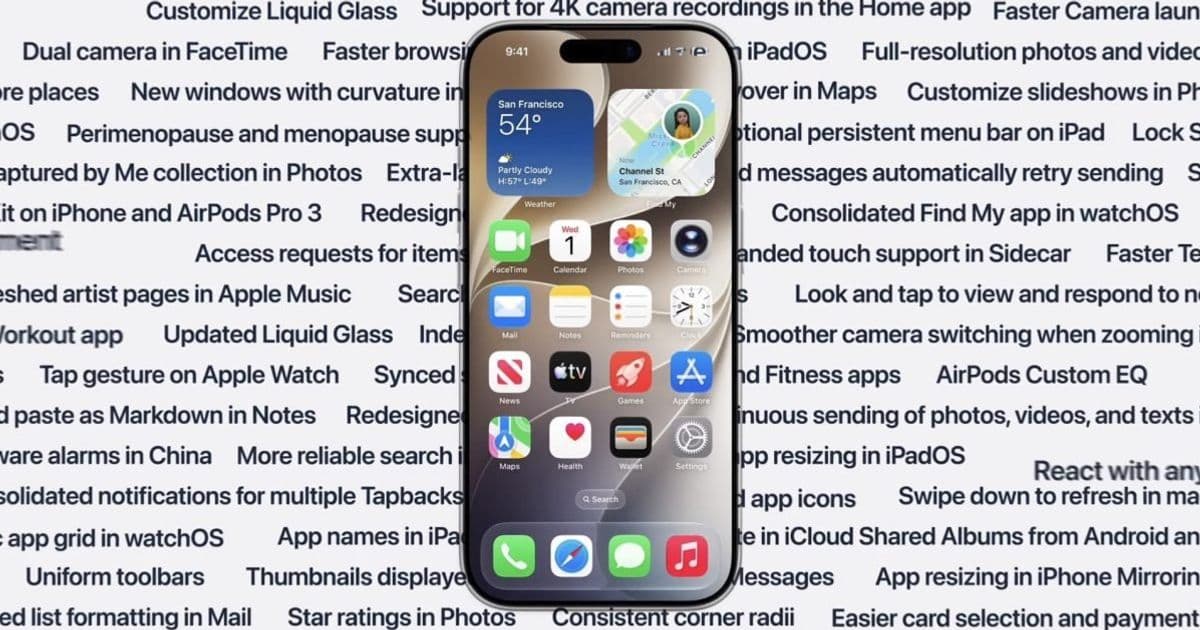
Apple’s WWDC feature slide points to a broad iOS 27 cycle focused on performance, Photos, Shortcuts, Safari, Home, accessibility, and tighter behavior across iPhone, iPad, Mac, Watch, TV, Vision Pro, CarPlay, Android, and Windows touchpoints.
Platform update
Apple used its WWDC keynote to preview a wide platform release set: iOS 27, iPadOS 27, watchOS 27, tvOS 27, visionOS 27, and macOS Golden Gate. The headline is not one isolated API or visual redesign. It is a long list of small and medium changes across system apps, performance, accessibility, connectivity, widgets, Shortcuts, HomeKit, Safari, Photos, CarPlay, and cross-device behavior.
For mobile developers maintaining apps across iOS and Android, the most useful way to read the list is as a signal about platform direction. Apple is tightening the daily surfaces users live in: Photos, Messages, Safari, Home Screen widgets, Control Center, Lock Screen, Share flows, Shortcuts, Maps, Wallet, and system search. Many of the changes are user-facing, but they still affect app teams because they change expectations around speed, metadata, sharing, offline behavior, automation, and cross-platform participation.
The named SDK targets are the next platform generation: iOS 27 SDK, iPadOS 27 SDK, watchOS 27 SDK, tvOS 27 SDK, visionOS 27 SDK, and the macOS Golden Gate SDK. Teams should track the matching Xcode beta through Apple Developer downloads and the official Apple Developer documentation before treating any keynote-slide feature as a production contract. Apple’s public slide gives direction, but migration work still needs release notes, beta headers, simulator behavior, and device testing.
The iOS 27 portion is especially broad. Photos gains keyword support, star ratings, richer metadata search, Shared Album improvements, faster capture loading, Android and Windows participation in iCloud Shared Albums, better orientation handling, and a dedicated Identity Documents collection. Camera gets lower power use in Low Power Mode, faster launch in that mode, smoother switching while zooming video, and a more reachable interface. For apps that import, export, index, or display user media, this suggests users will expect more metadata-aware workflows and less waiting around capture-heavy tasks.
Messages and FaceTime updates are also practical rather than cosmetic. Messages gets better sync across devices, automatic retry for failed sends, continuous sending of media and text, conversation search by phone number or nickname, offloaded media previews, and more compact Tapback notifications. FaceTime adds dual camera support and better quality on poor connections. Apps that compete with messaging, calling, collaboration, or media sharing now have a higher baseline to meet, especially around poor network behavior and continuity between devices.
Safari receives faster start page loading, better web app performance, smoother graphics and animations, faster JavaScript handling, better power efficiency on iOS and macOS, and a fix where web audio no longer interrupts system audio. That matters for hybrid app teams and cross-platform stacks using web content. If your product ships a WKWebView-heavy iOS app, a Progressive Web App, a React Native screen embedding web content, or a Capacitor wrapper, iOS 27 testing should include animation smoothness, audio session behavior, JavaScript-heavy paths, and battery impact.
Shortcuts may be one of the more developer-relevant areas. Apple lists a redesigned Shortcuts editor, expanded Get What’s On Screen capabilities, Else If support, data storage in Shortcuts, group conversation support, screenshot automations, and notification automations. That points to more capable user automation. Apps with good App Intents, clear actions, predictable deep links, and useful donated shortcuts will fit better into this release than apps that treat automation as an afterthought. The current App Intents documentation remains the place to start.
The platform list also shows Apple continuing to blur the line between iPhone, iPad, and Mac. iPadOS 27 adds an optional persistent menu bar, iPhone app resizing, faster window switching and closing, faster Files browsing and transfers, Home Screen undo and redo, and extra-large widgets in Today view. macOS Golden Gate adds more touch support in Sidecar, edge-to-edge sidebars, updated menu bar icons, more visible active windows, smoother Mission Control and Spaces, external display improvements, HDR for system UI, and better iPhone Mirroring including DRM video and Control Center access.
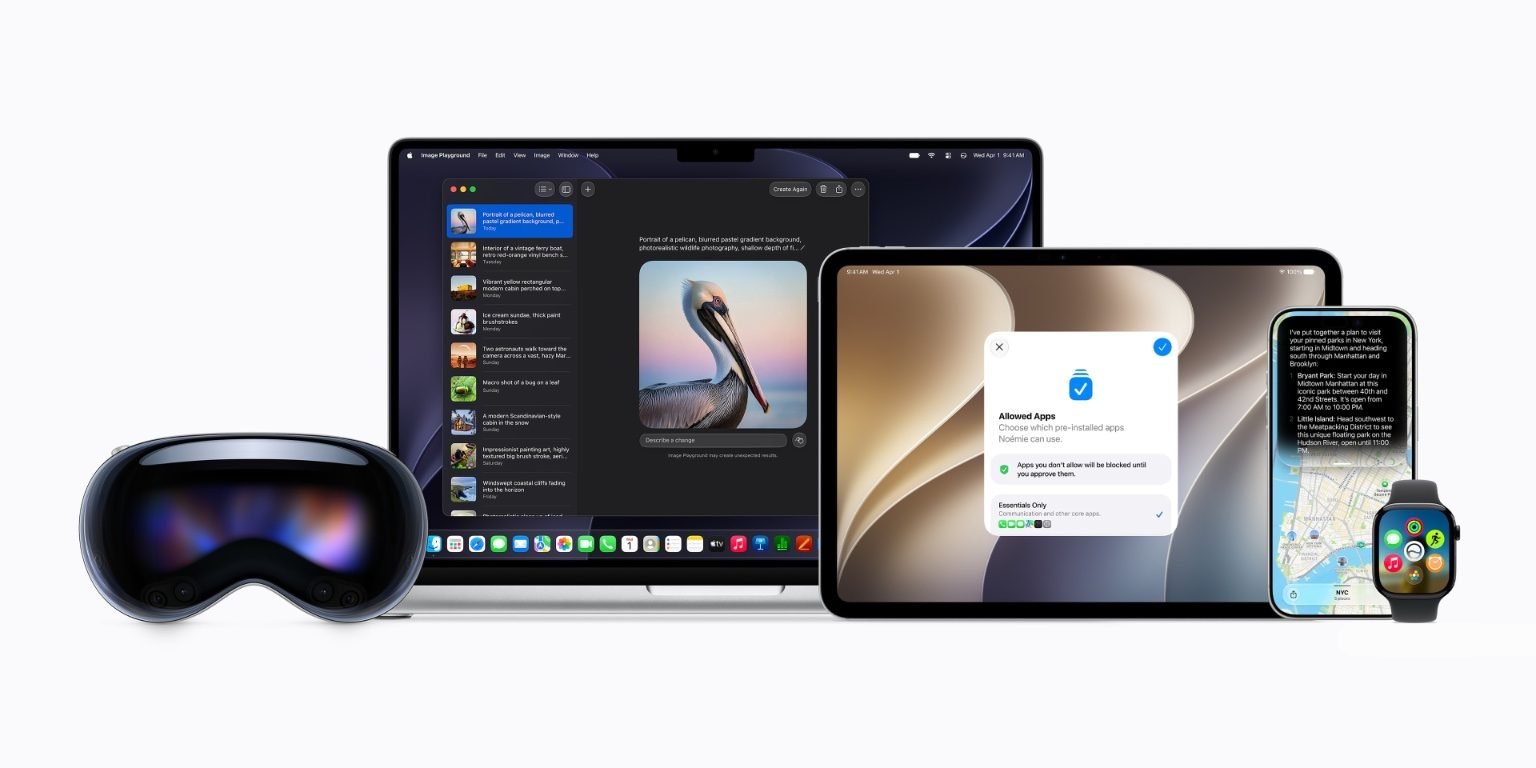
For cross-platform teams, that means iPad can no longer be treated as a stretched iPhone client. If your app supports iPad, users will expect better resizing behavior, cleaner menu integration, stable window state, keyboard and pointer quality, and file handling that feels native. On Android, the equivalent pressure comes from tablets, foldables, ChromeOS, and desktop-class windowing. The practical takeaway is to test adaptive layouts as a core product path, not only as a QA checklist item before release.
watchOS 27, tvOS 27, and visionOS 27 are smaller markets for many teams, but their updates show the same pattern. watchOS gains a dynamic app grid, tap gesture, redesigned settings in the Apple Watch app, more Smart Stack suggestions, Wallet balance viewing, better Wi-Fi, faster extension launch, better battery efficiency, and more accurate step tracking. tvOS gets smart downloads, larger text sizes, a more responsive Control Center, and smoother app launches. visionOS gets panoramas as environments, extra-small widgets, improved Control Center, notification interactions through look and tap, curved windows, Safari tab views, and faster boot and Wi-Fi connection.
CarPlay changes are narrower but still relevant for audio, navigation, and automotive-adjacent apps. Apple lists audio scrubbing in Now Playing, an Audio MiniPlayer, better navigation heading and GPS accuracy, and improved wireless CarPlay reliability. If your app is CarPlay-enabled, this is a cue to retest route handoff, audio state restoration, background playback, interruption handling, and unreliable wireless sessions.
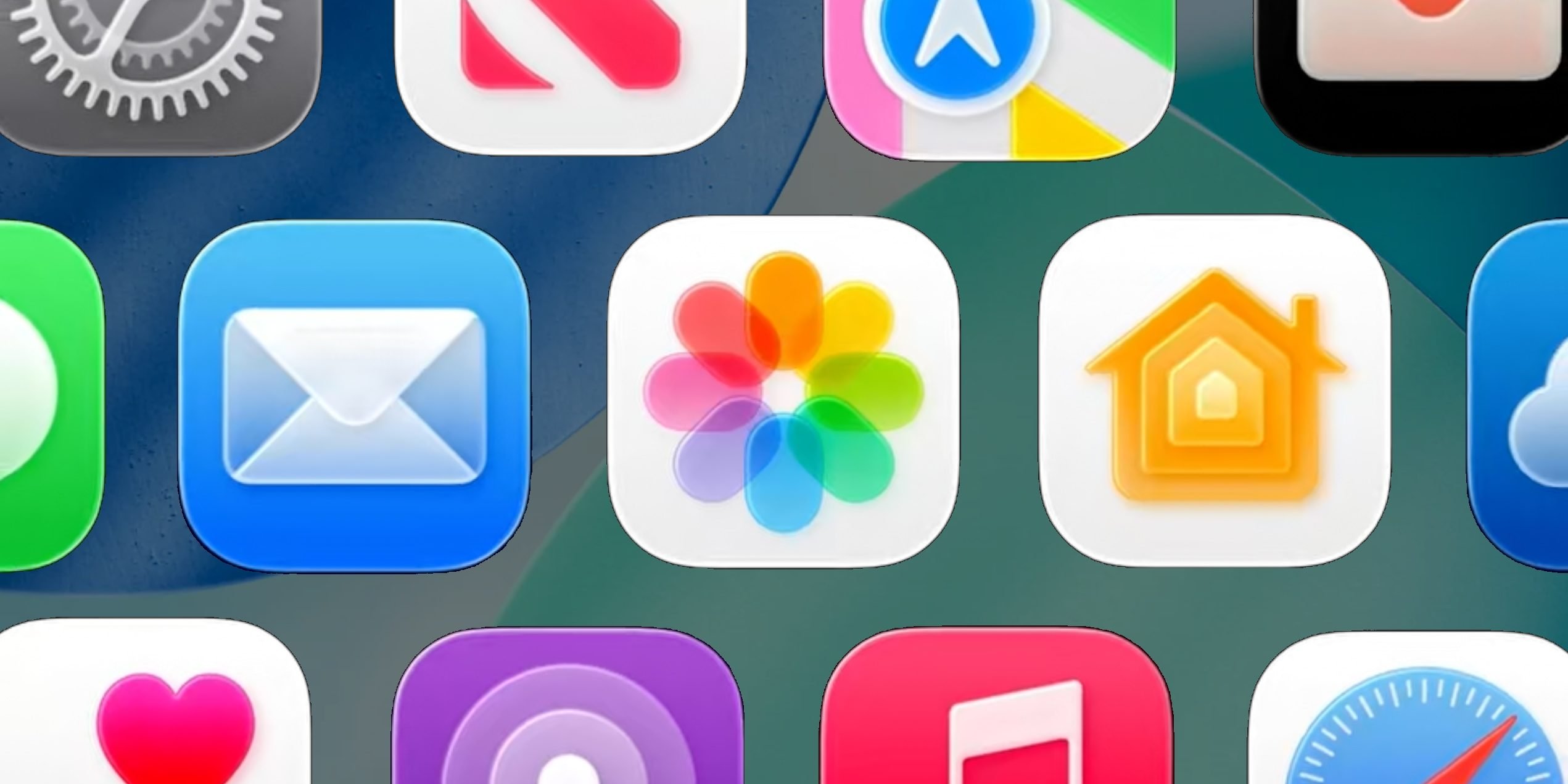
The design bucket is centered on Liquid Glass, updated app icons, extra-large widgets, real-time widget updates when the app is open, smoother Control Center and App Library scrolling, smoother unlocking, faster Lock Screen switching, and Live Activities in Dynamic Island in landscape orientation. Apple’s Human Interface Guidelines will matter here, because visual updates can expose apps that rely too heavily on custom controls, old contrast assumptions, or pixel-fixed layouts.

Developer impact
The first impact is testing scope. This is not a release where a team can install the iOS beta, tap through the happy path, and call it done. Apple is changing behavior across media, widgets, web content, file transfer, Share flows, accessibility, automations, HomeKit, CarPlay, and device continuity. A serious test matrix should include iPhone, iPad, Apple Watch if supported, CarPlay if supported, and macOS or web if the same account data flows across platforms.
SDK adoption should be staged. Build with the matching Xcode beta and iOS 27 SDK early enough to catch compile warnings, deprecated APIs, Info.plist changes, entitlement changes, and layout regressions. Keep production builds on the currently supported stable Xcode until your release process is ready. For apps sharing code with Android through Kotlin Multiplatform, Flutter, React Native, Unity, or C++, separate platform SDK validation from shared business logic validation. A shared module passing tests does not prove the iOS shell behaves correctly under new widget, notification, file, or audio behavior.
Photos and Camera updates affect any app that touches user media. Keyword search, star ratings, metadata search, Shared Album changes, and Android and Windows participation in iCloud Shared Albums all increase the importance of preserving metadata correctly. If your app strips EXIF, fails to keep creation dates, compresses video without user intent, or stores imported media in a way that breaks later search, iOS 27 users may notice faster. Teams should review PhotoKit usage through PhotoKit documentation, especially authorization modes, limited library access, asset metadata, and background work.
Safari performance improvements are good news for web-heavy products, but they can also reveal assumptions. Faster JavaScript and smoother graphics do not remove the need to profile long tasks, layout shifts, memory use, and media playback. Apps using WKWebView should retest audio focus because the listed change around web audio and system audio may alter edge cases. If your Android app uses WebView for the same feature, compare behavior against Android System WebView rather than assuming parity from a shared JavaScript bundle.
Shortcuts changes raise the value of automation design. Else If support and data storage make user-created workflows more expressive. Screenshot and notification automations can place app content into broader personal workflows. Apps should expose actions that are stable, named clearly, and safe to run without opening the full interface. For example, a task app should expose create task, find task, update due date, and open project. A finance app should expose safe read-only actions unless an authenticated write action is clearly confirmed. The point is not to expose everything. It is to expose actions that make sense outside the app UI.
Widgets need another pass. Extra-large widgets, live updates while the app is open, and broader widget sizing across iOS, iPadOS, watchOS, and visionOS change the surface area for glanceable product value. A widget should not be a mini app. It should show the next useful state, then send the user to the right place. Teams using WidgetKit should review WidgetKit documentation, refresh budgets, timeline policies, and privacy behavior on the Lock Screen and StandBy-style contexts.
Accessibility work also becomes harder to postpone. Apple lists easier PDF reading and editing using VoiceOver, faster Voice Control response, streamlined Assistive Access setup, faster entry and exit from Assistive Access and Guided Access, Touch Accommodations setup improvements, MFi hearing device pairing and handoff improvements, and Show Borders for macOS accessibility. If your app ships custom controls, canvas-heavy views, PDF workflows, video interfaces, or multi-step setup, VoiceOver, Voice Control, Dynamic Type, contrast, reduced motion, and guided access tests should be part of release qualification. The Accessibility documentation is not only for compliance work. It is product quality work.
Connectivity changes matter for apps that depend on near-device behavior. Apple lists faster AirPlay connections, better Wi-Fi to cellular transitions, faster network file browsing, improved RDMA over Thunderbolt, more efficient Personal Hotspot on N1 devices, better Bluetooth power management, and faster NFC reads. That touches media apps, enterprise file apps, health accessories, point-of-sale apps, smart home controllers, and device-pairing flows. Android teams should map these against Bluetooth, Nearby, NFC, UWB, and Wi-Fi Direct behavior on their side, because user expectations come from the device in their hand, not from your internal platform boundary.
HomeKit and smart home developers get a clear signal too. The Home app adds simultaneous streams from compatible cameras, 4K camera recordings, more reliable camera storage, faster accessory pairing, faster accessory updates, and improved Thread connectivity. If your product spans Apple Home, Matter, Android, and vendor cloud apps, the migration work is mostly about consistency. Pairing should fail clearly. Firmware update state should be visible. Camera storage should have predictable retention and error messages. Thread and Matter behavior should be tested across mixed homes, not only ideal lab networks. Apple’s HomeKit documentation and the Matter specification resources are the relevant starting points.
Migration
A practical migration plan starts with inventory. List every Apple surface your app touches: iOS app, iPad layout, widgets, Live Activities, App Intents, Share extensions, notification content extensions, Siri or Shortcuts actions, Watch app, CarPlay scene, HomeKit integration, Safari extension, web app, Mac Catalyst build, visionOS build, and backend push flows. Then mark which ones are user-visible during the first 30 seconds after launch, because those are the surfaces most likely to shape perception during beta testing.
Next, create a platform requirements table for the release. Include minimum supported OS, target SDK, Xcode version, Swift version, dependency status, device classes, and feature gates. For iOS 27 and iPadOS 27, include iPhone and iPad window sizes, Stage Manager-style resizing, external keyboard, pointer input, camera permission paths, photo permission paths, and background execution. For watchOS 27, include extension launch time and battery-sensitive flows. For tvOS 27, include focus behavior and large text. For visionOS 27, include window sizing, depth assumptions, and input methods. For macOS Golden Gate, include Catalyst or native AppKit and SwiftUI behavior, menu commands, external displays, and iPhone Mirroring scenarios.
For cross-platform codebases, keep shared logic honest. A Flutter or React Native app may share screens across iOS and Android, but platform behavior still differs around permissions, notifications, background work, audio sessions, widgets, file pickers, camera capture, and accessibility. A Kotlin Multiplatform or shared C++ core can reduce business logic duplication, but it will not solve SwiftUI layout changes, App Intents metadata, WidgetKit timelines, or Apple Watch extension startup. Treat shared code as one layer in the migration, not the migration itself.
Dependency audits should happen early. Check whether analytics, crash reporting, media processing, authentication, maps, database, and networking libraries build cleanly with the new SDK. For React Native, confirm the supported Xcode and iOS SDK range in the framework release you use. For Flutter, verify the current stable channel’s iOS toolchain support through the Flutter iOS deployment documentation. For Kotlin Multiplatform, check the Kotlin and Xcode compatibility notes in the Kotlin Multiplatform documentation. For .NET MAUI, track Apple SDK support through Microsoft’s iOS deployment documentation. Do not assume day-one compatibility for every plugin that touches native APIs.
Then build a beta test track that mirrors real users. Install the developer beta on secondary devices only. Keep at least one device on the current production OS for comparison. Run media import and export, login, push notifications, deep links, purchase flows, offline mode, audio interruptions, Bluetooth accessories, NFC, widgets, Shortcuts actions, and accessibility passes. If your app has Android parity requirements, run the same scenarios on current Android releases and any active Android beta your team supports. The goal is not identical UI. The goal is equivalent reliability and clear platform-native behavior.
The migration should end with release gating. Ship iOS 27-specific polish only when it degrades gracefully on older versions. Guard new APIs with availability checks. Keep server contracts versioned. Avoid making backend changes that require every client to update at once. Update screenshots and App Store metadata only after the UI stabilizes under the final SDK. Review App Store Connect and App Store Review Guidelines before submitting builds tied to new OS features.
Apple’s keynote list reads like a maintenance-heavy release, which is exactly why mobile teams should pay attention. The biggest risk is not one flashy feature breaking an app. It is the accumulation of small platform changes around speed, sharing, automation, accessibility, media, and device continuity. Apps that already respect native conventions will have a cleaner migration. Apps with custom media stacks, brittle layouts, weak metadata handling, thin accessibility support, or underdeveloped iPad behavior have more work to do before iOS 27 reaches users.
Comments
Please log in or register to join the discussion