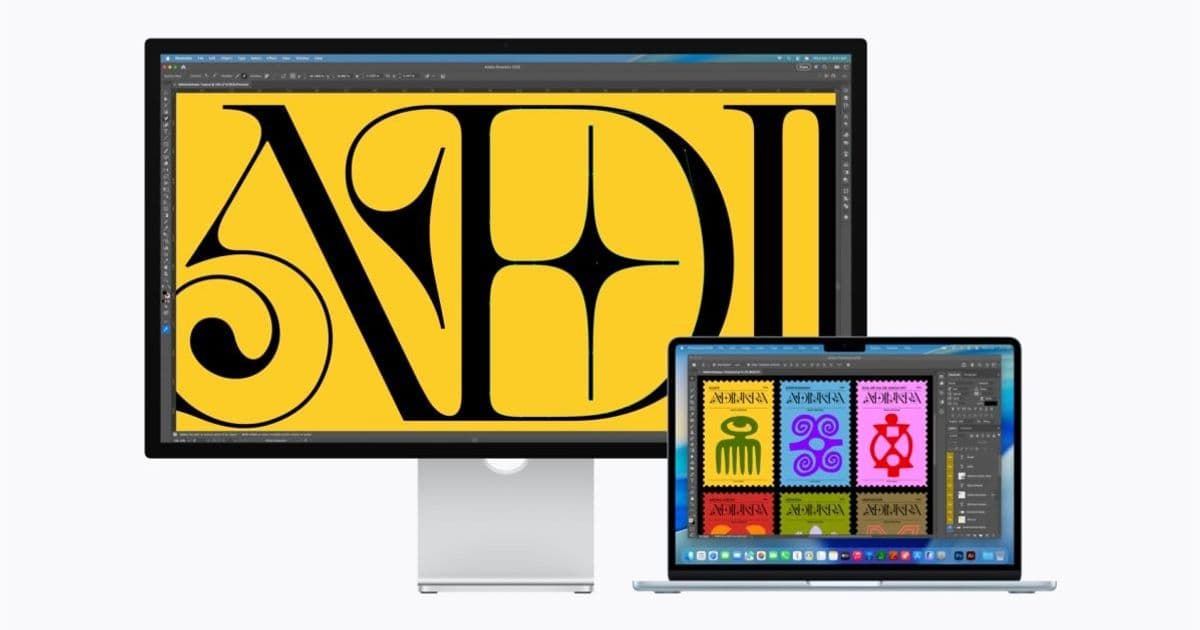
Apple's latest Studio Display and Studio Display XDR models are incompatible with MacBook Neo and Intel Macs, raising questions about connectivity standards and future-proofing.
Apple's new Studio Display and Studio Display XDR are now available for pre-order, but if you want to connect a MacBook Neo or Intel Mac, you may need to look elsewhere.
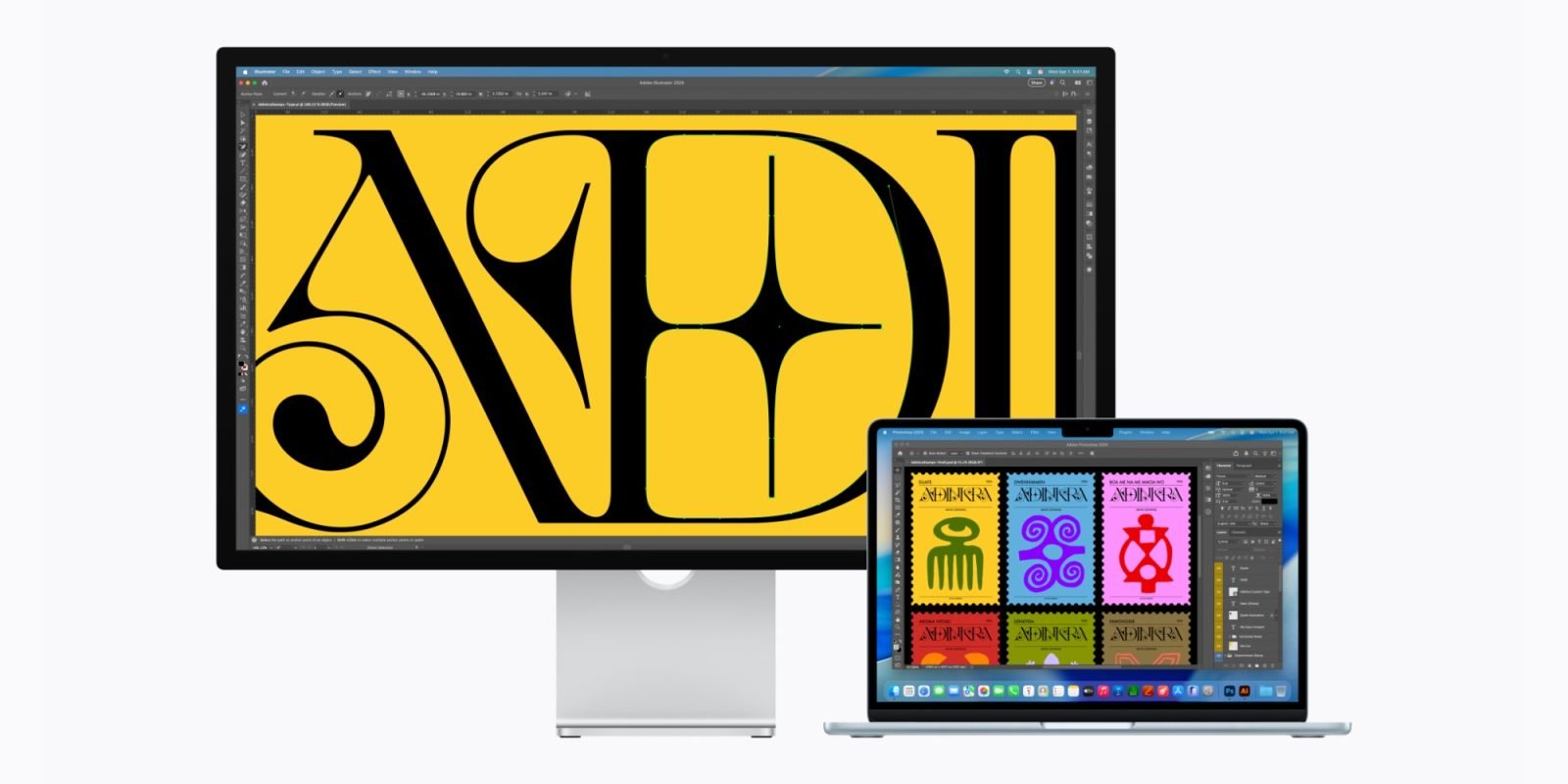
The technical specifications pages for both the Studio Display and Studio Display XDR omit the MacBook Neo and all Intel Macs from their supported device lists. According to Apple's official documentation, the Studio Display is compatible with the following Mac models with Apple silicon and macOS Tahoe 26.3.1 or later:
- 16-inch MacBook Pro (2021 and later)
- 14-inch MacBook Pro (2021 and later)
- 13-inch MacBook Pro (M1, 2020 and later)
- 15-inch MacBook Air (2023 and later)
- 13-inch MacBook Air (M1, 2020 and later)
- Mac Studio (2022 and later)
- Mac mini (2020 and later)
- Mac Pro (2023 and later)
- 24-inch iMac (2021 and later)
For iPad compatibility, the Studio Display supports:
- iPad Pro (M4 and M5)
- iPad Pro 12.9-inch (3rd–6th generation)
- iPad Pro 11-inch (1st–4th generation)
- iPad Air (M2, M3, and M4)
- iPad Air (5th generation)
The lack of support for Intel Macs is clearly no accident. Apple has been systematically phasing out Intel-based hardware since transitioning to Apple Silicon in 2020, and this move appears to be another step in that direction. The company has consistently prioritized its own silicon across its product ecosystem, and display compatibility is no exception.
However, the exclusion of the MacBook Neo is more puzzling. As Apple's newest, flashiest Mac, one would expect it to be prominently featured in compatibility lists. It's possible that the Studio Displays being announced a day earlier than the MacBook Neo is simply the result of the timing. If that's the case, hopefully Apple will update the tech spec pages soon to add the MacBook Neo to each list.
For now though, if you're buying both a MacBook Neo and Apple display today, you may end up disappointed. This situation raises several important questions about Apple's connectivity strategy and what it means for users with older hardware.
What This Means for Users
The compatibility restrictions have significant implications for different user groups:
Intel Mac Owners: If you're still using an Intel-based Mac, you'll need to continue using your existing display or look for third-party alternatives. This could be particularly frustrating for users who invested in high-end Intel Mac models like the Mac Pro or 16-inch MacBook Pro, only to find they can't use Apple's latest displays.
MacBook Neo Buyers: The omission of the MacBook Neo from compatibility lists is especially concerning. If this is indeed an oversight rather than an intentional exclusion, it represents poor communication from Apple. If it's intentional, it raises questions about what connectivity features the MacBook Neo might be missing.
Mixed Environment Users: Those with mixed environments featuring both Apple Silicon and Intel Macs may find themselves needing multiple displays or being forced to upgrade their entire setup to maintain compatibility.
Technical Considerations
The compatibility restrictions likely stem from the display's connectivity requirements. Apple's Studio Display and Studio Display XDR probably require specific features or bandwidth capabilities that are only available in Apple Silicon Macs and certain iPad models.
Apple Silicon Macs feature Thunderbolt 4/USB4 ports, which offer significantly higher bandwidth than the Thunderbolt 3 ports found on many Intel Macs. The Studio Display XDR, being a high-end professional display, may require this additional bandwidth for features like:
- 6K resolution at high refresh rates
- Multiple downstream Thunderbolt connections
- Enhanced color accuracy and calibration
- Integrated camera and audio features
The iPad compatibility suggests that Apple is leveraging the powerful M-series chips in its tablets, which include advanced image signal processors and neural engines that may be required for optimal display performance.
Industry Context
Apple's move isn't entirely surprising given broader industry trends. Many manufacturers are increasingly tying their latest accessories to their newest hardware platforms, encouraging ecosystem lock-in and hardware upgrades.
However, Apple's approach is particularly aggressive. While other manufacturers might limit certain advanced features to newer hardware, Apple appears to be blocking basic compatibility entirely. This strategy could alienate users who have invested heavily in Apple's ecosystem but haven't upgraded to the latest hardware.
What We Don't Know
Several key questions remain unanswered:
Is the MacBook Neo exclusion temporary? Will Apple update its compatibility lists once the MacBook Neo officially launches?
What specific technical requirements are causing these restrictions? Is it purely about Thunderbolt version, or are there other factors at play?
Will Apple release firmware updates to expand compatibility? Could older Macs gain support through software updates?
Are there alternative connection methods? Could users potentially use adapters or hubs to bridge the compatibility gap?
Recommendations for Buyers
If you're considering purchasing a new Studio Display or Studio Display XDR, here's what you should consider:
Check Your Hardware: Before ordering, verify that your Mac or iPad appears on Apple's official compatibility list. Don't assume that because a device has a Thunderbolt port, it will work.
Consider Your Upgrade Cycle: If you're using an Intel Mac, you may want to wait before investing in Apple's new displays, especially if you're planning to upgrade to Apple Silicon in the near future.
Explore Alternatives: If you need a display immediately and have incompatible hardware, consider third-party options that offer broader compatibility across Apple's product line.
Contact Apple Support: If you have specific questions about compatibility, reaching out to Apple Support directly may provide clarity before making a purchase decision.
The Bigger Picture
This compatibility situation reflects Apple's broader strategy of creating a tightly integrated ecosystem where hardware and software work seamlessly together. While this approach offers significant benefits in terms of performance and user experience, it can also create frustration for users with older or non-standard hardware configurations.
The Studio Display compatibility restrictions may be a preview of future Apple product strategies, where cutting-edge accessories are increasingly tied to the latest hardware platforms. For users, this means being more strategic about hardware purchases and upgrade timing.
As Apple continues to evolve its product lineup, compatibility considerations will likely become increasingly important factors in purchasing decisions. The company's willingness to exclude even its newest products from accessory compatibility lists suggests that users should carefully evaluate their current and future hardware needs before investing in Apple's ecosystem.
For now, potential buyers should proceed with caution and ensure their existing hardware will work with Apple's new displays before making a purchase. The disappointment of unboxing a new Studio Display only to find it incompatible with your Mac would be significant, especially given the premium pricing of these displays.
Are you interested in using a MacBook Neo or Intel Mac with Apple's new Studio Display? Let us know in the comments.
Comments
Please log in or register to join the discussion