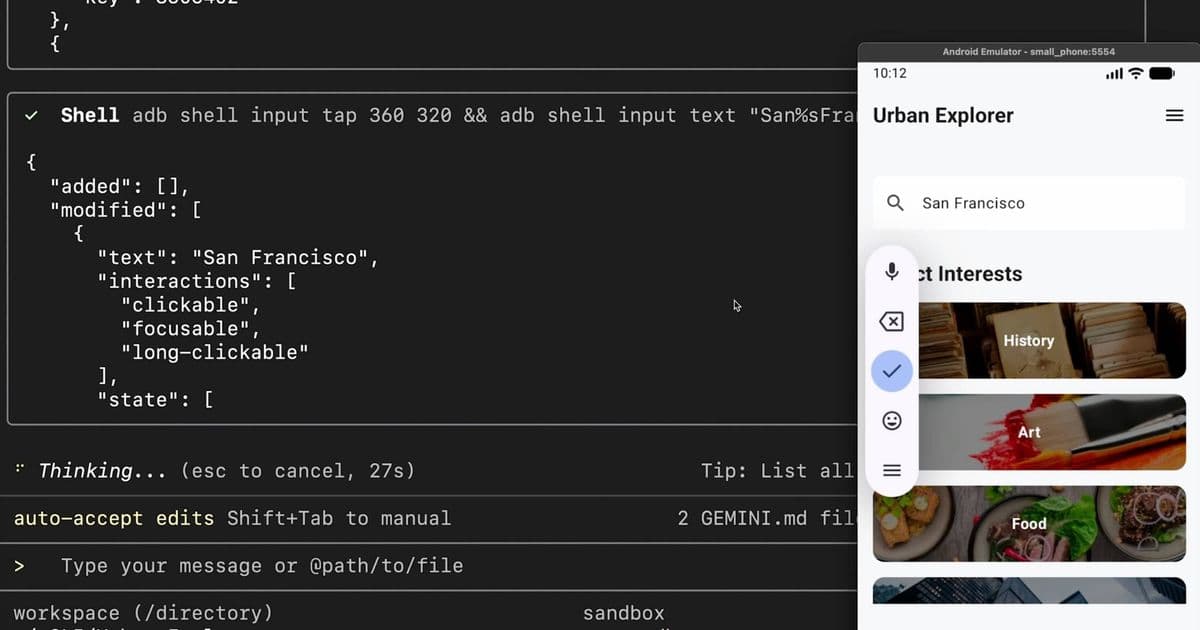
Google has unveiled a new Android command-line interface designed specifically for AI agents, promising significant efficiency gains while raising questions about the future of human-centric development tools.
Google has introduced a new Android command-line interface (CLI) built specifically for AI agents, claiming a 70 percent cut in token usage and three times reduction in task completion time.
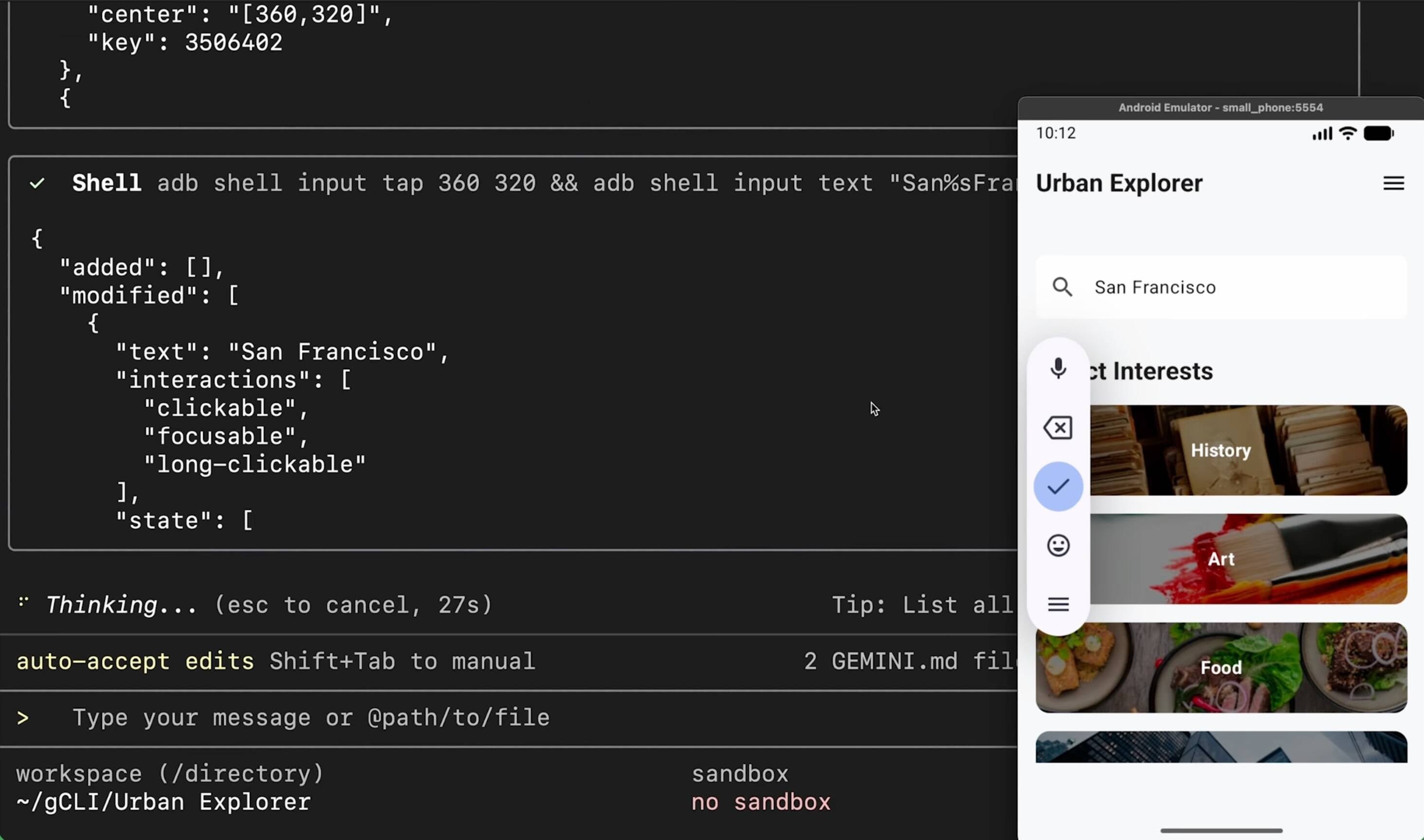
A Tool Designed for Machines, Not Humans
The primary Android development environment remains Android Studio, which has built-in support for AI agents, but the new CLI means that agents working outside Android Studio can more easily build Android applications. The CLI is not a replacement for Android Studio, and applications built with the CLI can also be opened in the IDE (integrated development environment).
"You can start a prototype quickly with an agent using Android CLI and then open the project in Android Studio to fine-tune your UI," states the introductory post.
The CLI itself is not powered by AI and is also suitable for use by scripts and other automation tools, or by developers who prefer working in a code editor rather than a full IDE.
Technical Specifications and Installation
Installing the Android CLI, available for Apple silicon, AMD64 Linux and AMD64 Windows, enables the android command, with arguments for creating applications from templates, installing and managing the Android SDK and device emulators, and finding and listing Android skills, these being instruction files which assist agents to perform specific tasks.
There is also a "describe" argument, which analyzes a project and generates descriptive metadata; and a "docs" argument, which searches and fetches documentation from the Android knowledge base. Android skills are available in a GitHub repository. Currently only 7 skills are listed but more are likely to follow.
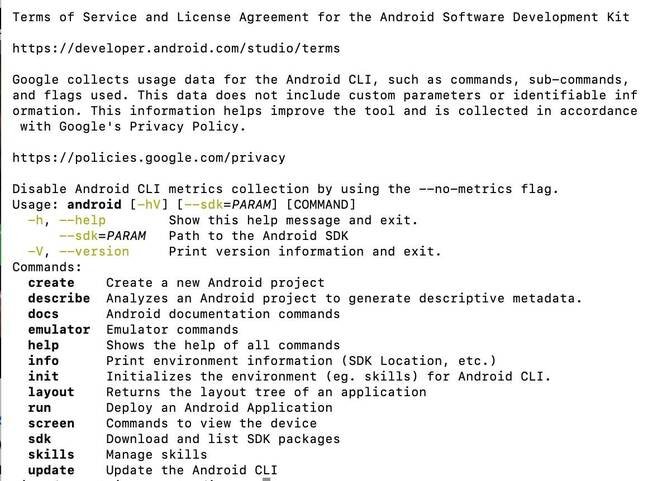
The terms of service reveal that Google collects Android CLI usage data by default, to "help improve the tool." Commands can be excluded from data collection by adding the --no-metric flag.
Early Developer Reactions
Early reaction to the Android CLI is mixed, with some developers finding it too limited. "All it offers is some wrapper around the basic Android setup command that LLMs are already good at," said one developer on social media.
However, the CLI is likely to improve though, and more skills and templates will become available. Traditional IDEs are optimized for use by humans rather than AI agents, and Google is not the only vendor thinking about how AI will reshape development tools.
The Broader Context: AI Agents Reshaping Development
Microsoft talked of a "fundamental shift in how we think about IDEs," in reference to a new agentic Visual Studio feature; and JetBrains has previewed Central as a system for agentic software development.
One of the functions of an IDE is to make it easy to see and navigate all the code that forms a software project. Having AI agents work with the command line instead helps them to work more efficiently, but may further distance software development from the developer, as code is generated and compiled behind the scenes.
This represents a significant shift in how we think about development tools. While Android Studio remains the primary environment for human developers, the CLI acknowledges that AI agents have different needs and workflows than their human counterparts.
Privacy Considerations
The data collection policy embedded in the Android CLI raises important questions about privacy and telemetry in development tools. By default, Google collects usage data to "help improve the tool," but developers can opt out using the --no-metric flag.
This approach mirrors broader trends in software development tools, where companies increasingly rely on usage data to guide product improvements. However, it also highlights the tension between tool optimization and developer privacy preferences.
The Future of Development Tools
The introduction of the Android CLI is part of a larger trend toward specialized tools for AI agents. As AI becomes more integrated into the development process, we're likely to see more tools designed specifically for machine consumption rather than human interaction.
This raises interesting questions about the future of software development. Will we see a bifurcation between tools for human developers and tools for AI agents? Or will future IDEs need to serve both masters effectively?
For now, the Android CLI represents an interesting experiment in tool design, one that prioritizes AI efficiency over human usability. Whether this approach will gain widespread adoption remains to be seen, but it's clear that the landscape of development tools is evolving rapidly in response to the rise of AI agents.
As one developer noted, "The CLI is a step toward a future where AI agents are first-class citizens in the development process, not just assistants to human developers."
The Android CLI is available now for developers who want to experiment with AI-driven Android development, though traditional Android Studio remains the recommended environment for most human developers.
Comments
Please log in or register to join the discussion