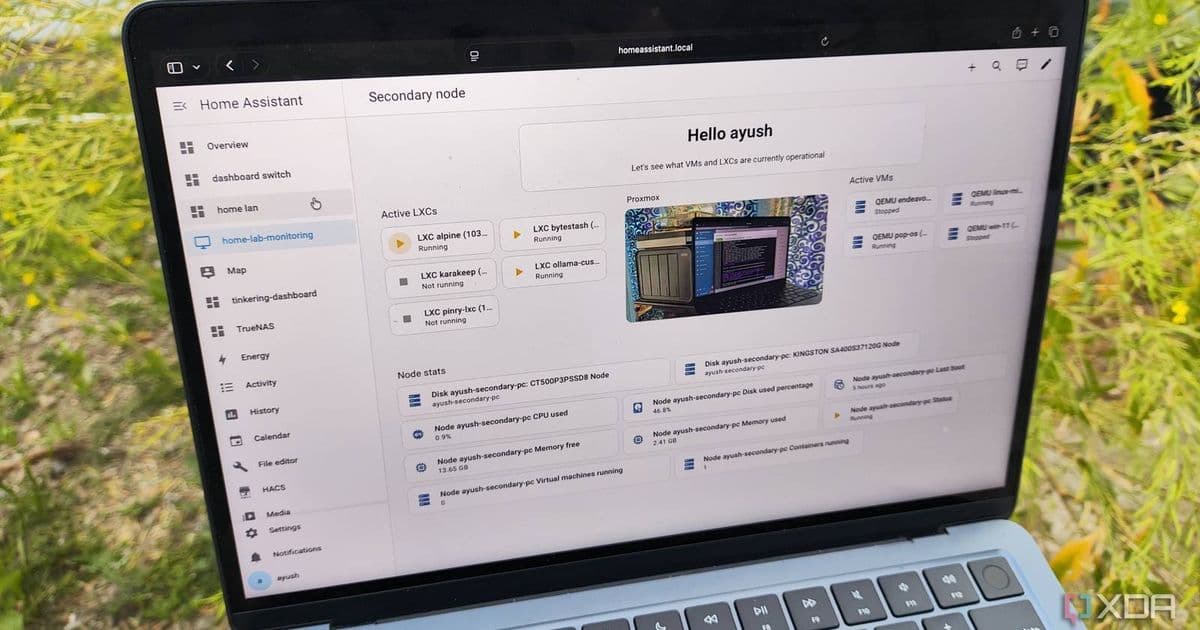
Home Assistant's latest update adds robot vacuum scheduling by room, plus energy dashboard improvements and new integrations.
Home Assistant has rolled out version 2026.3, and while the team describes it as a "nice and relaxed" update following February's major release, the new vacuum scheduling capabilities suggest otherwise. The update brings substantial improvements for smart home enthusiasts looking to integrate their robot vacuums more deeply into their automation ecosystem.
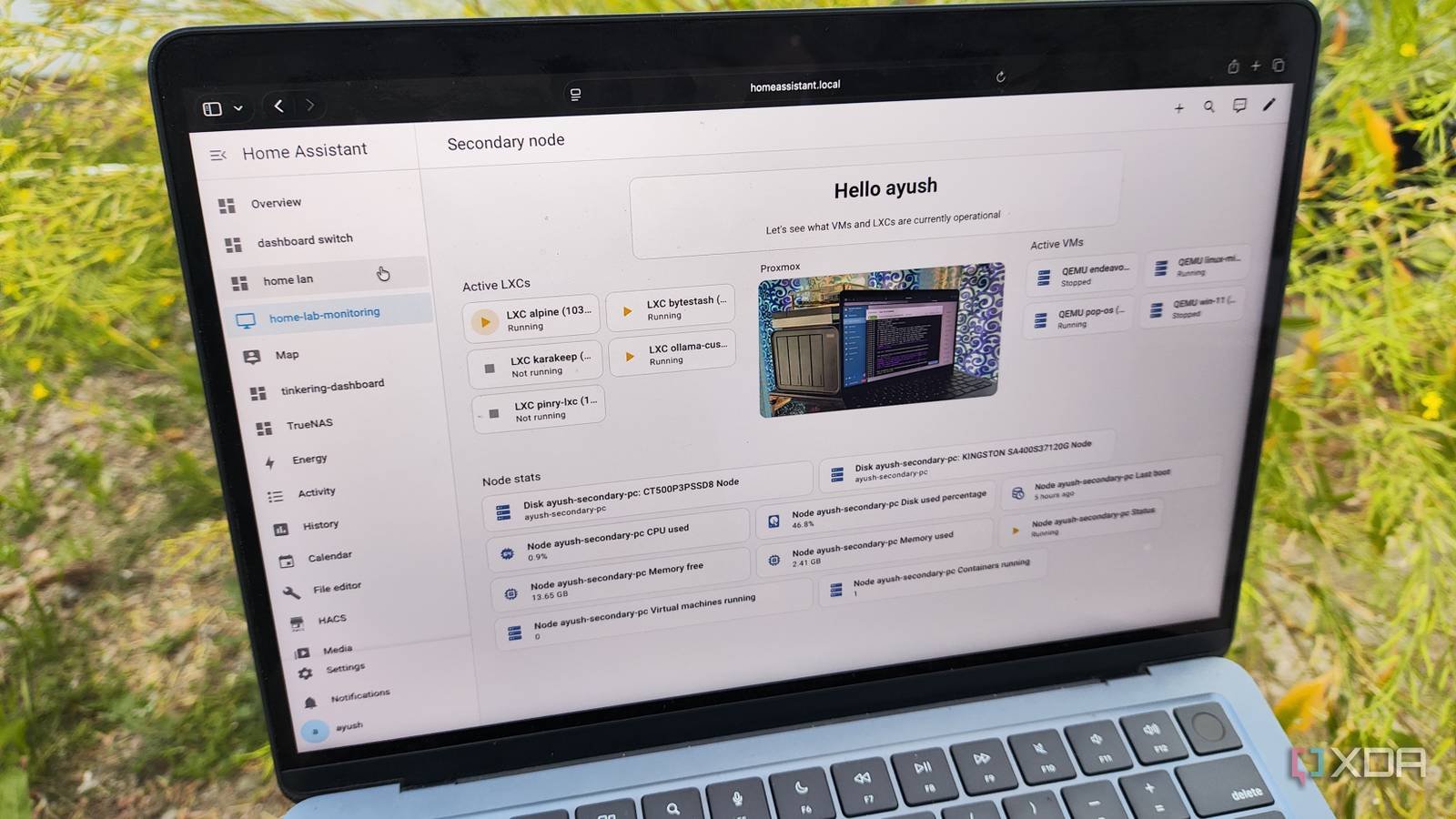
Room-Specific Vacuum Scheduling
The headline feature of 2026.3 is the ability to schedule robot vacuums to clean specific areas of your home. This functionality supports Matter-compatible vacuums, as well as devices from Ecovacs and Roborock. What makes this particularly powerful is that the scheduling system integrates directly with your existing Home Assistant zones rather than relying on mapping data from manufacturer apps.
For users who have already configured their home layout in Home Assistant, this means minimal setup. Once your vacuum is connected, you can assign cleaning schedules to individual zones—perhaps having the living room vacuumed every morning while the bedrooms are cleaned on alternating days. The system respects your Home Assistant area definitions, creating a unified smart home experience without the fragmentation typical of manufacturer-specific apps.
Enhanced Energy Dashboard
Beyond vacuum control, the update brings refinements to the energy dashboard. While specific details weren't provided in the announcement, energy monitoring remains a core focus for Home Assistant users looking to optimize their home's power consumption. These tweaks likely include improved visualizations, more accurate tracking, or expanded device support for energy monitoring.
Automation Editor Improvements
A significant behind-the-scenes improvement comes to the automation editor with the addition of a "Continue on error" setting. Previously available only through YAML configuration, this option now has a user-friendly interface within the visual editor. This change makes advanced automation techniques more accessible to users who prefer the graphical interface over manual coding, while maintaining the flexibility that power users expect.
Expanded Integration Library
The update also introduces numerous new integrations, broadening Home Assistant's connectivity. Notable additions include:
- Ghost integration - Likely for smart lighting or home security systems
- Homevolt - Possibly related to EV charging or energy management
- MTA New York City Transit - Bringing real-time NYC subway schedules directly into your smart home dashboard
The MTA integration exemplifies Home Assistant's growing role as a central hub not just for home automation, but for connecting various aspects of daily life. Imagine your morning routine automatically checking train delays and adjusting your departure time accordingly.
Getting Started
Home Assistant 2026.3 is available now across all supported platforms including Windows, macOS, Linux, iOS, and Android. Users can update through their existing installation method or download the latest version from the Home Assistant website.
For those new to Home Assistant, the platform offers a robust open-source alternative to commercial smart home systems, with the flexibility to integrate devices from multiple manufacturers and the privacy benefits of local processing. The 2026.3 update continues this tradition by making sophisticated features like room-specific vacuum scheduling accessible through an improved user interface while maintaining the depth of control that advanced users require.
Comments
Please log in or register to join the discussion