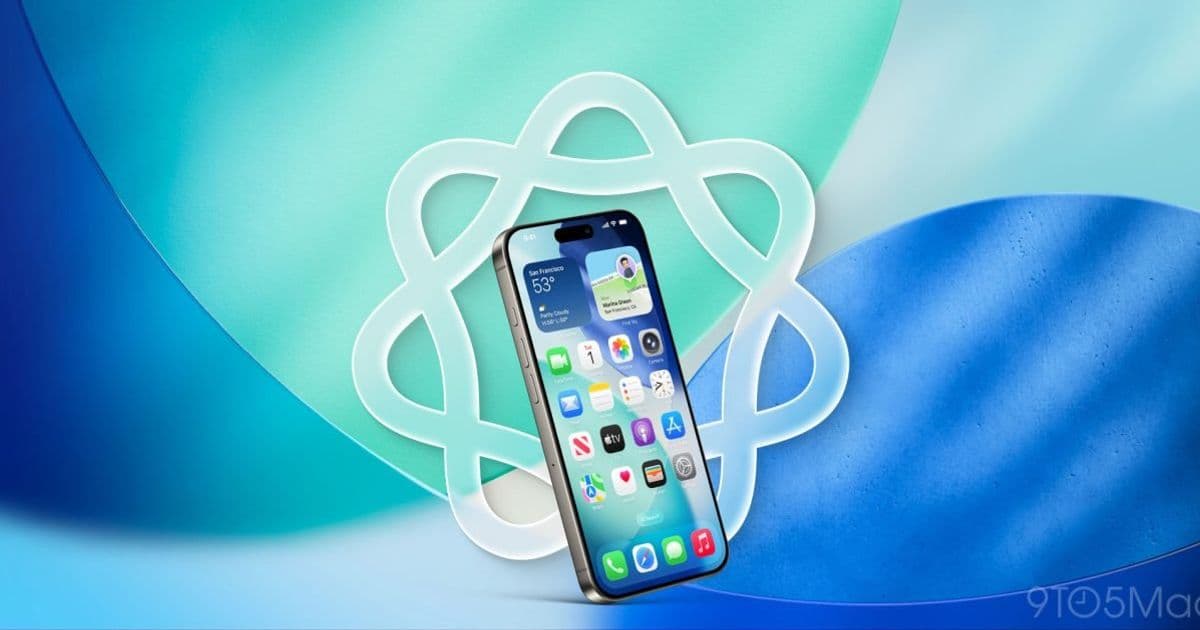
Visual Intelligence debuted with screenshot‑based Calendar events in iOS 26. Extending the same AI‑driven analysis to create Reminders would turn screenshots into quick‑capture to‑do items, bridging the gap between information gathering and task management.
Visual Intelligence gets a reminder boost in iOS 27
Apple’s Visual Intelligence feature first appeared as a modest Camera Control helper, then grew in iOS 26 to let users act on screenshots. The three screenshot‑based tools—quick Calendar events, image‑search for shopping, and a ChatGPT‑style query window—have already found a place in daily workflows. One of the most popular of those tools is the Calendar shortcut, which lets a user tap a date in a screenshot and instantly add an event.
The case for Reminders
A reminder is essentially a lightweight task that needs a trigger, a title and optionally a due date or location. Unlike a calendar entry, a reminder often starts from a piece of information that isn’t a clear date—think of a product you want to buy, a recipe you want to try, or a text message where a friend asks you to pick up something later.
If Visual Intelligence could parse a screenshot, extract the actionable phrase and turn it into a reminder, it would become a universal bookmarking tool. Here are three concrete scenarios:
- Research snapshots – While reading an article, a user can capture a screenshot of a key paragraph and instantly create a reminder titled “Read about XYZ later”. The AI would store the image as context, so when the reminder fires the original snippet is visible.
- Chat snippets – Friends often send a line like “Remind me to call the plumber tomorrow”. A quick screenshot of that message could generate a reminder with the correct time, removing the need to type anything.
- Physical world capture – Using the Camera Control mode, a photo of a grocery list or a product label could be turned into a reminder that appears when the user reaches the store, similar to location‑based reminders but without manual entry.
Technical considerations
Adding Reminders requires a deeper understanding of natural language than the current Calendar flow. The AI must:
- Detect intent ("remind", "buy", "call", etc.)
- Identify any temporal or location cues ("tomorrow", "when I get home")
- Generate a concise title that fits the Reminders UI
- Link the original image or screenshot for later reference
Apple already runs a large language model behind Apple Intelligence, so the core inference engine is in place. The main work is fine‑tuning the model on reminder‑specific datasets and integrating the output with the Reminders database. From a privacy standpoint, all processing can stay on‑device, preserving the same security guarantees that iOS 26 offered for Calendar events.
Ecosystem impact
If Reminders join the Visual Intelligence suite, the feature set becomes more cohesive across Apple’s productivity apps. Users could create a task from a screenshot, later convert it to a calendar event, or add a note with the same AI engine. This cross‑app fluidity encourages deeper lock‑in to the Apple ecosystem because the convenience of a single AI‑powered workflow is hard to replicate with third‑party tools.
Moreover, developers could tap into the same APIs to build custom shortcuts that leverage Visual Intelligence for niche use cases—like automatically generating a bug‑report reminder from a screenshot of an error message.
What to expect at WWDC 27
Apple will unveil iOS 27 at WWDC 27 in early June. The keynote is expected to highlight Apple Intelligence as a centerpiece, with a new Siri app, an upgraded Camera app featuring a dedicated Siri mode, and a partnership that promises smarter conversational abilities. While Apple has not confirmed a Reminders extension, the pattern of expanding Visual Intelligence each year makes it a realistic addition.
Bottom line
Turning screenshots into reminders would close a functional gap between information capture and task execution. It leverages existing on‑device AI, respects user privacy, and deepens the synergy between Apple’s core productivity apps. If Apple includes this in iOS 27, Visual Intelligence will become a true “capture‑and‑act” engine that many users will rely on daily.
What feature are you hoping to see in iOS 27? Share your thoughts in the comments.
Comments
Please log in or register to join the discussion