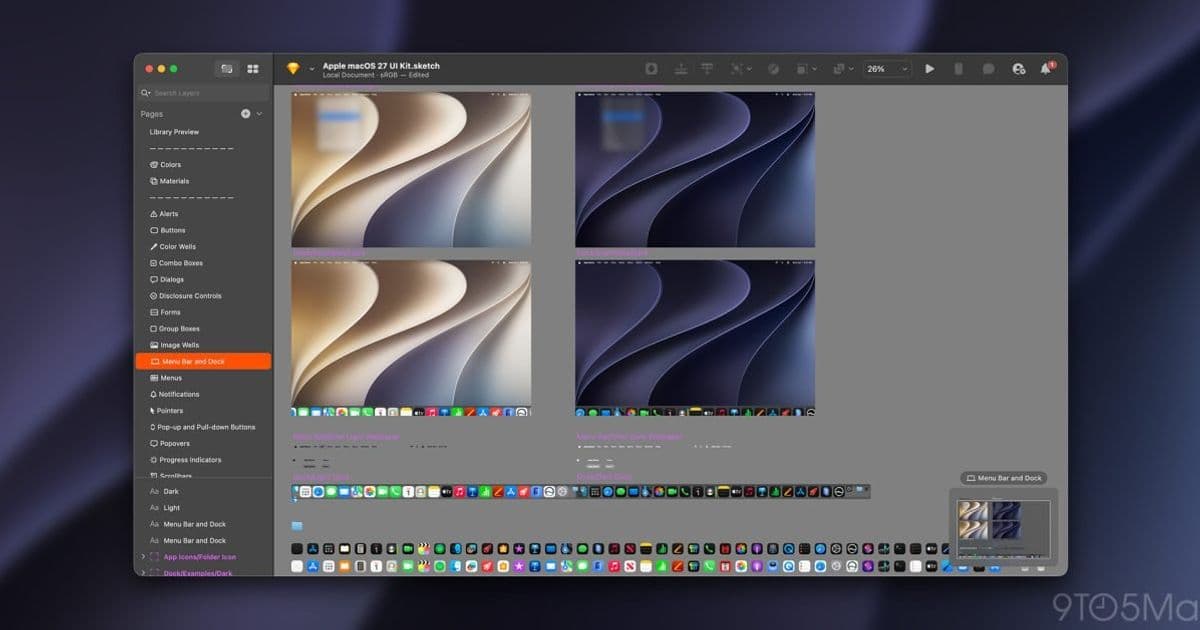
Apple has updated its Developer Design Resources portal with Sketch UI Kits for iOS 27, iPadOS 27, and macOS 27 Golden Gate, plus refreshed App Icon Templates. Figma files are coming later, and the Siri icon artwork from WWDC26 hasn't landed yet.
Apple has published the first wave of official design assets for its next-generation operating systems, adding Sketch UI Kits for iOS 27, iPadOS 27, and macOS 27 Golden Gate to the Apple Design Resources portal. The release came a few days after WWDC26, and it gives designers and developers their first sanctioned set of components to start building against the new system look.
What's actually in the drop
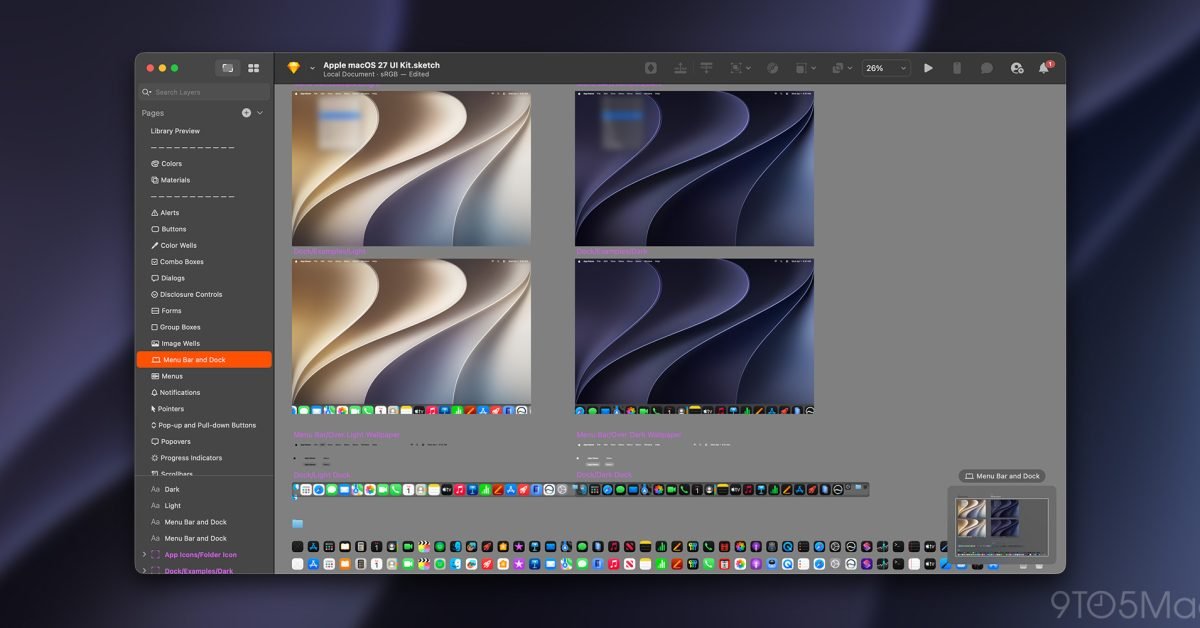
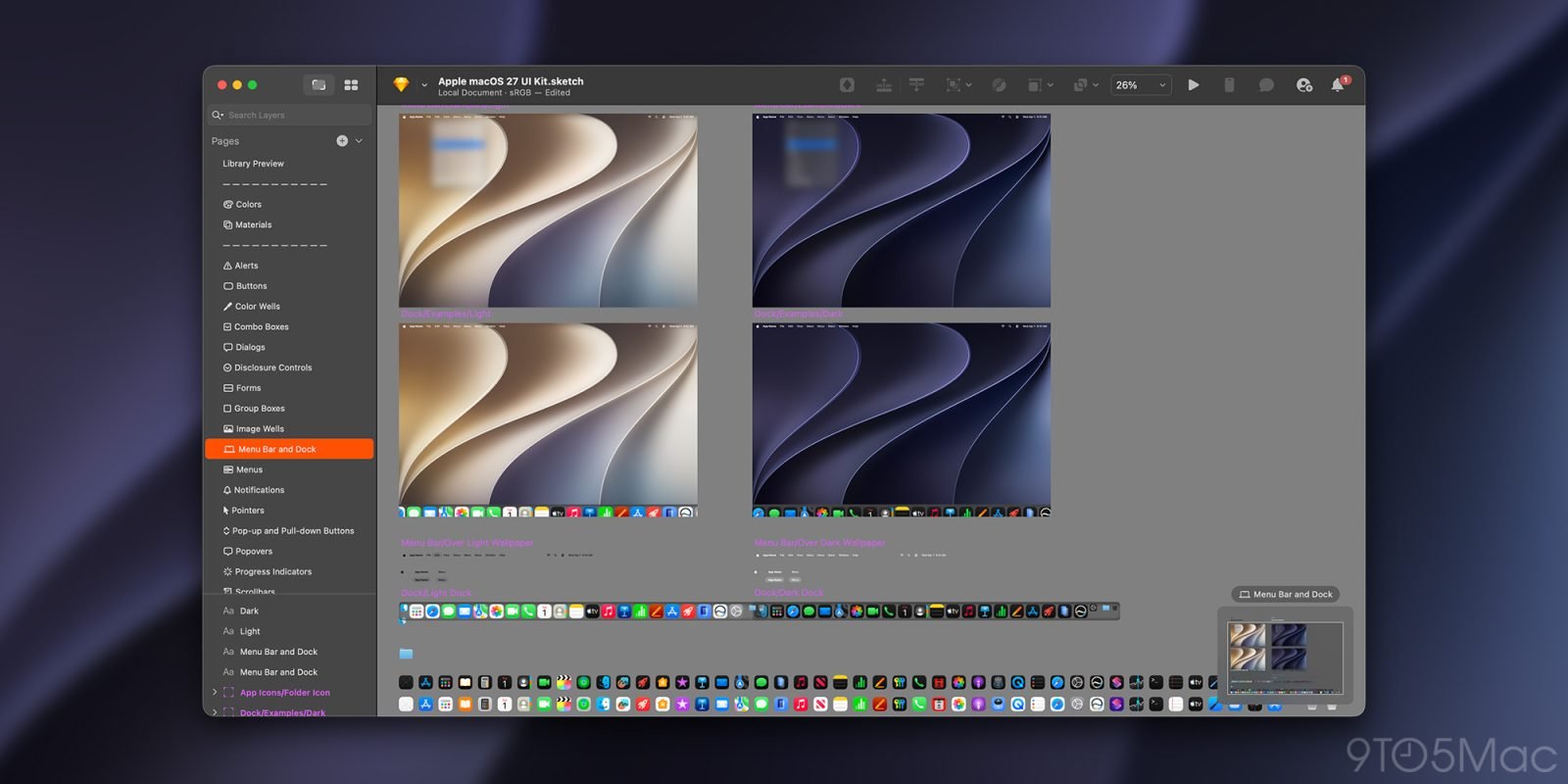
For now, the deliverable is narrow but useful. Apple shipped Sketch-format UI Kits covering all three platforms, with updated light and dark mode assets for the standard interface furniture: buttons, headers, lists, input fields, alerts, and the full set of system app icons for each OS. If you maintain an app across iPhone, iPad, and Mac, this is the reference layer you pull from to keep your custom UI visually consistent with the stock controls.
The company also refreshed the App Icon Template, and this one ships in more formats than the UI Kits. You can grab it for Figma, Photoshop, Illustrator, and Sketch. Notably, the icon shape and grid structure did not change from iOS 26 and iPadOS 26, so the template update is about keeping the asset current rather than forcing a redesign. If you already produced an icon for the iOS 26 cycle, your existing artwork geometry carries forward.
The Figma gap matters
Here is the practical wrinkle for cross-platform teams. The UI Kits are Sketch-only at launch, with Figma versions promised "soon." That ordering is the reverse of where a lot of product teams now live. Figma has become the default collaborative design tool for many mobile shops, and a Sketch-first release means designers either work in a tool they may have migrated away from or wait for parity.
If your workflow is Figma-based, the reasonable move is to hold off on deep component work until Apple posts the Figma kits, rather than importing the Sketch files and fighting conversion artifacts. Auto-layout behavior, variant structures, and symbol overrides rarely survive a Sketch-to-Figma import cleanly, and rebuilding them by hand defeats the purpose of an official kit.
What's still missing
The Siri icons have not been updated with the new artwork Apple showed during the keynote. The templates and assets for that piece still reflect the prior design, so if your app surfaces Siri-related branding, you are waiting on Apple before you can match the announced look.
The portal continues to host the previous generation of assets too. UI Kits for iOS 26, iPadOS 26, and macOS 26 remain downloadable, alongside tvOS 18, watchOS 26, visionOS 26, and visionOS 2. That matters for maintenance work: most shipping apps still target the current OS, and you will be designing against both the 26 and 27 kits in parallel for the duration of the beta cycle.
Beyond the OS kits, the portal carries the usual supporting material, including templates for AirPlay, App Clips, Camera Control, fonts, SF Symbols 7, Icon Composer, and product bezels for mockups.
Developer impact and migration
For teams maintaining apps on both platforms, the sequencing here is straightforward. Designers can begin auditing screens against the iOS 27 and iPadOS 27 control styling now if they work in Sketch. The unchanged icon grid means your app icon pipeline needs no structural rework, only a swap to the refreshed template files if you want to stay on Apple's latest exports.
The more cautious path for Figma-centric teams is to treat this as a preview. Pull the Sketch kits to inspect spacing, color tokens, and component anatomy, but defer rebuilding your design system until the Figma kits arrive so you are not duplicating effort. Either way, lining up your component library against the 27-series assets early in the beta gives you runway before the public release, when matching the system appearance becomes a shipping requirement rather than a nice-to-have.
You can pull the current assets from the Apple Design Resources portal, and watch that page for the Figma kits and updated Siri artwork as Apple fills in the rest of the set.
Comments
Please log in or register to join the discussion