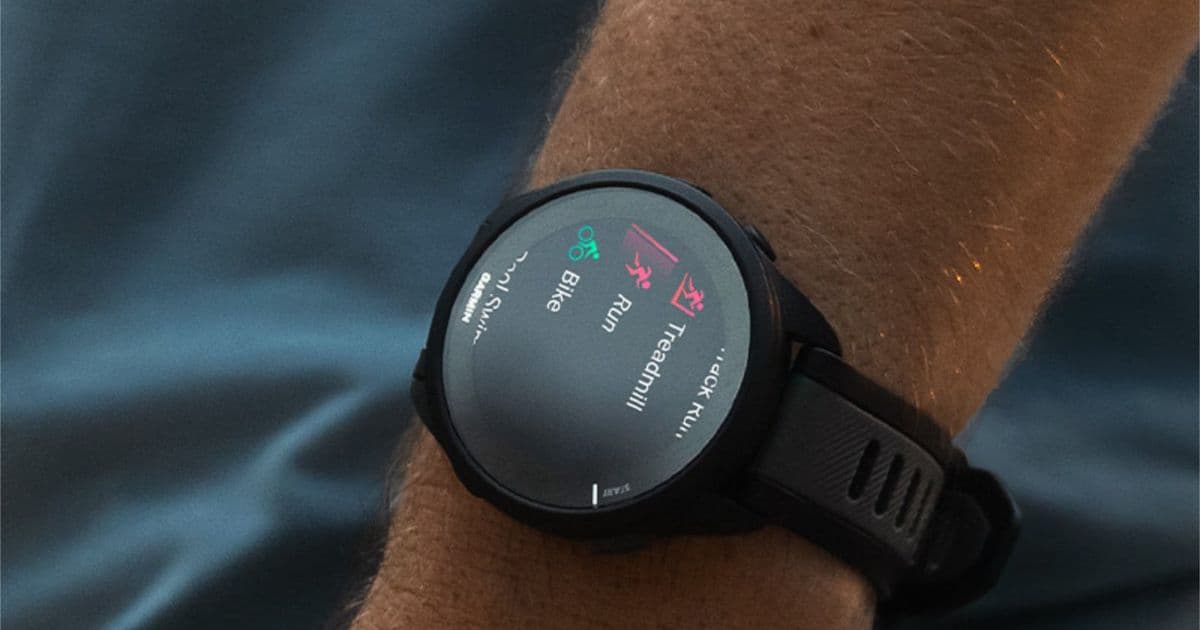
Garmin has released Software Version 27.09, a stable update for older Forerunner smartwatches that brings the improved scrolling experience from last year's beta to all users, alongside fixes for swimming crashes and missing race predictions.
Garmin has started the year by pushing a stable software update to its older Forerunner smartwatch lineup. The new Software Version 27.09 is now rolling out to devices including the Forerunner 165, Forerunner 255, Forerunner 265, Forerunner 955, and Forerunner 965. While the update doesn't introduce any new features, it formally delivers the improved scroll experience that was tested in last year's Beta Version 27.08 and addresses several notable bugs that have been plaguing users.
The primary user-facing improvement is a smoother scrolling experience within the Garmin Activity Summary menu. This refinement was first introduced to beta testers in late 2025 and has now graduated to the stable branch, meaning all users will benefit from a more responsive interface when navigating their activity data. This is particularly relevant for users who frequently review their training metrics and historical performance.
Beyond the scroll optimization, Version 27.09 includes critical stability fixes. The update resolves a crash that could occur during swimming activities—a significant fix for triathletes and swimmers who rely on accurate data logging without interruptions. It also corrects a separate issue where race time predictions were missing from Garmin Coach Plans, restoring a key feature for runners following structured training programs.
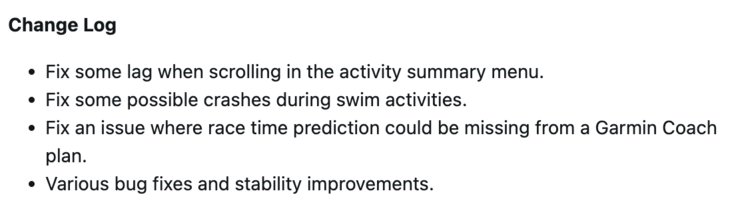 Garmin Forerunner 255 Software Version 27.09 changelog. (Image source: Garmin)
Another important fix addresses touchscreen functionality for incoming calls. All models except the Forerunner 255 received a patch that ensures touchscreen actions work properly when calls come in, improving the overall usability of the smartwatch as a connected device. Garmin has also included "various other bug fixes and stability improvements" in this release, though the company has not detailed these additional changes in its public changelog.
The update is being delivered as a phased rollout, meaning it may take several days to reach all eligible devices. Users who want to install it immediately can manually check for updates by navigating through the Menu > System > Software Update path on their device and tapping "Check for Updates."
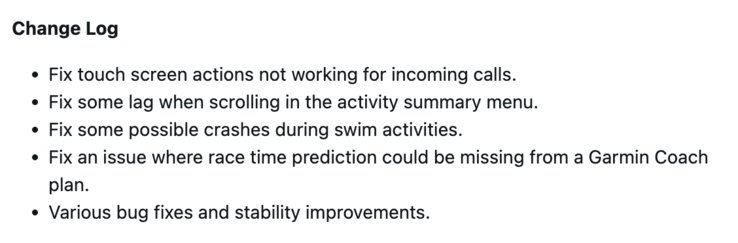 Software Version 27.09 changelog for other Garmin Forerunner smartwatches. (Image source: Garmin)
This update is particularly valuable for owners of older Forerunner models who may have been experiencing minor interface lag or specific bugs. While Garmin continues to develop new features for its latest devices, this release demonstrates the company's commitment to maintaining and improving its existing product ecosystem. For users who purchased devices like the Forerunner 165 (currently available for around $210 on Amazon), this update ensures their smartwatch continues to receive meaningful software improvements long after the initial purchase.
The focus on refining the user experience rather than adding new features suggests Garmin is prioritizing stability and polish for its established lineup. This approach benefits users who value reliability over constant feature additions, especially for devices used in training and performance tracking where data accuracy and interface responsiveness are paramount.
How to Update:
- On your Garmin Forerunner, press the "Menu" button
- Scroll to "System" and select it
- Navigate to "Software Update"
- Tap "Check for Updates"
- If Version 27.09 is available, follow the prompts to install
The update should install automatically when your watch is connected to Wi-Fi and charging, but manual checking ensures you get it as soon as it's available for your device.
Comments
Please log in or register to join the discussion