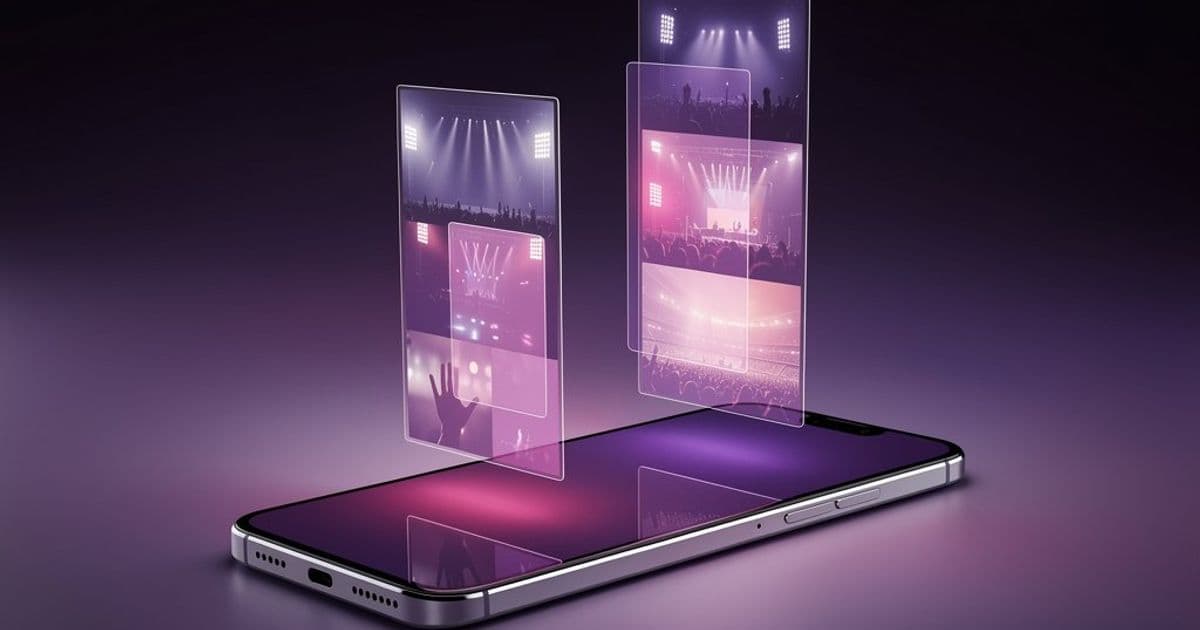
Apple's Photos app in iOS 26 automatically recognizes concert and sports events, organizing photos into curated collections with performance details, venue information, and related content.
At WWDC25, Apple unveiled significant enhancements to the Photos app in iOS 26, restoring the tab bar navigation while introducing a powerful new event recognition system. This feature automatically detects when you've attended concerts or sporting events, intelligently grouping photos and surfacing contextual information to enrich your memories.
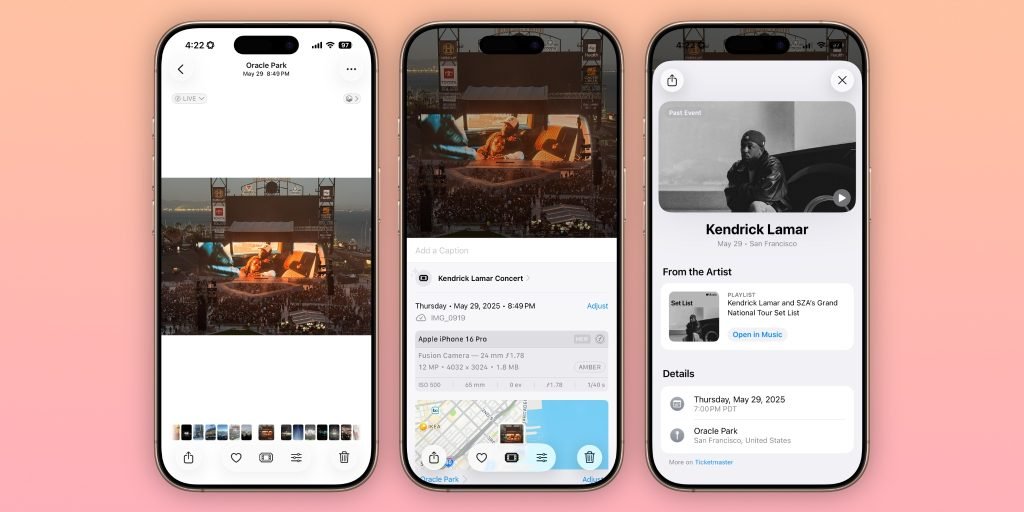
When you capture photos at major events like concerts or sports games, iOS 26's on-device machine learning identifies the occasion through spatial, temporal, and visual analysis. The system then creates dedicated event collections with several smart features:
- Concert experiences: Displays setlists, artist profiles, venue details, related Apple Music playlists, and upcoming tour dates
- Sporting events: Shows final scores, team statistics, venue information, and future match schedules
- Intuitive access: Replaces the standard info button with a ticket-stub icon on event photos, tapping which reveals the event dashboard
These event-specific memories appear in your Collections tab with descriptive names like "Coldplay Concert at Wembley Stadium" or "NBA Finals Game 5." The feature requires iOS 26 and leverages Apple's privacy-focused on-device intelligence, meaning your photos never leave your device for processing.
While spatial photo creation remains exclusive to Apple Vision Pro integration, the event recognition works across iPhone models compatible with iOS 26. The system currently focuses on major concerts and professional sports events, with potential for expansion to festivals and theater performances in future updates.
This functionality addresses a common organizational challenge: photos scattered across multiple albums after events. By automatically curating these moments with relevant context, Apple enhances the Photos app's core mission of preserving meaningful experiences. The feature operates automatically when you have Location Services enabled for Photos and sufficient device storage for machine learning processing.
As iOS 26 approaches public release this fall, event recognition demonstrates Apple's continued investment in computational photography and intelligent photo management. The system evolves the 'Memories' concept into dynamic, information-rich experiences that transform simple photo groups into interactive event archives.
Comments
Please log in or register to join the discussion