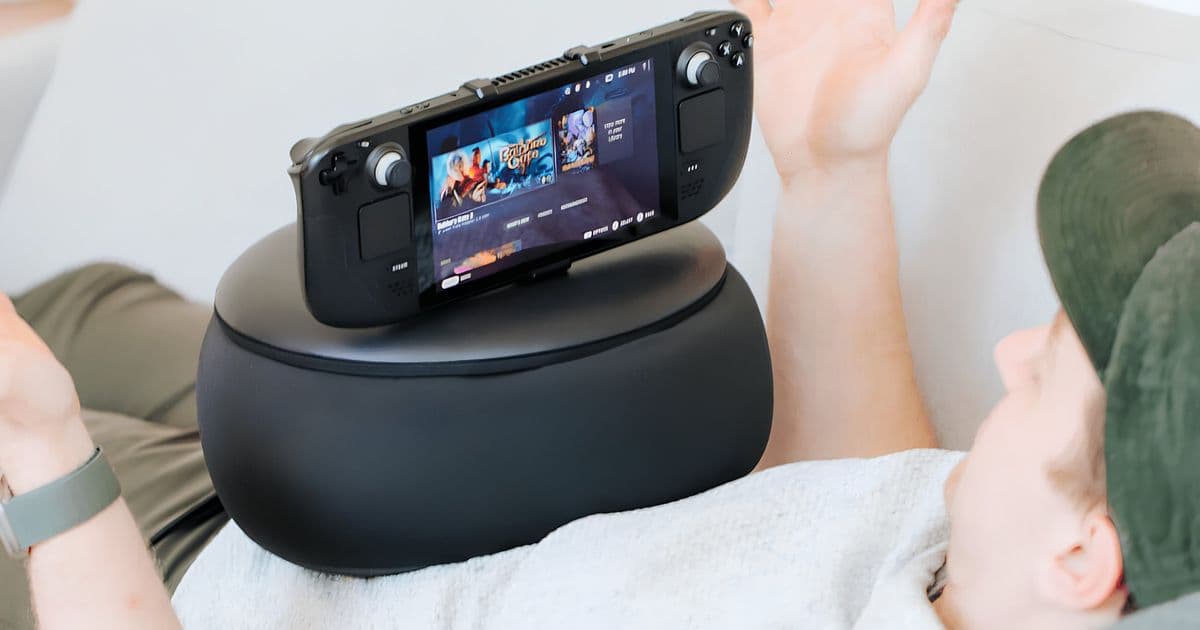
A new accessory props up your Steam Deck or ROG Ally so the weight stops resting on your wrists. Early testing gives it a cautious 7.5 out of 10, with wobble and shape retention as the main complaints.
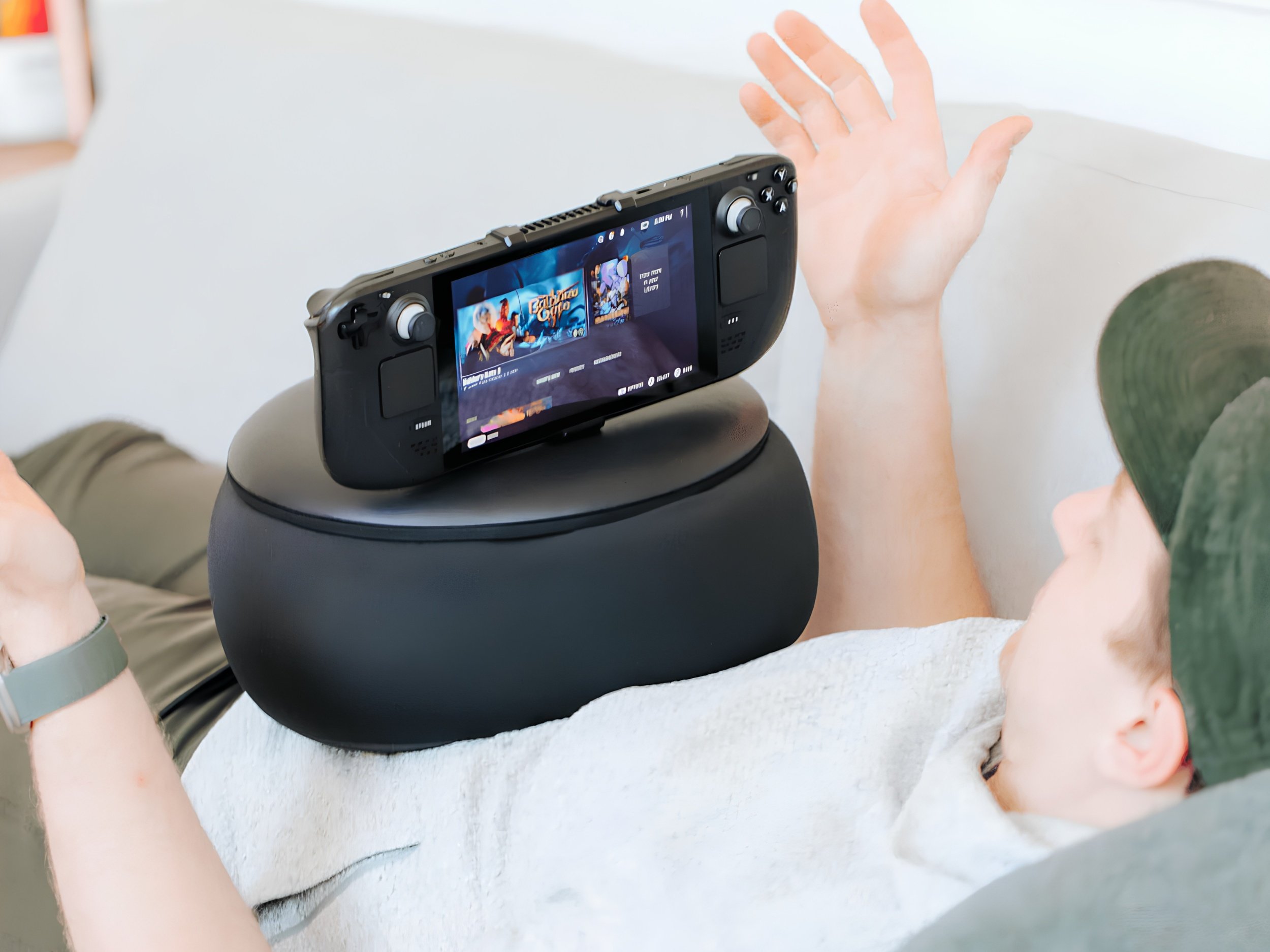
Long handheld sessions come with a familiar ritual: you pause, set the device down, and shake out your hands until the pins-and-needles feeling fades. The culprit is rarely the game and almost always the posture. Gripping a Steam Deck or ROG Ally in a fixed position for an hour or more loads the same muscles and joints continuously. That sustained pressure can pinch nerves and restrict blood flow, which is why your hands start tingling or feel like they have fallen asleep. Mechanism built its Gaming Pillow around solving that specific problem.
What's new
The Gaming Pillow is a cushion with a multi-adjustable support arm that holds your handheld for you. Instead of your arms carrying the device's full weight, the arm takes the load and lets you angle the screen for either sitting upright or lying back. A second mount sits on top of the pillow and can hold a power bank or a phone, which is a sensible touch given how quickly these handhelds drain when you push the wattage.
Mounts are available for a fairly wide spread of devices: the Steam Deck, Lenovo Legion Go S, Nintendo Switch, ROG Ally, ROG Ally X, and Sony's PlayStation Portal. That coverage matters because the Portal and the Switch have very different form factors and weight distributions, and a one-size clamp would not hold either securely.
Pricing starts at $66.80 on Mechanism's own site depending on the configuration you pick. On Amazon, it currently runs $74.99, but the listing there only covers the Steam Deck, Legion Go S, and PlayStation Portal, so buyers with an ROG Ally will want to order direct.
How it compares
The value proposition only holds up if the pillow actually does its job, and the early evidence is mixed. A Reddit user spent roughly two weeks with the accessory and a Steam Deck, landing on a cautiously positive 7.5 out of 10. The core benefit checked out: with the handheld's weight off the hands, arms, and elbows, the strain during bed and couch sessions dropped noticeably, and the tingling and numbness eased along with it. That is the whole point of the product, so confirming it works is the most important data point here.
The drawbacks are where the score gets shaved down. The mounting mechanism reportedly wobbles slightly, which is a problem for an accessory whose entire job is to hold a screen steady at a fixed angle. The pillow itself is also said to lose its shape fairly quickly, and once the foam packs down, the support geometry that makes the thing useful starts to degrade. A cushion that flattens out is a cushion that stops doing what you paid for.
The broader thread was not unanimous. Some commenters pointed out that locking the handheld into a support arm trades comfort for freedom of movement, since you can no longer shift the device naturally as you reposition. Others noted that a basic U-shaped travel pillow or a nursing pillow can prop a handheld at a similar angle for a fraction of the cost. Those alternatives do not offer the adjustable arm or the secondary mount, but they also do not wobble or collapse, and they cost far less than $66.80.
Who it's for
This is a niche accessory for a specific user: someone who games on a handheld in bed or on the sofa for long stretches and has actually run into the numbness problem. If that describes you, the pillow addresses a real ergonomic issue rather than an invented one, and the strain relief appears genuine based on the hands-on testing so far.
If you only play in short bursts, or you already use a lap desk or a stand, the value gets harder to justify against the wobble and durability concerns. Anyone on a tighter budget should try a cheap U-shaped pillow first and see whether it solves the problem before spending $66.80 to $74.99 on a purpose-built version. The Gaming Pillow does the job it advertises, but the execution leaves enough room that it is worth knowing the cheaper workarounds exist before you commit.
Comments
Please log in or register to join the discussion