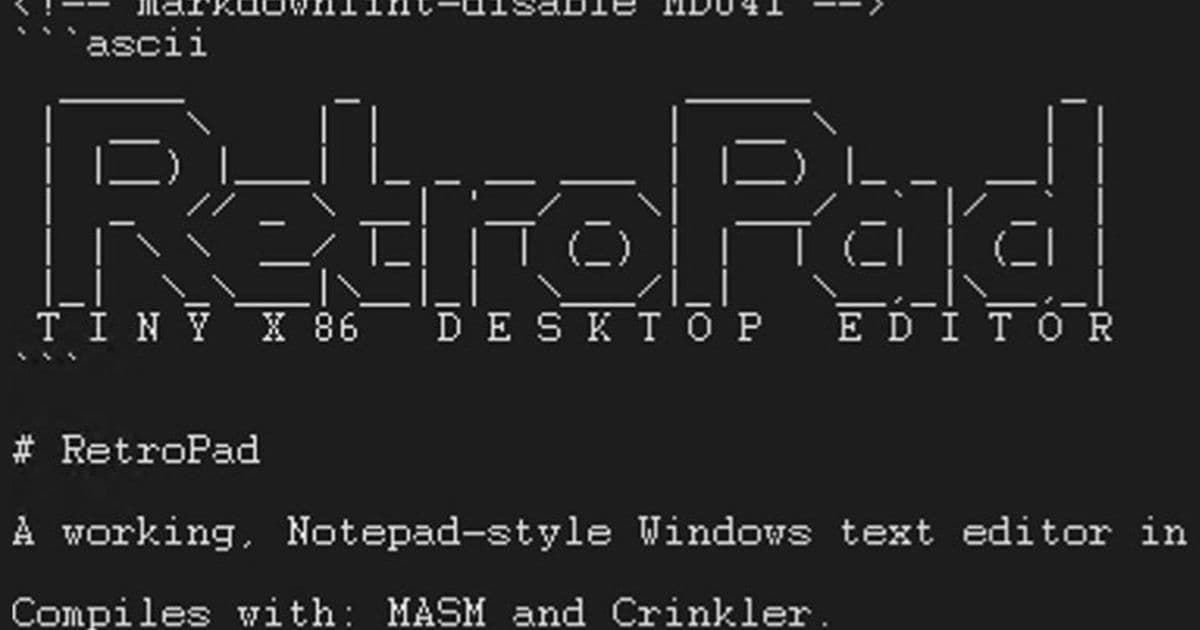
Windows veteran Dave W. Plummer released RetroPad, a 2,749‑byte x86‑assembly replica of the Windows XP Notepad, adding line numbers, dark mode and full shortcut support while keeping the binary under 3 KB.
Announcement
Dave W. Plummer, the former Windows developer known for the original Xbox controller driver, announced a new GitHub release called RetroPad. The utility is a drop‑in replacement for the Notepad that shipped with Windows XP, but the entire executable is only 2,749 bytes – roughly 4 % of the 65 KB size of the original XP binary and less than 1 % of the 352 KB Notepad stub found in Windows 11.
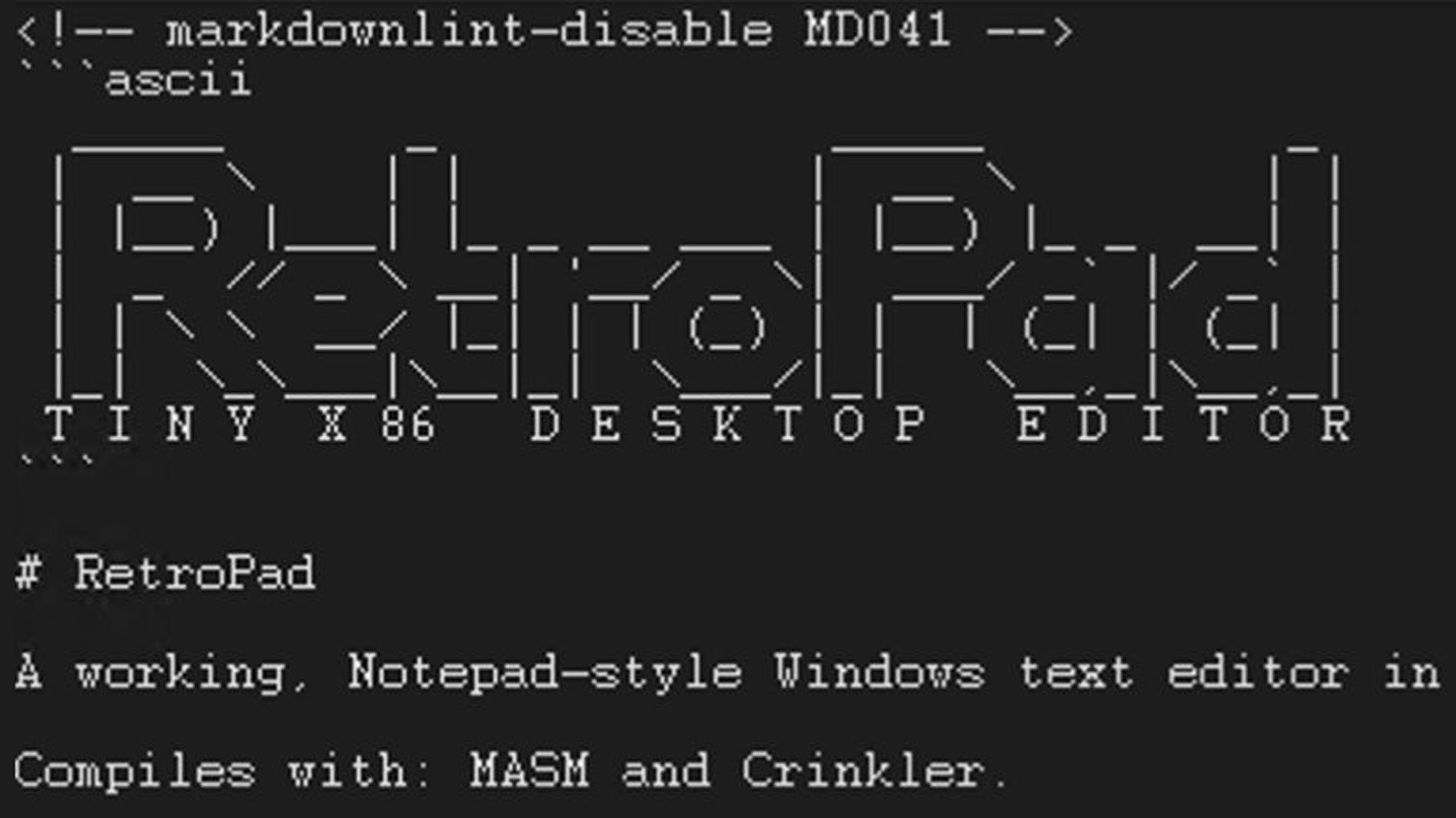
Plummer posted the news on X on June 4, 2026, sharing a screenshot of the source code and a pre‑built trpad.exe. The repository is licensed under Apache 2.0, so anyone can clone, study, or fork the project. For developers who prefer not to run MASM or Crinkler, the compiled executable is already available in the release assets.
Technical specs
| Feature | Implementation detail | Size impact |
|---|---|---|
| Core editor | Hand‑written x86 16‑bit assembly, built with MASM, then compressed with Crinkler | 2,686 B (base) |
| Line numbers (optional) | Simple toggle flag; draws a right‑aligned decimal counter in the margin | +30 B |
| Dark mode | Adds a second palette and a runtime switch; uses the same drawing routine | +20 B |
| Full Notepad shortcuts | Implements all classic shortcuts (Ctrl+S, Ctrl+O, Ctrl+F, etc.) via a small dispatch table | +78 B |
| Build metadata | Version string, Git hash, minimal PE header | +15 B |
| Total | 2,749 B |
The code avoids any C runtime or Windows API wrappers. All file I/O uses the raw CreateFile, ReadFile, WriteFile, and CloseHandle syscalls. Text rendering is performed with the classic GDI TextOutA function, called directly from the assembly stub. Because the binary is under the 4 KB threshold, it fits comfortably into a single memory page, which reduces page‑fault overhead on load.
Trade‑offs
- No Unicode support – the editor works exclusively with ANSI code pages, matching XP Notepad but limiting modern multilingual use.
- Fixed‑size buffer – the editor allocates a 64 KB buffer at startup; files larger than that cannot be opened without recompiling with a larger constant.
- No plug‑in architecture – the tiny footprint leaves no room for extension points; any new feature requires rebuilding the source.
Despite these constraints, RetroPad demonstrates how much functionality can be packed into a few kilobytes when every instruction is hand‑optimized.
Market implications
- Proof of concept for ultra‑light utilities – RetroPad shows that legacy‑style tools can be resurrected with a fraction of the storage and memory budget of modern equivalents. For embedded Windows IoT devices, a 3 KB text editor can be deployed alongside the OS without impacting flash capacity.
- Supply‑chain relevance – As semiconductor manufacturers push for higher transistor density, the cost of on‑chip ROM is still measured in dollars per megabyte. A 2.7 KB binary consumes virtually no die area, making it attractive for OEMs that need a built‑in editor for diagnostics.
- Pressure on Microsoft’s bloat narrative – Microsoft’s recent shift to a UWP‑based Notepad (≈5 MB) contrasts sharply with RetroPad’s minimalist approach. The disparity provides a concrete data point for analysts tracking Windows‑app size trends and could influence future decisions about optional feature packaging.
- Educational value – The open‑source repository serves as a teaching aid for low‑level programming courses. Students can see how classic Windows APIs are invoked without the abstraction layers that dominate modern development stacks.
Overall, RetroPad is less a commercial product and more a statement: even in an era of megabyte‑scale applications, a skilled developer can still deliver a fully functional, standards‑compliant editor in under 3 KB. The project may inspire a wave of similarly lean utilities for Windows, Linux, and even microcontroller platforms.
For the full source code and pre‑built executable, visit the RetroPad GitHub repository.
Comments
Please log in or register to join the discussion